Adding a Text Widget
Note: When using
HTML in the rich text editor, only the elements supported by the editor will be rendered. Any unsupported HTML may not be displayed as expected. 1
Open the Widget Menu
In the Edit Mode tab of the Dashboards Building Interface, click the “add a widget” button.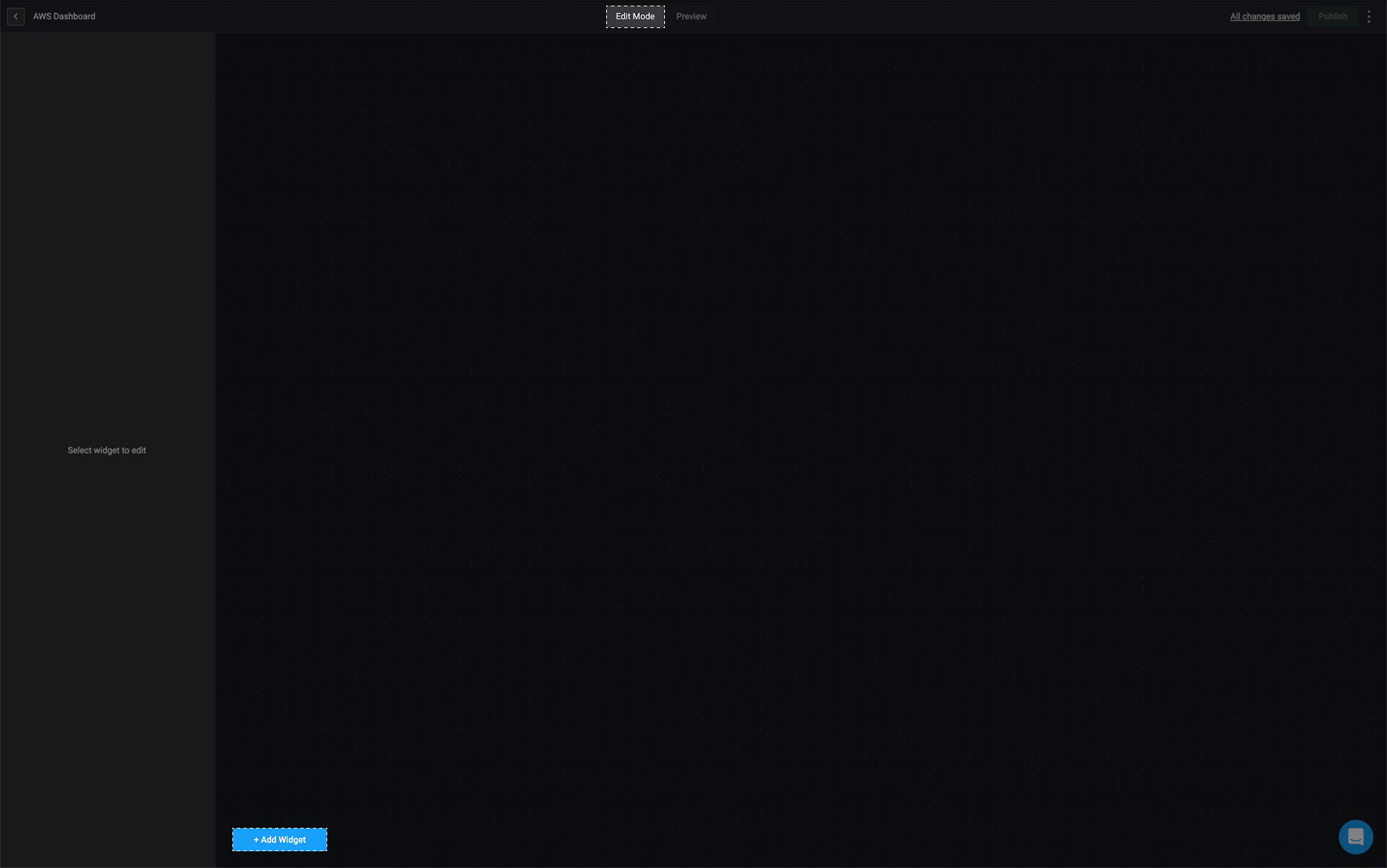
2
Select the Text Widget
Choose the text option from the widget list.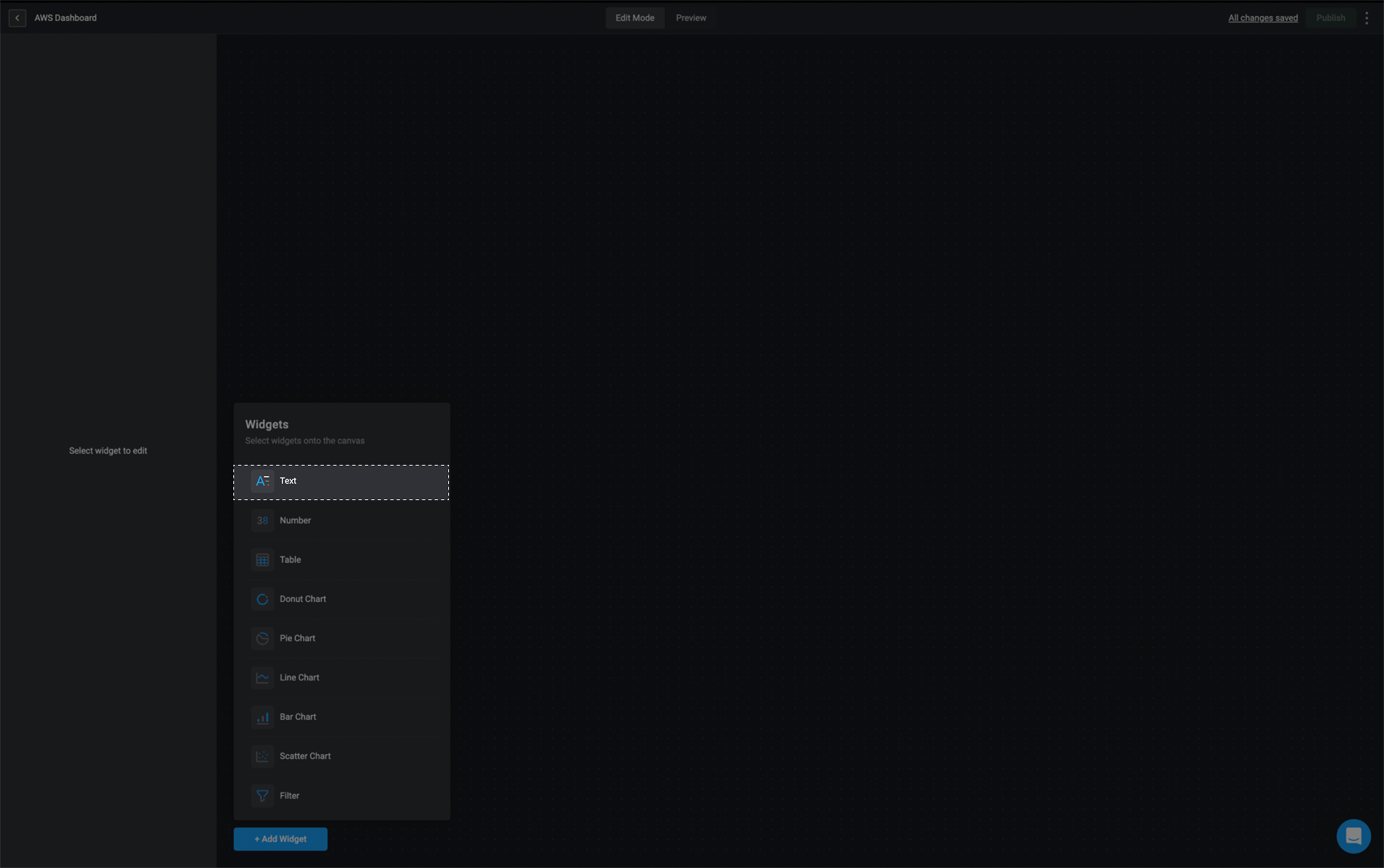
3
Rename the Widget
In the sidebar in the top left corner, double-click on Untitled widget and provide a name for the selected widget.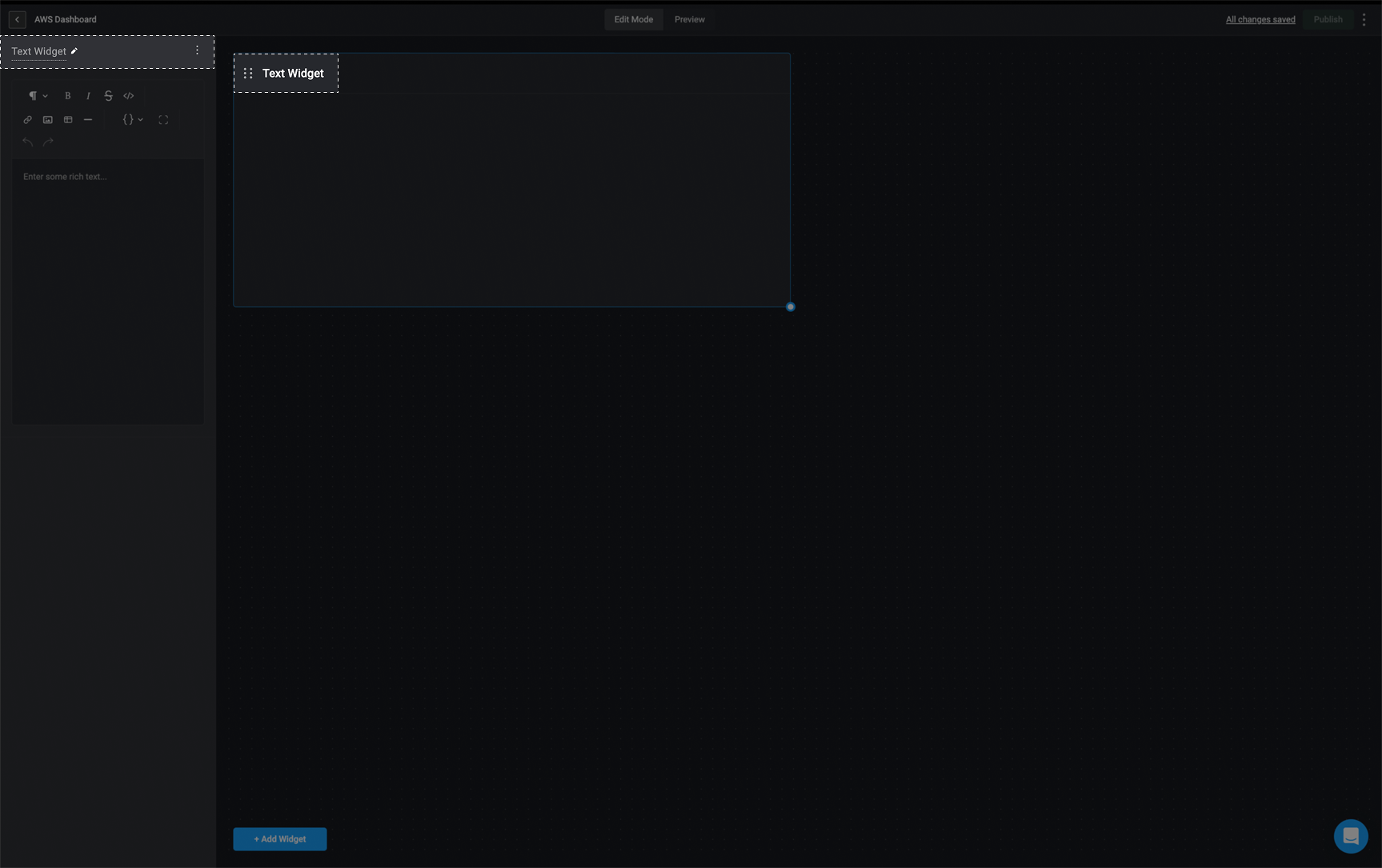
4
Add Rich Text
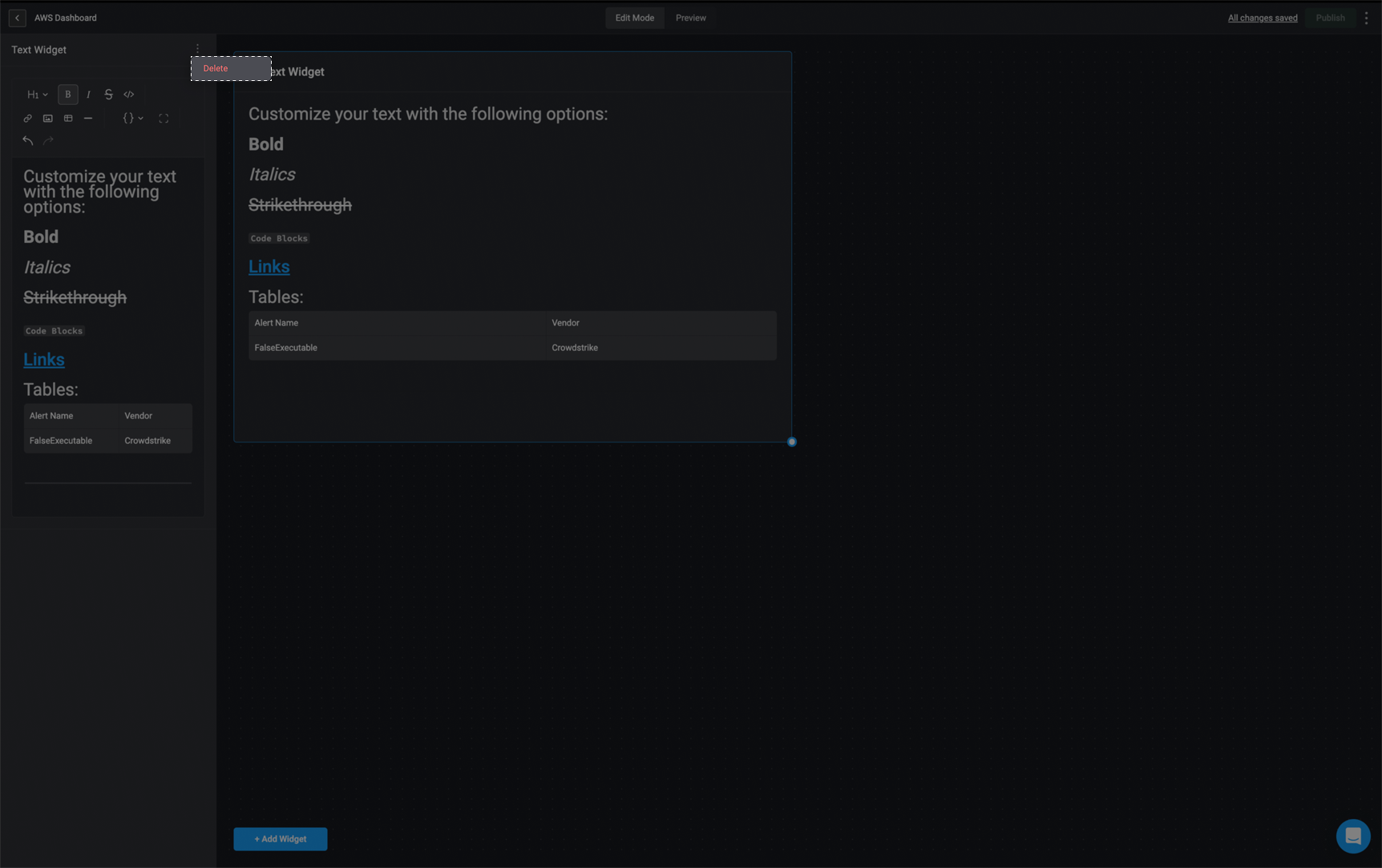
Enter your desired content in the rich text editor. The text you add will automatically appear in the Text widget. You can format and style your content using rich text options, such as bold, italics, headings, code blocks, links, and more, to make your dashboard clear and engaging.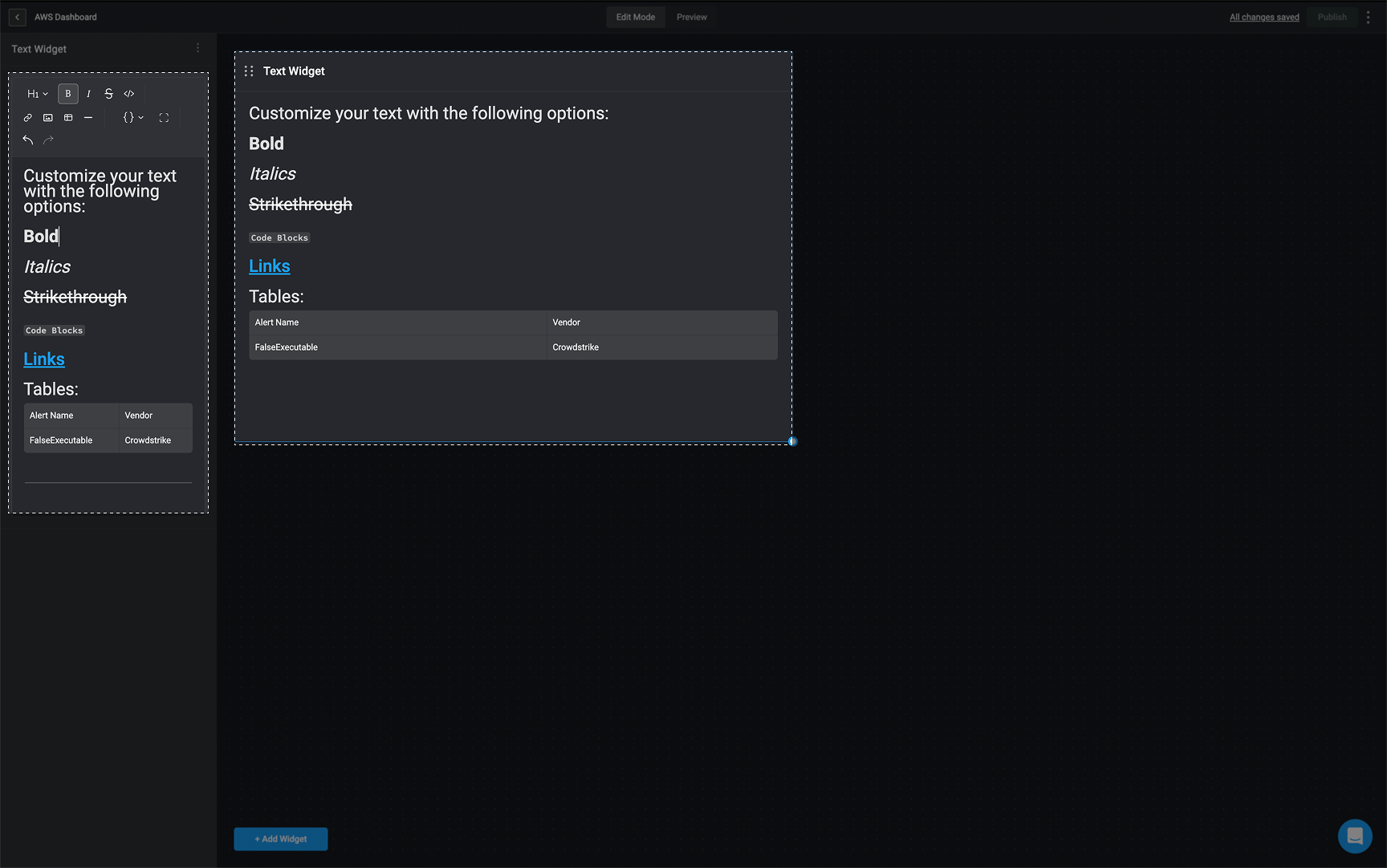
Editing a Text Widget
Any changes made to the text in rich text editor will be automatically applied to the text widget in real time.Deleting a Text Widget
1
Select the Text Widget
In the left-hand sidebar, click the icon in the top-right corner and then select the delete button.
2
Delete the Text Widget
The text widget will be removed from your Dashboard Building Interface.