

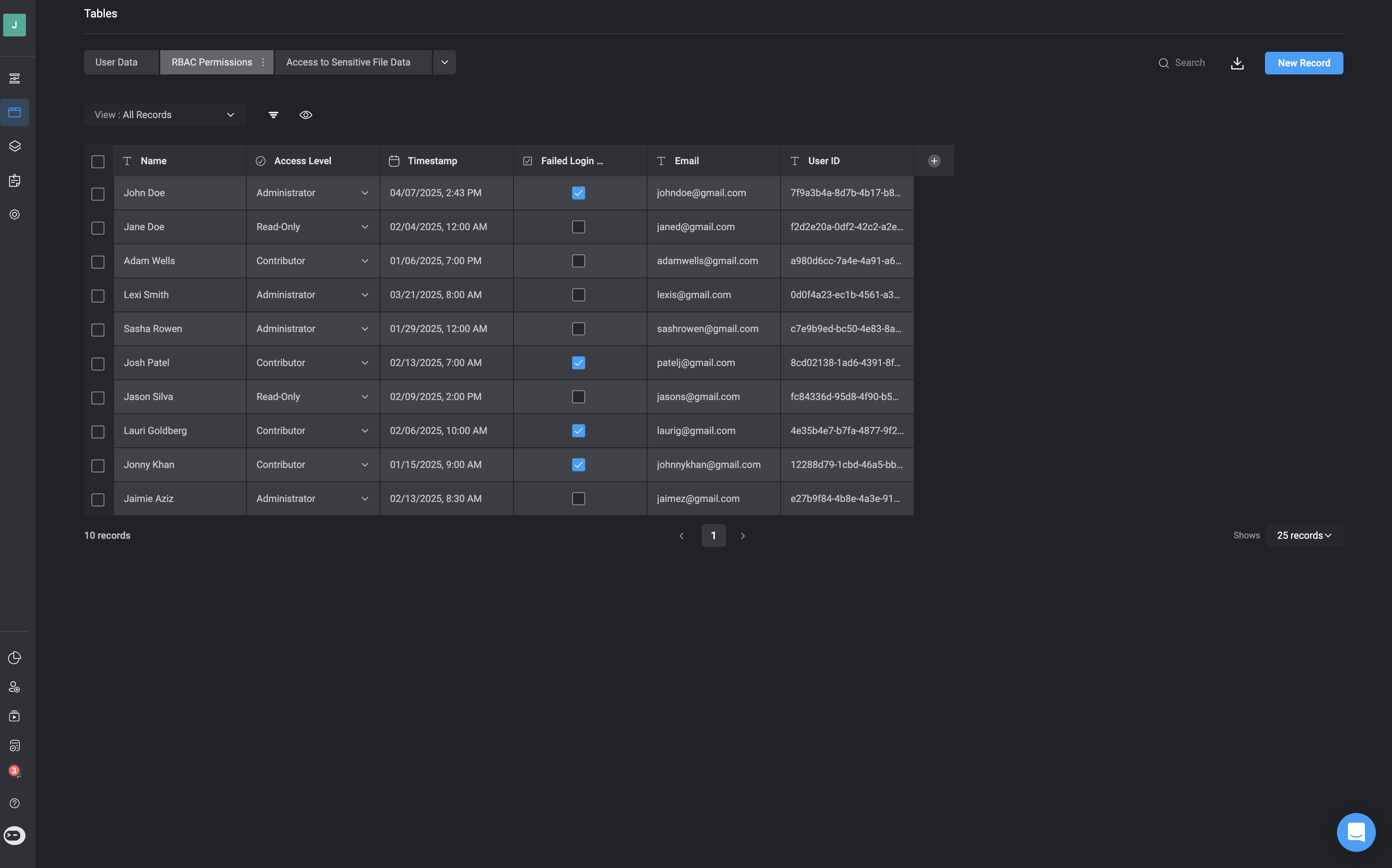
Tables in the Blink Platform serve as structured data storage, allowing Workflows to read from and write to them. This enables the creation of stateful Workflows that can maintain and update information over time. By using Tables, you can track statuses, store intermediate data, and build dynamic interfaces that provide end users with pre-defined actions, enhancing interactivity and automation within your workflows.Documentation Index
Fetch the complete documentation index at: https://docs.blinkops.com/llms.txt
Use this file to discover all available pages before exploring further.
All table data is securely stored in an encrypted Amazon RDS instance. Each customer’s data is isolated within a dedicated PostgreSQL schema, and all encryption is managed using AWS Key Management Service (KMS).For customers who purchased Blink through the Azure Marketplace or have specifically requested Azure services, all table data is securely stored in an encrypted Azure Database for PostgreSQL. Each customer’s data is isolated in a dedicated PostgreSQL schema, with encryption fully managed by Azure to ensure data security and compliance.
Related Articles
Creating Tables
Learn how to create your first table
Using Tables in Workflows
Learn more about creating and using table actions in Workflows
Basic Table Operations
Learn more about basic table operations
Viewing Tables
Learn more about filtering, sorting, ordering and browsing the table records