Create Observable
Adding an Observable to a Case by filling in parameters in the step.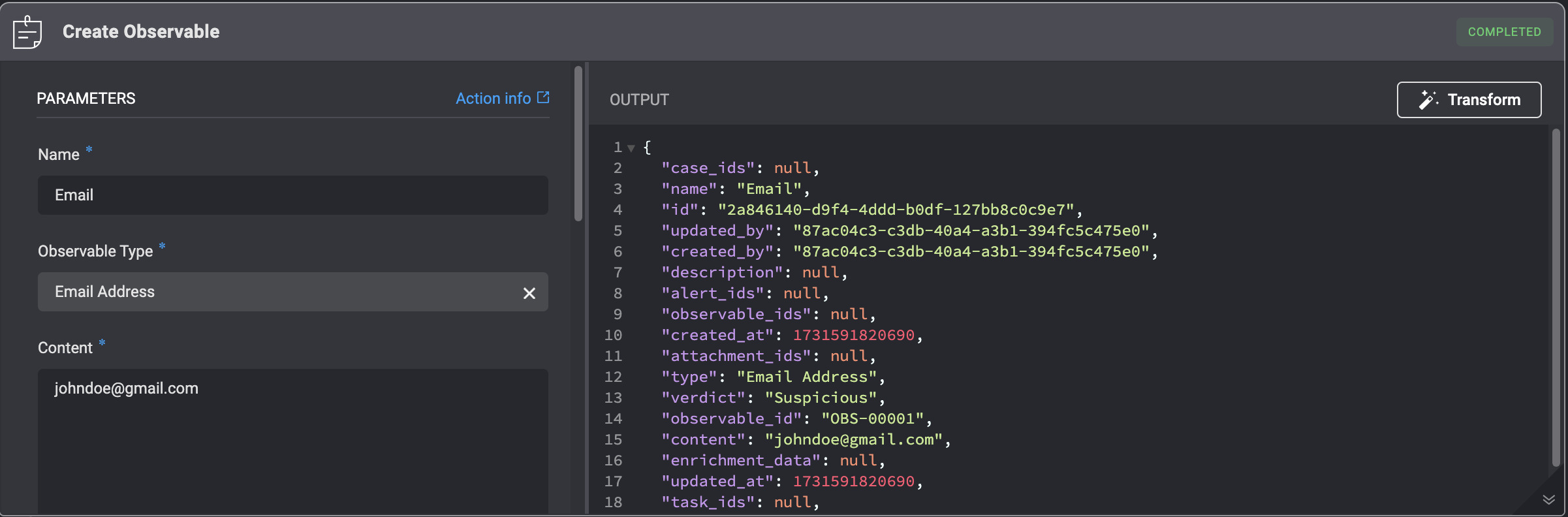
Delete Observable
Deleting an Observable from a Case by filling in parameters in the step.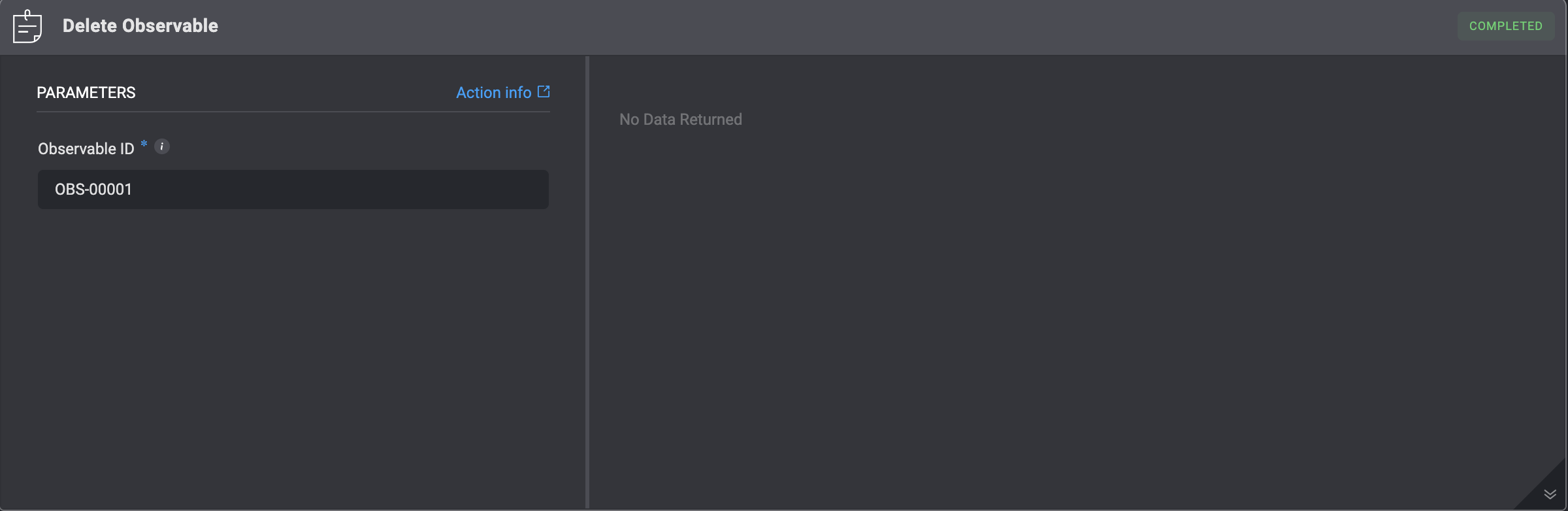
Update Observable
Updating an existing observable within a Case requires filling in the specified parameters in the step. Be aware that this action will overwrite all existing data for that observable.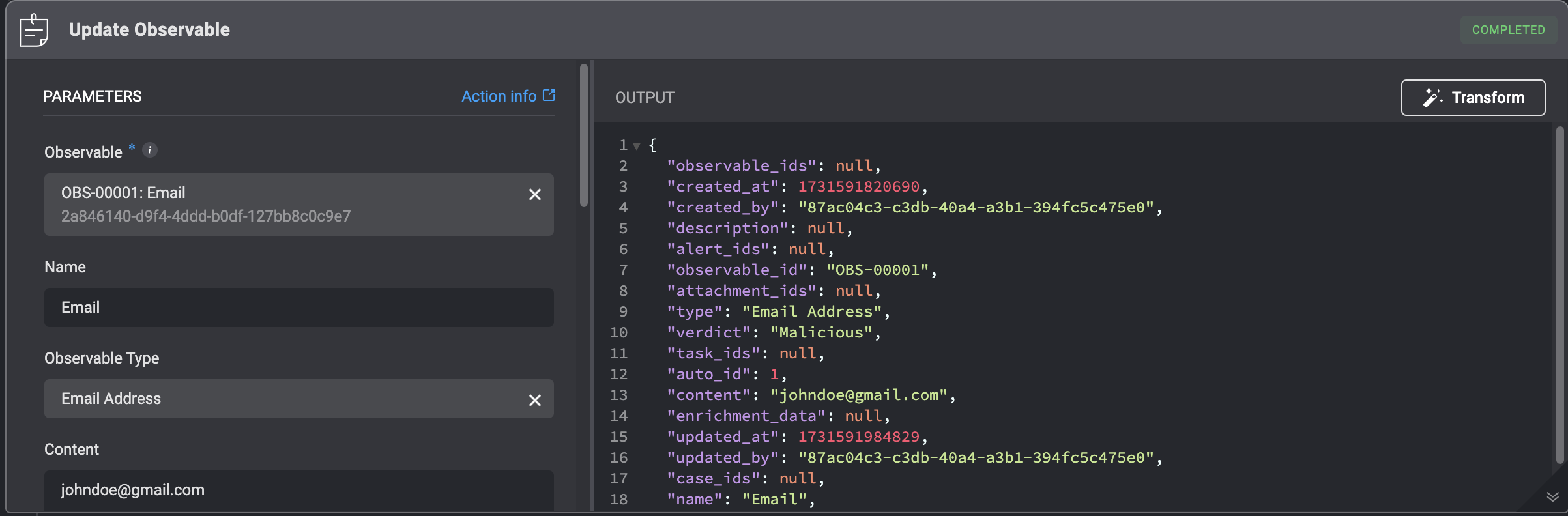
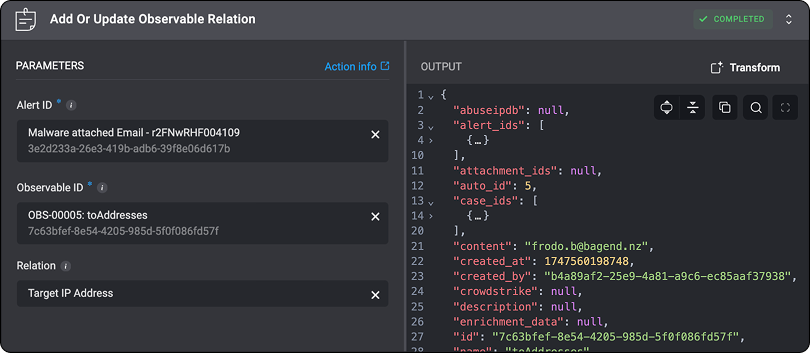
Add or Update Observable Relation
Add or update an observable relation by filling in the following parameters in the step. This action overwrites all of the current observable’s data.Note: The “Add or Update an Observable Relation” action is the only method to directly add or modify this relation across all records that reference it.
List Observable Relation Types
List all the observable relation types by executing the ‘List Observable Relation Types’ action.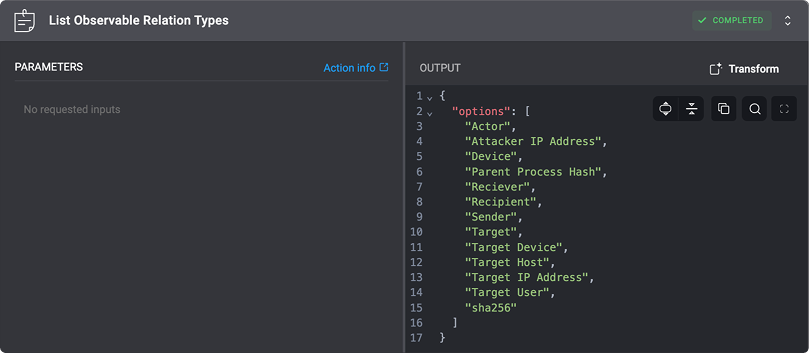
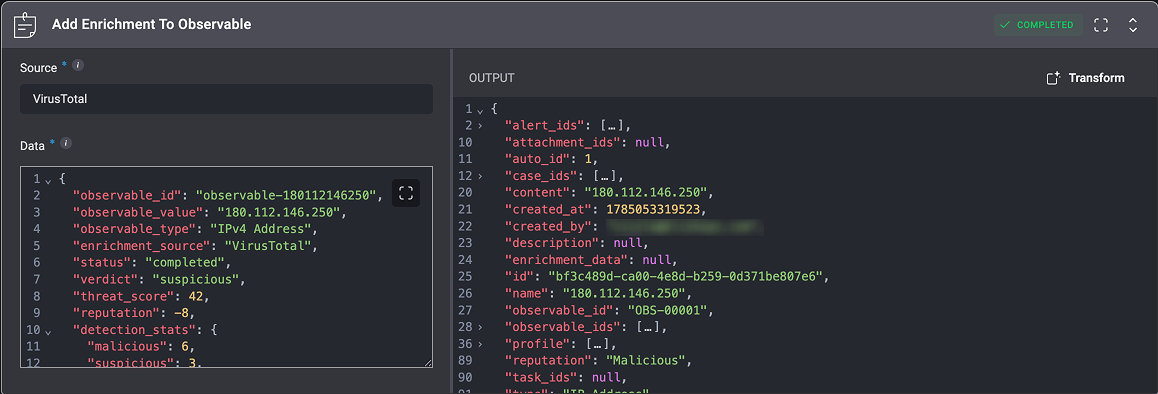
Add Enrichment to Observable
Adds enrichment data from the selected vendor source to the observable’s profile, providing additional context for investigation and analysis.Note: Running this action again replaces the existing enrichment data from that source with the results of the latest execution.Any enrichment data from other sources in the same observable profile remains unchanged.