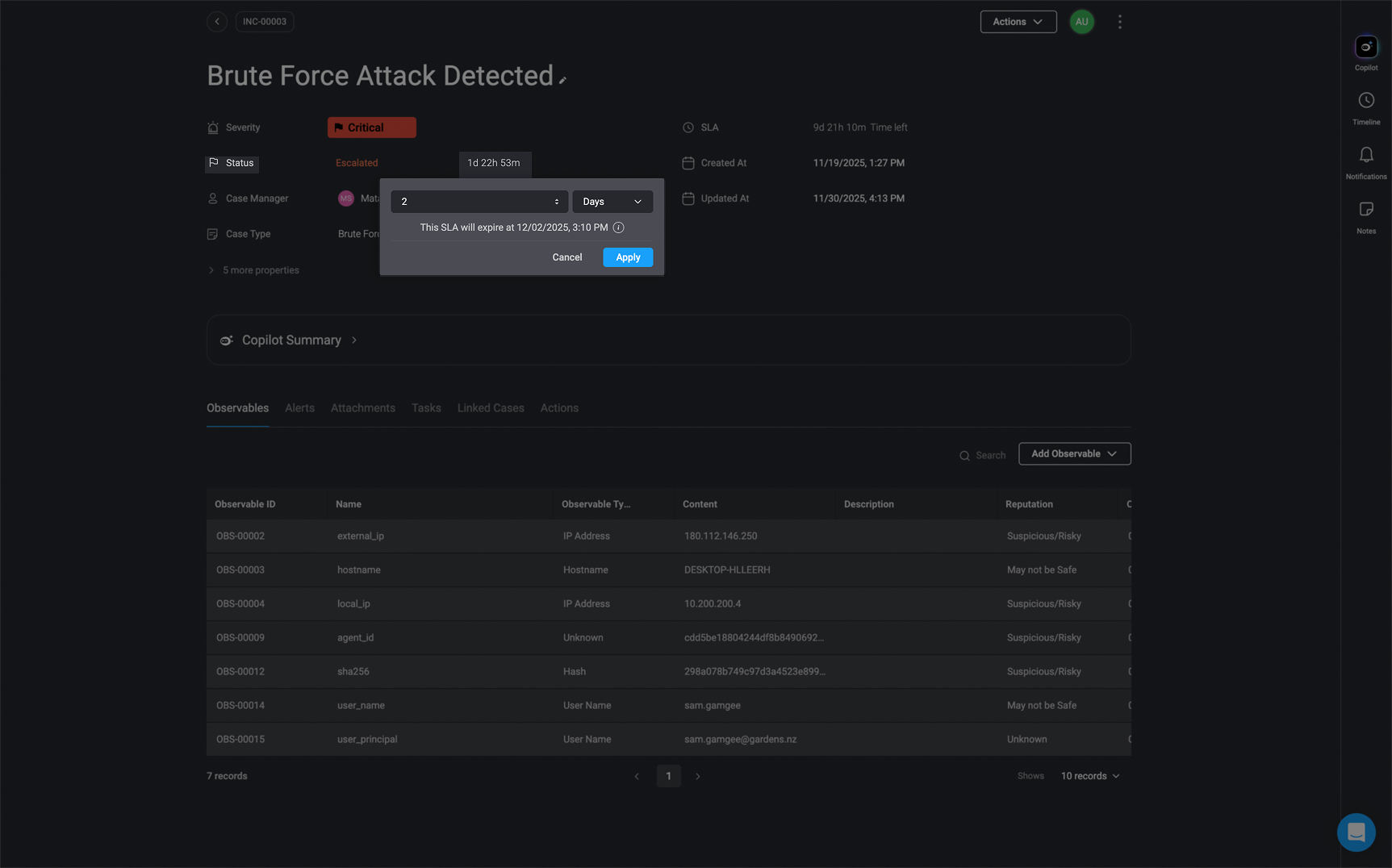
Note: Only users with the
case_management:admin permissions, can make changes to the Case Level SLA and Case Status SLA Case Level SLA
The Case level SLA measures the time from when the case is created until the case is closed.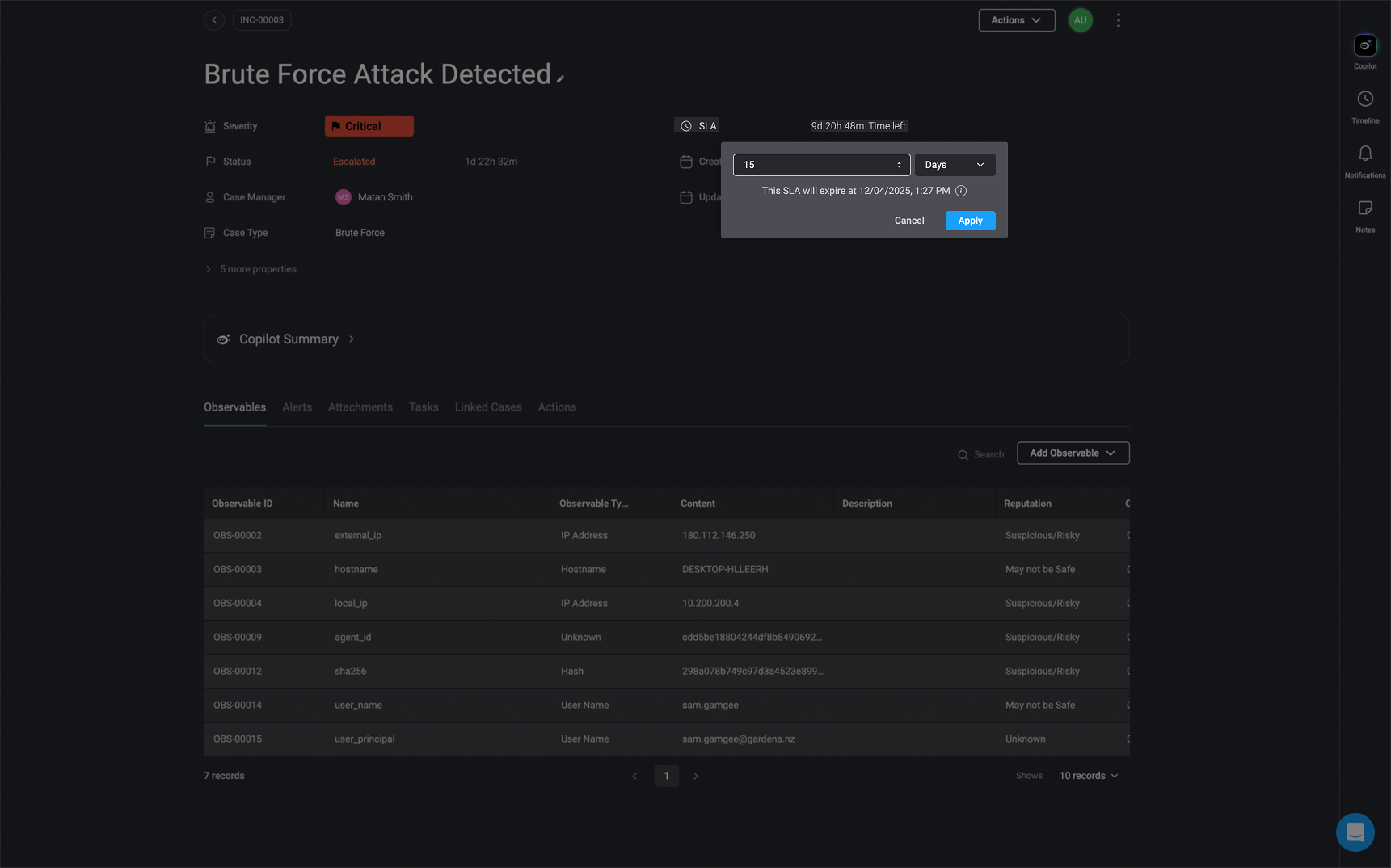
Case Status SLA
The Case Status SLA measures the duration from one status change to another. For example, it measures the time from when a case is initially opened until it is changed to the In progress status. You can also make changes to the Case Status SLA via the Case Status SLA Action or in the Case Management Settings