

Creating a LiteLLM connection
Using API Key
To create the connection you need:- An API Address
- A Virtual Key
Obtaining the credentials
- Log in to LiteLLM’s portal.
-
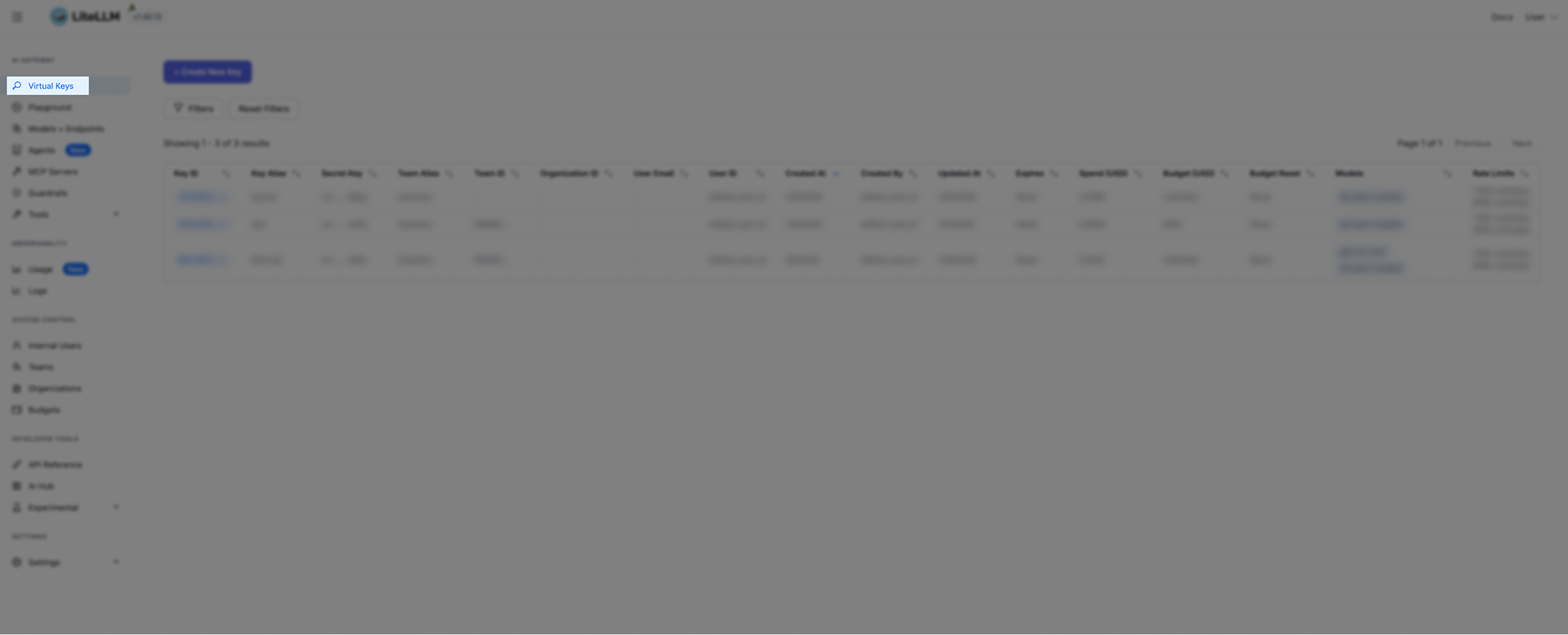
Navigate to Private Key.
-
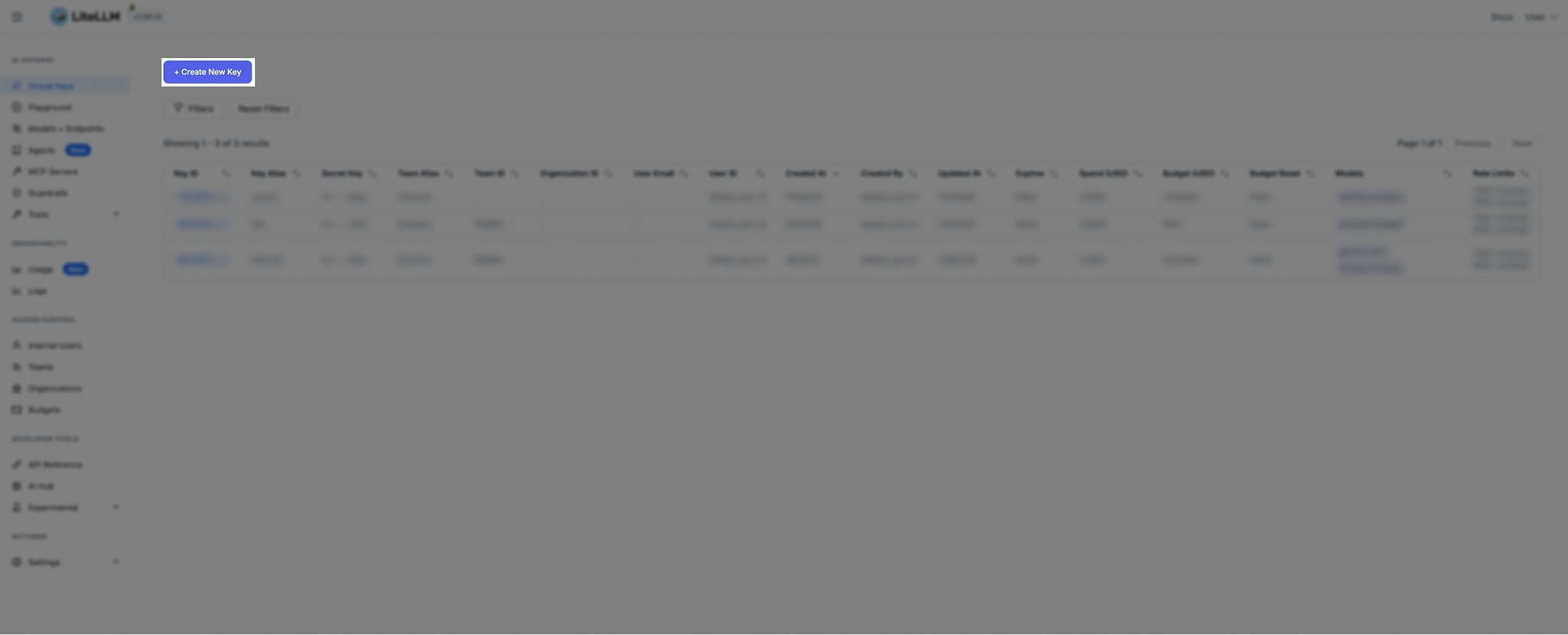
On the Private Key page, click on Create New Key.
-
Fill in the required details.
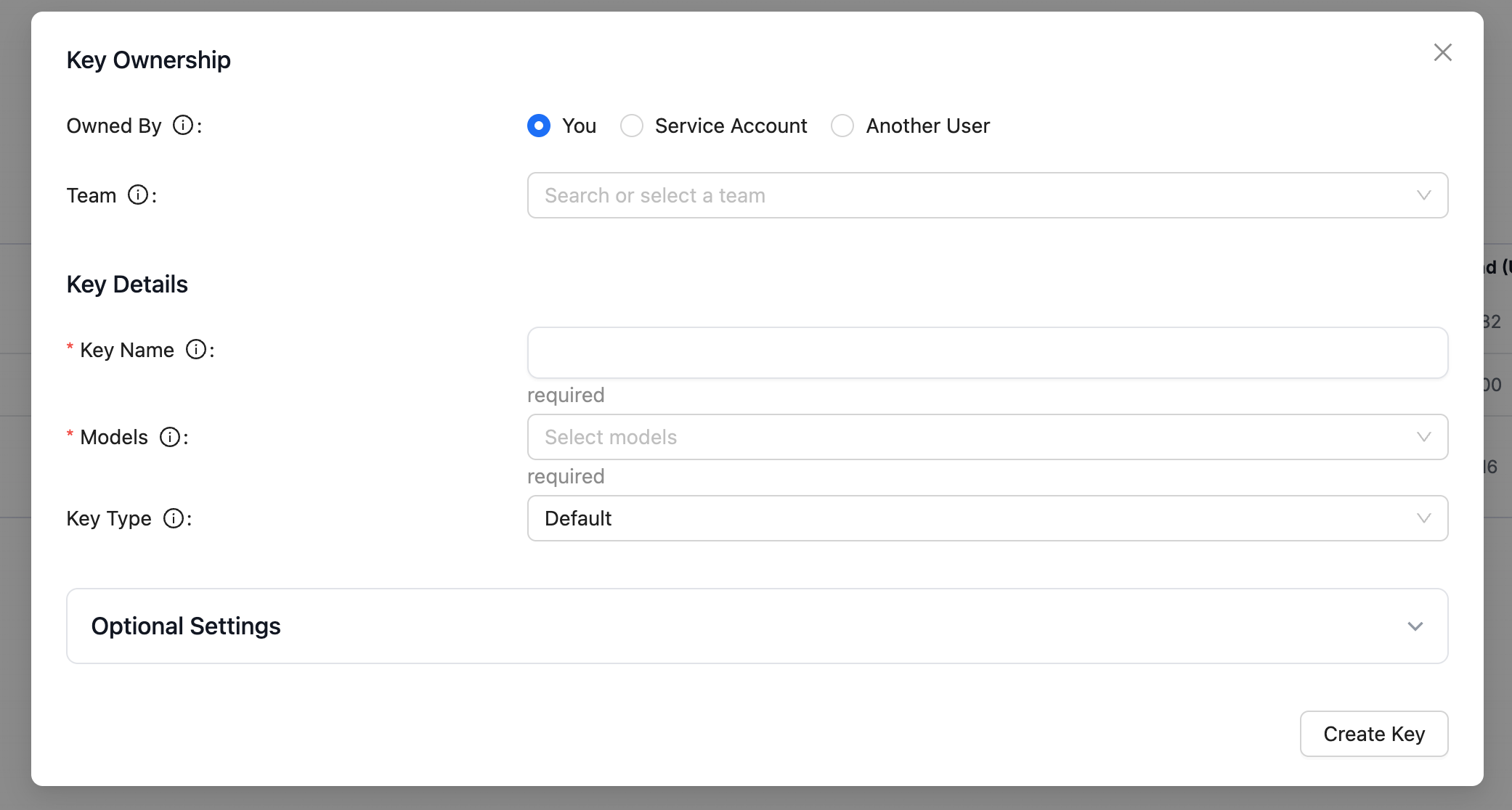
- Copy the generated key.
Creating your connection
- In the Blink platform, navigate to the Connections page > Add connection. A New Connection dialog box opens displaying icons of external service providers available.
- Select the LiteLLM icon. A dialog box with name of the connection and connection methods appear.
- (Optional) Edit the name of the connection. At a later stage you cannot edit the name.
- Select API Key as the method to create the connection.
- Fill in the parameters:
- The API Address
- The Virtual Key
- (Optional) Click Test Connection to test it.
- Click Create connection. The new connection appears on the Connections page.