> ## Documentation Index
> Fetch the complete documentation index at: https://docs.blinkops.com/llms.txt
> Use this file to discover all available pages before exploring further.
# About Workflow Packs
> Organize and manage workflows using packs, which group related workflows together in Blink.
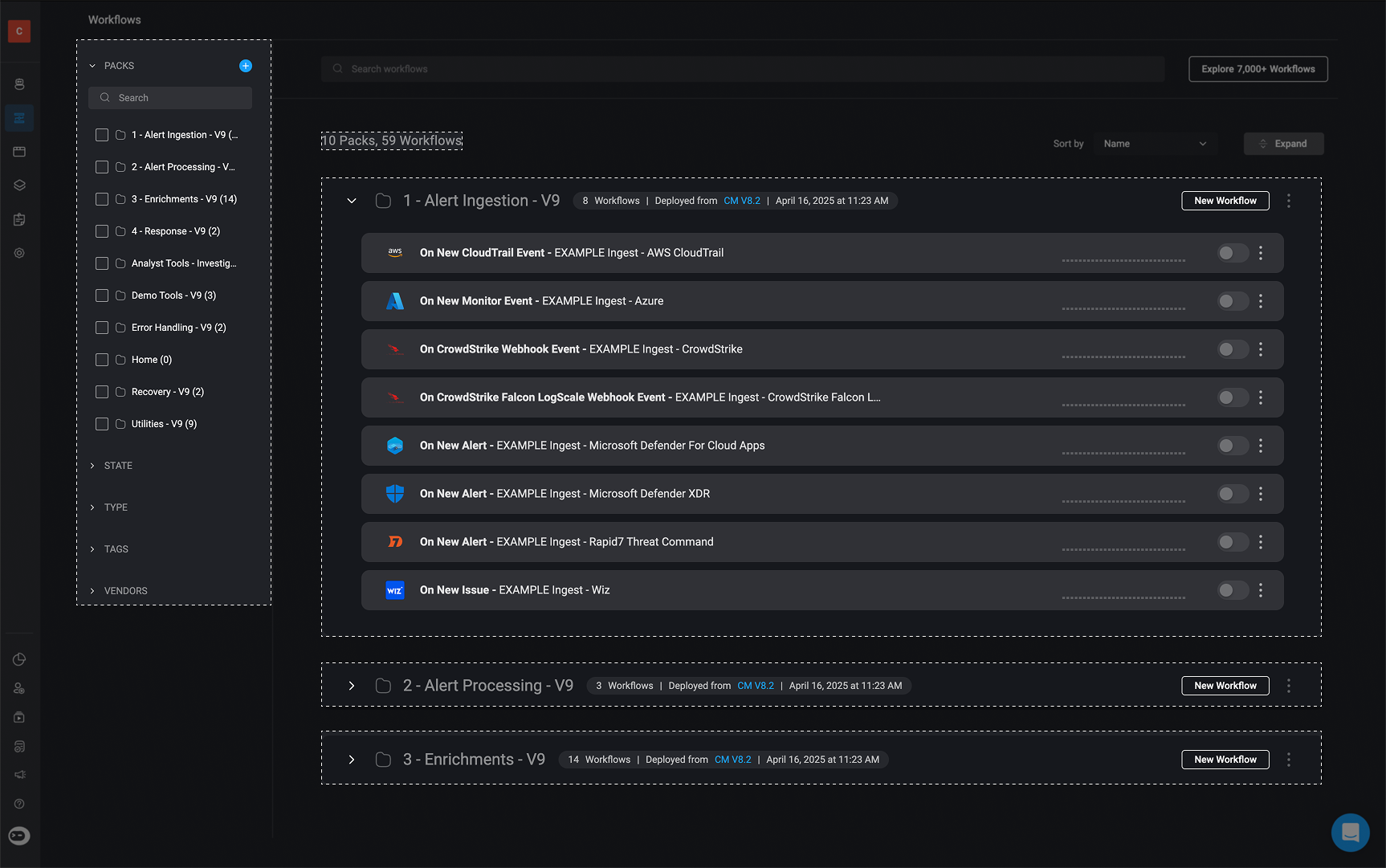
A Pack is a collection of automated workflows that share a common purpose, goal, or operational domain. In Blink, every workflow must belong to a Pack. This built-in structure keeps workflows logically organized and easier to manage over time, especially in large workspaces with many automated workflows.
We recommend grouping your Packs by topic, business function, functional area, or related vendors to keep everything organized and easy to manage, for example: **AWS Cloud Cost Optimization**
 ***
## Related Articles
Learn how to create, organize, and manage packs in your workspace.
Learn how to move or copy packs, including their workflows, between workspaces.
Learn how to share packs with one or more other workspaces.
Learn how to share packs with sub-tenants in your environment.
***
***
## Related Articles
Learn how to create, organize, and manage packs in your workspace.
Learn how to move or copy packs, including their workflows, between workspaces.
Learn how to share packs with one or more other workspaces.
Learn how to share packs with sub-tenants in your environment.
***