> ## Documentation Index
> Fetch the complete documentation index at: https://docs.blinkops.com/llms.txt
> Use this file to discover all available pages before exploring further.
# Using Workflow Templates for Users Without a Blink Account
> Instructions on how to use a Workflow template if the user has not signed up for the Blink Platform
While browsing our online [Blink Library](https://library.blinkops.com/workflows), and you find a Workflow that you want to try, use it as follows:
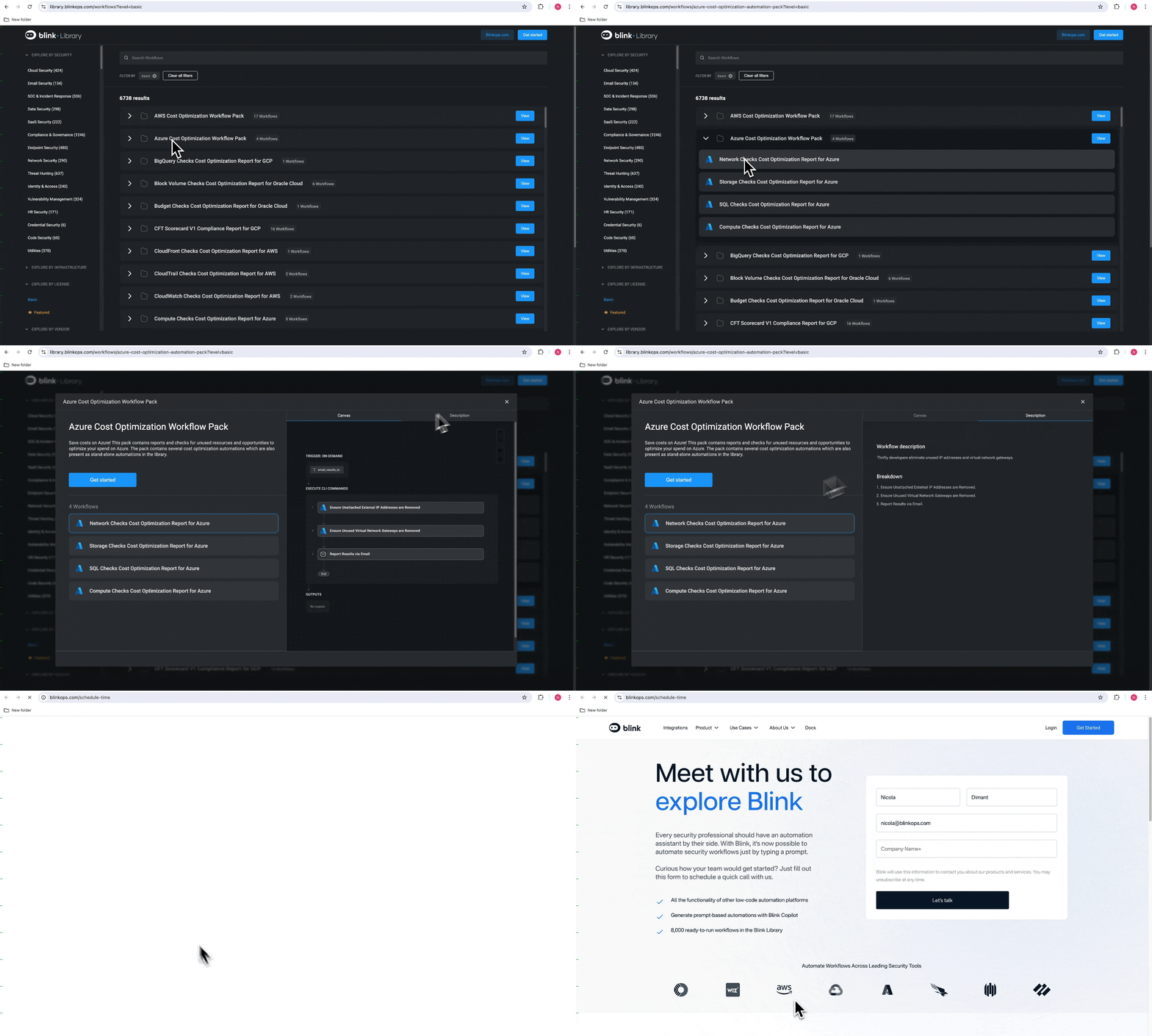
1. In the Blink Library webpage, click the name of the Workflow you are interested in. The Workflow details will be displayed. Click the "Get Started" button to be directed to the [Blink Sign Up Page](https://www.blinkops.com/schedule-time)
 **OR**
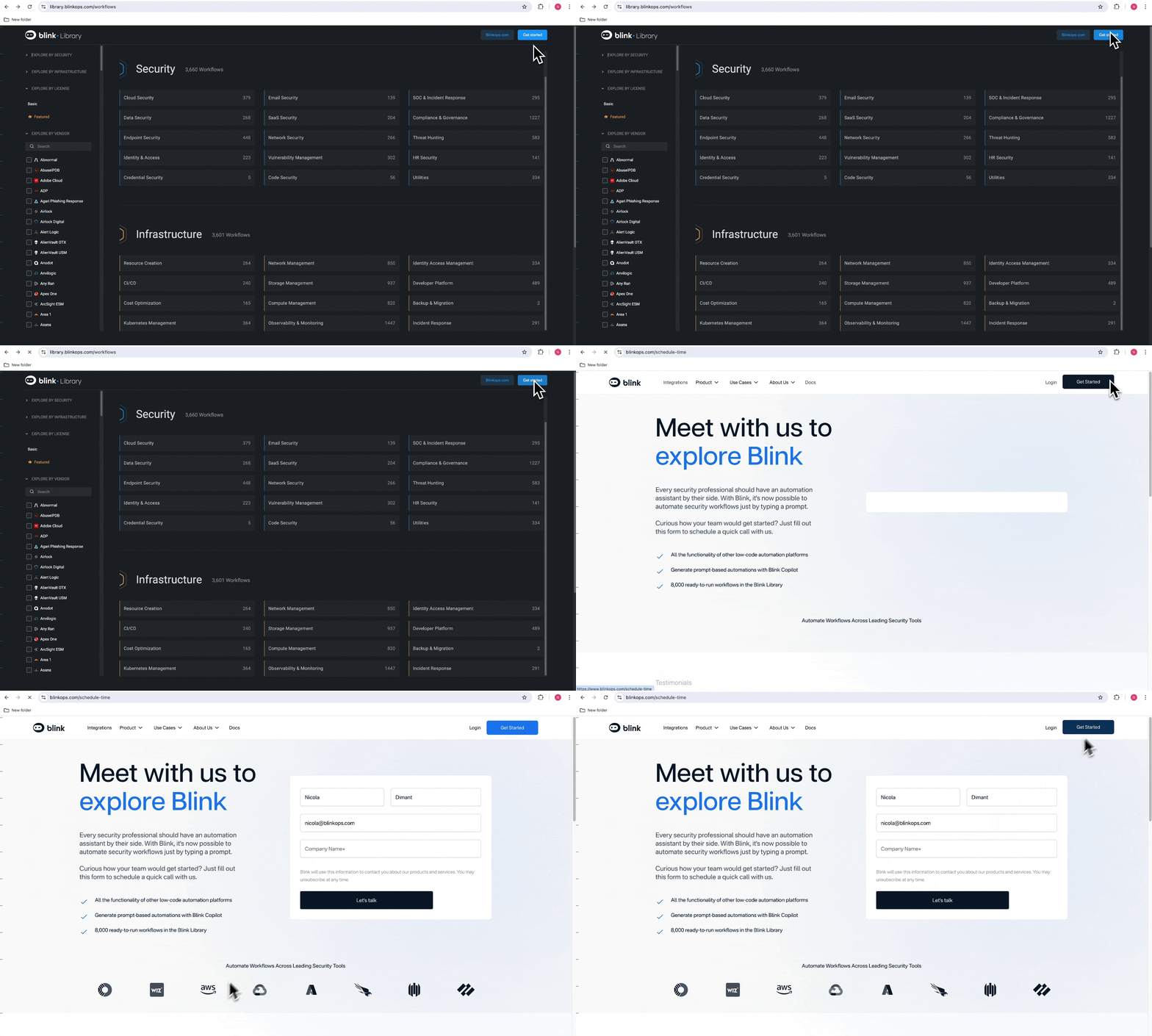
2. On the Workflow Library page, click the "Get Started" button. You are taken to the [Blink Sign Up Page](https://www.blinkops.com/schedule-time).
**OR**
2. On the Workflow Library page, click the "Get Started" button. You are taken to the [Blink Sign Up Page](https://www.blinkops.com/schedule-time).
 1. Complete the sign-up process, and you will receive a confirmation email once you have approved.
2. Click Log in to your account to be directed to the Workflow page in your workspace.
3. Click on the *"Hello World"* Workflow sample. You will be redirected to the Workflow Editor.
4. Use the *"Hello World"* sample template to practice editing a Workflow.
5. Once you are finished, publish the *"Hello World"* sample. The template you selected earlier will now appear on your Workflow page in your workspace, automatically placed in your Home pack.
1. Complete the sign-up process, and you will receive a confirmation email once you have approved.
2. Click Log in to your account to be directed to the Workflow page in your workspace.
3. Click on the *"Hello World"* Workflow sample. You will be redirected to the Workflow Editor.
4. Use the *"Hello World"* sample template to practice editing a Workflow.
5. Once you are finished, publish the *"Hello World"* sample. The template you selected earlier will now appear on your Workflow page in your workspace, automatically placed in your Home pack.