> ## Documentation Index
> Fetch the complete documentation index at: https://docs.blinkops.com/llms.txt
> Use this file to discover all available pages before exploring further.
# JSON Utilities
> Utility actions for parsing, transforming, and manipulating JSON data in Blink workflows.
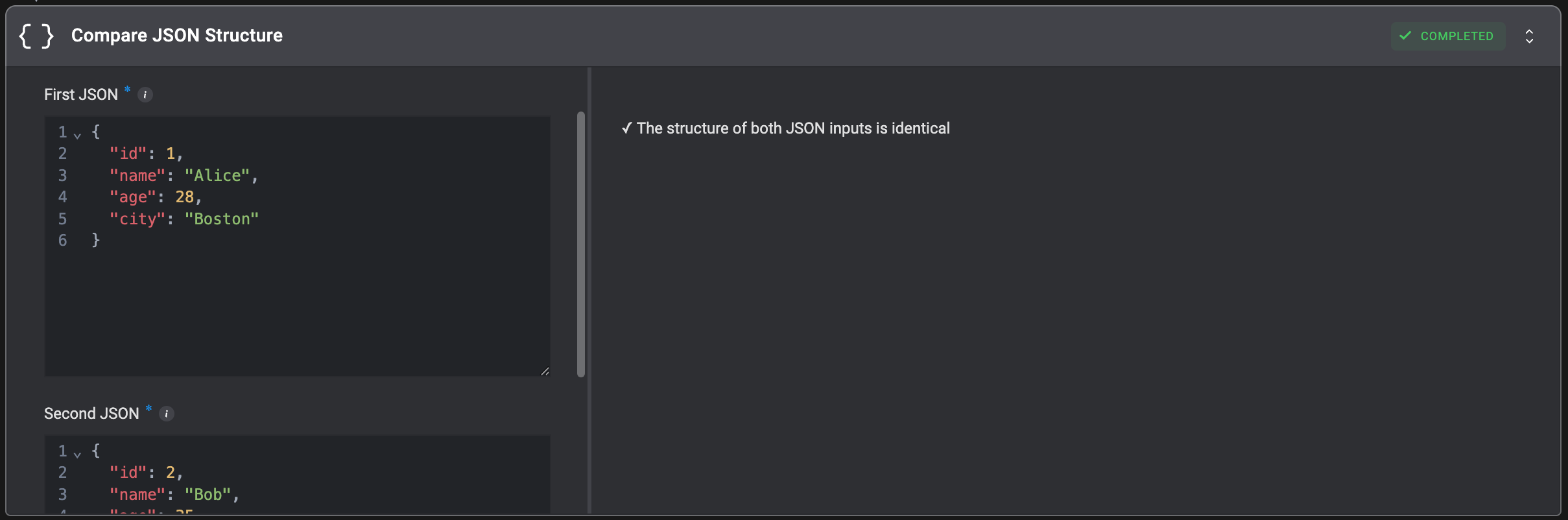
## Compare JSON Structure
Compare two JSON objects to verify that they have an identical structure (matching keys and data types at all levels), regardless of their actual values.
**Note**: Array types will be validated using their first element only.
| Parameter | Description |
| ----------- | ---------------------------------------------------- |
| First JSON | The first JSON object to compare against the second. |
| Second JSON | The second JSON object to compare against the first. |
 ## Merge JSON Objects
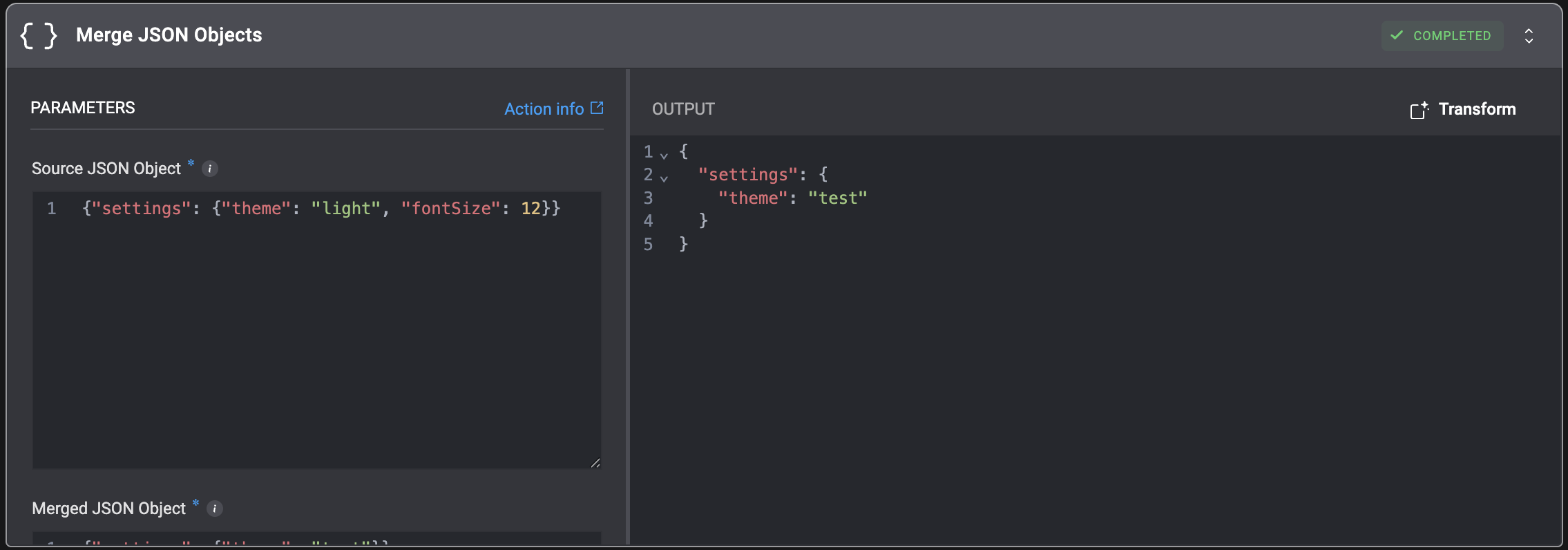
Merge two JSON objects.
If there are matching keys, the key from the `Merged JSON` will overwrite the values from the `Source JSON`.
## Merge JSON Objects
Merge two JSON objects.
If there are matching keys, the key from the `Merged JSON` will overwrite the values from the `Source JSON`.
| Parameter | Description |
| ------------------ | ---------------------------------------------------------------------------------------------------------------------- |
| Source JSON Object | The source JSON object to merge. |
| Merged JSON Object | The JSON object containing the new data to be merged into the source. |
| Recursive Merge | When selected, the merge will be executed in a recursive method and nested maps will be merged instead of overwritten. |
 ## Run JQ Command
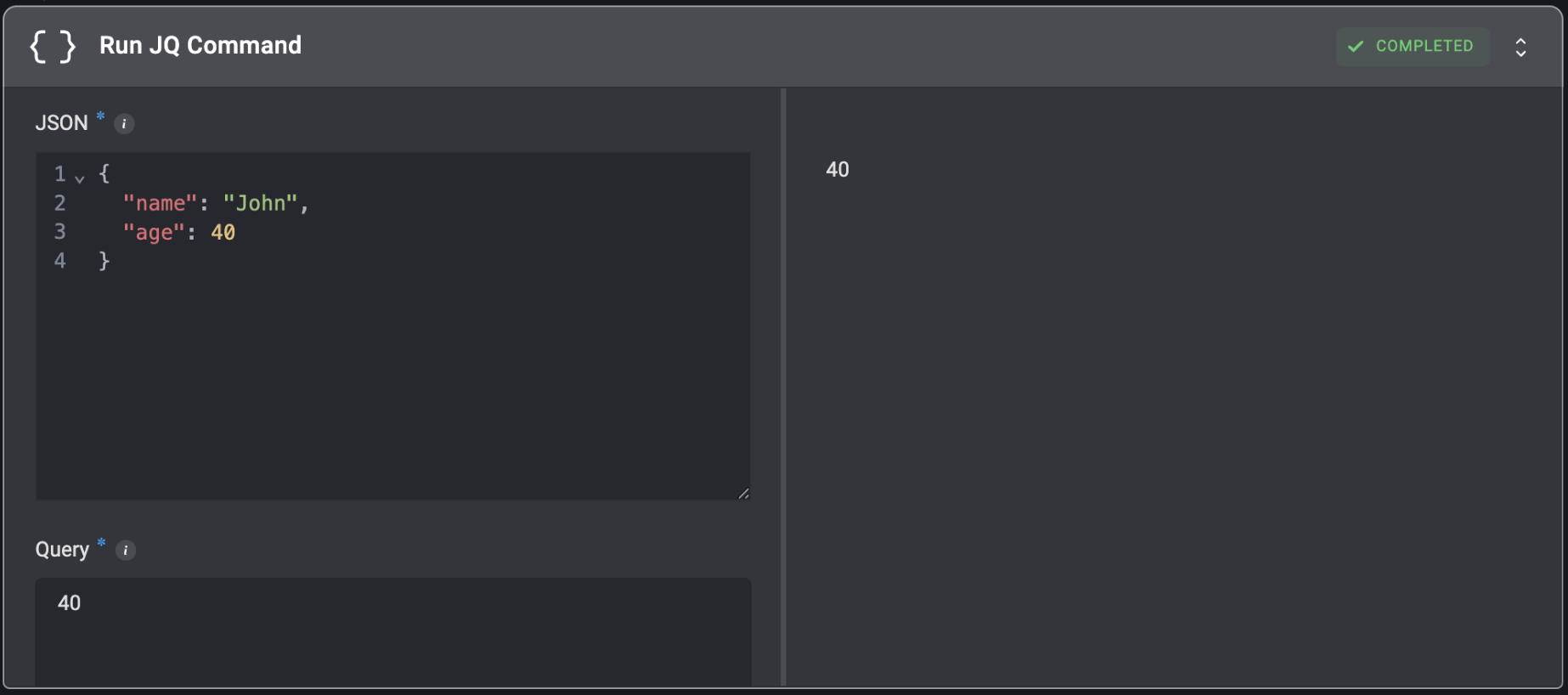
Execute JQ queries to filter, transform, and extract data from JSON structures.
## Run JQ Command
Execute JQ queries to filter, transform, and extract data from JSON structures.
| Parameter | Description |
| ----------------- | -------------------------------------------------------------------------------------------------------------------------------------------------------------------------------------------------------------------------------------------------------------------------------------------------------------------------------------------------------------------------------------------------------------------------------------------------------------------------------------------------- |
| JSON | The JSON data to query. Can be a JSON object, array, or string containing valid JSON. |
| Query | The JQ query expression to execute.
For Example, use `.field.array[0].subfield` to access nested fields. |
| Working Directory | When a working directory is selected, the filesystem state is preserved across steps that use this directory. Files and changes in the chosen directory persist across steps, ensuring continuity.
For more information, refer to the [Create Working Directory](https://docs.blinkops.com/docs/workflows/building-workflows/actions/utility-actions/file_system-utilities#create-working-directory) action documentation for guidance on setting up and selecting working directories. |
 ## Run JP Command
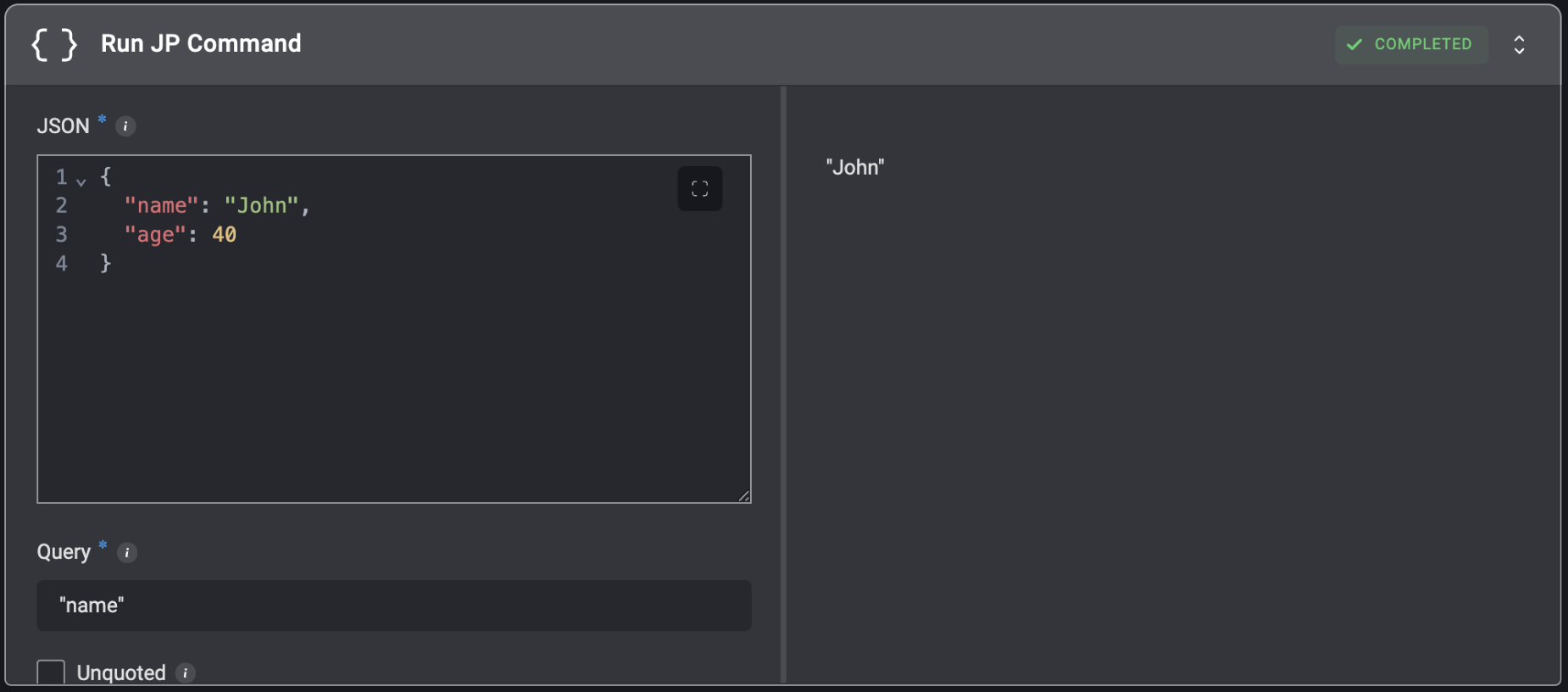
Execute JSONPath queries to search and extract data from JSON structures using path expressions.
## Run JP Command
Execute JSONPath queries to search and extract data from JSON structures using path expressions.
| Parameter | Description |
| --------- | ------------------------------------------------------------------------------------------------------------------------------ |
| JSON | The JSON data to query. Can be a JSON object, array, or string containing valid JSON. |
| Query | The JSONPath query expression to execute.
For Example, use `field.array[0].subfield` to access nested fields. |
| Unquoted | Remove surrounding quotes from string results. When enabled, string values are returned as plain text without quotation marks. |