> ## Documentation Index
> Fetch the complete documentation index at: https://docs.blinkops.com/llms.txt
> Use this file to discover all available pages before exploring further.
# Date-Time Utilities
> Date and time manipulation tools for parsing, comparing, and converting timestamps across different formats and timezones.
## Convert Epoch To ISO 8601
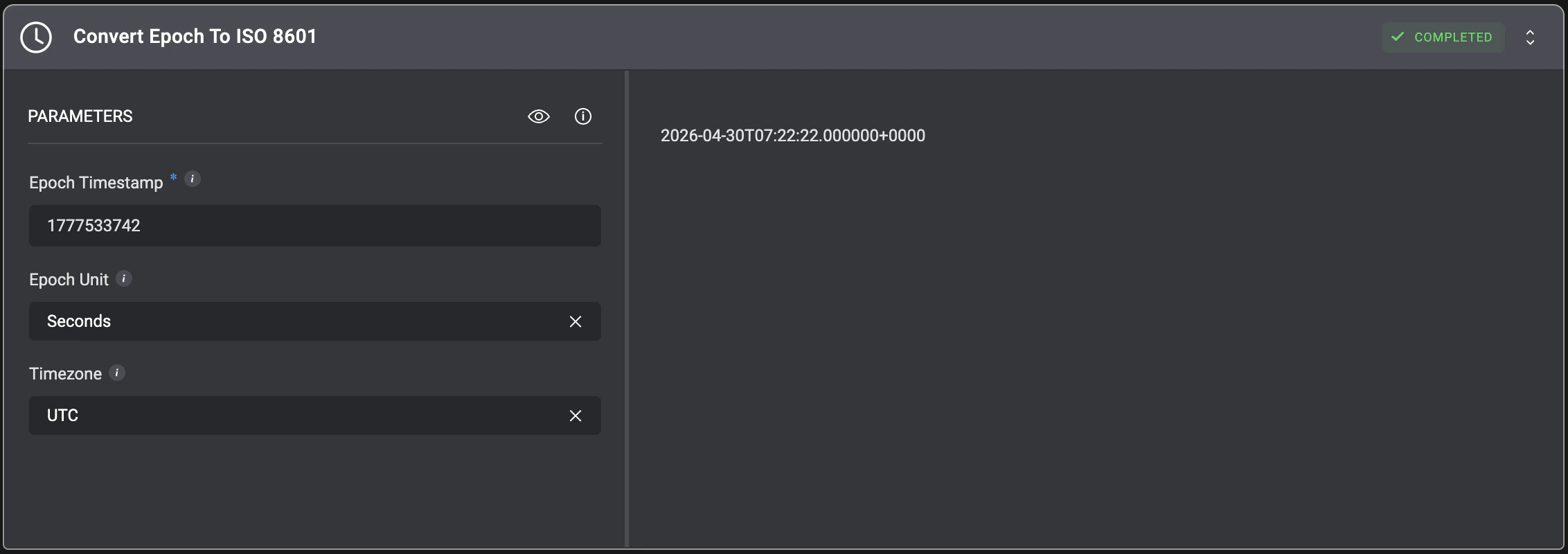
Convert epoch timestamps to ISO 8601 format in the UTC timezone. The action accepts single timestamps, comma-separated list, or JSON arrays and automatically converts them to standardized datetime format. When a timezone is specified, the action adjusts the timestamps from UTC to the target timezone while maintaining ISO 8601 formatting.
**Note**: When a list of epochs is provided, the output will be in a JSON list format.
| Parameter | Description |
| --------------- | ------------------------------------------------------------------------------------------------------------------------------------------------------------------------------------------------------------------------------------------------------------------- |
| Epoch Timestamp | The epoch timestamp to convert.
Supported Input Format Examples:
• `1627890123, 1627890723, 1627891323`
• `["1627890123", "1627890723", "1627891323"]`
• `[1627890123, 1627890723, 1627891323]`
• `1627890123`
• `"1627890123"` |
| Timezone | Include a `timezone` string to convert the `UTC` timestamp to a different timezone. The timezone string must be selected from the dropdown list.
Examples: Europe/Andorra, Asia/Kabul. |
| Epoch Unit | Select the epoch timestamp unit. Use `Seconds` for standard Unix timestamps. |
 ## Convert ISO 8601 To Epoch
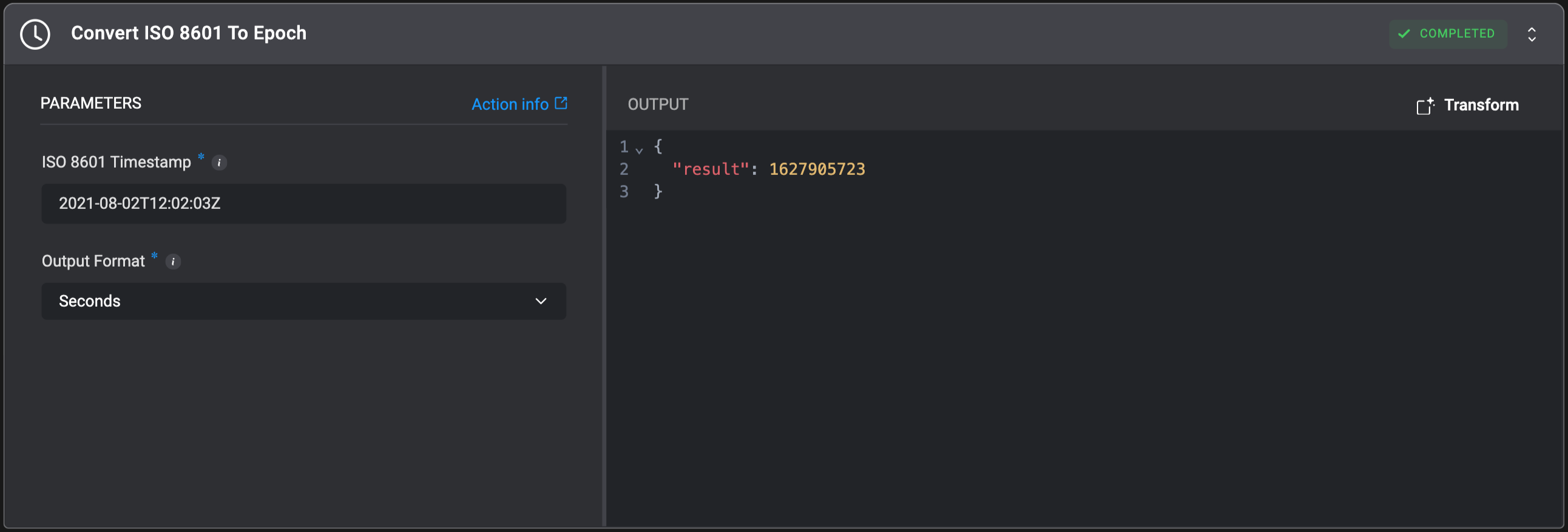
Convert ISO 8601 timestamp(s) to Epoch time. This action accepts a JSON array, comma-separated list, or single ISO 8601 timestamp.
## Convert ISO 8601 To Epoch
Convert ISO 8601 timestamp(s) to Epoch time. This action accepts a JSON array, comma-separated list, or single ISO 8601 timestamp.
| Parameter | Description |
| ------------------ | ---------------------------------------------------------------------------------------------------------------------------------------------------------------------------------------------------------------------------------------------------------------------------------------- |
| ISO 8601 Timestamp | The ISO 8601 timestamp(s) to convert to epoch format. Can be a single timestamp, a comma-separated list, or a valid JSON array.
For more information on ISO 8601 format, refer to [ISO 8601 standards documentation](https://www.iso.org/iso-8601-date-and-time-format.html). |
| Output Format | Select whether to return epoch time as seconds or milliseconds.
Options: `Seconds`, `Milliseconds`, `Minutes` or `Hours`
Default: `Seconds` |
 ## Find Earliest Date
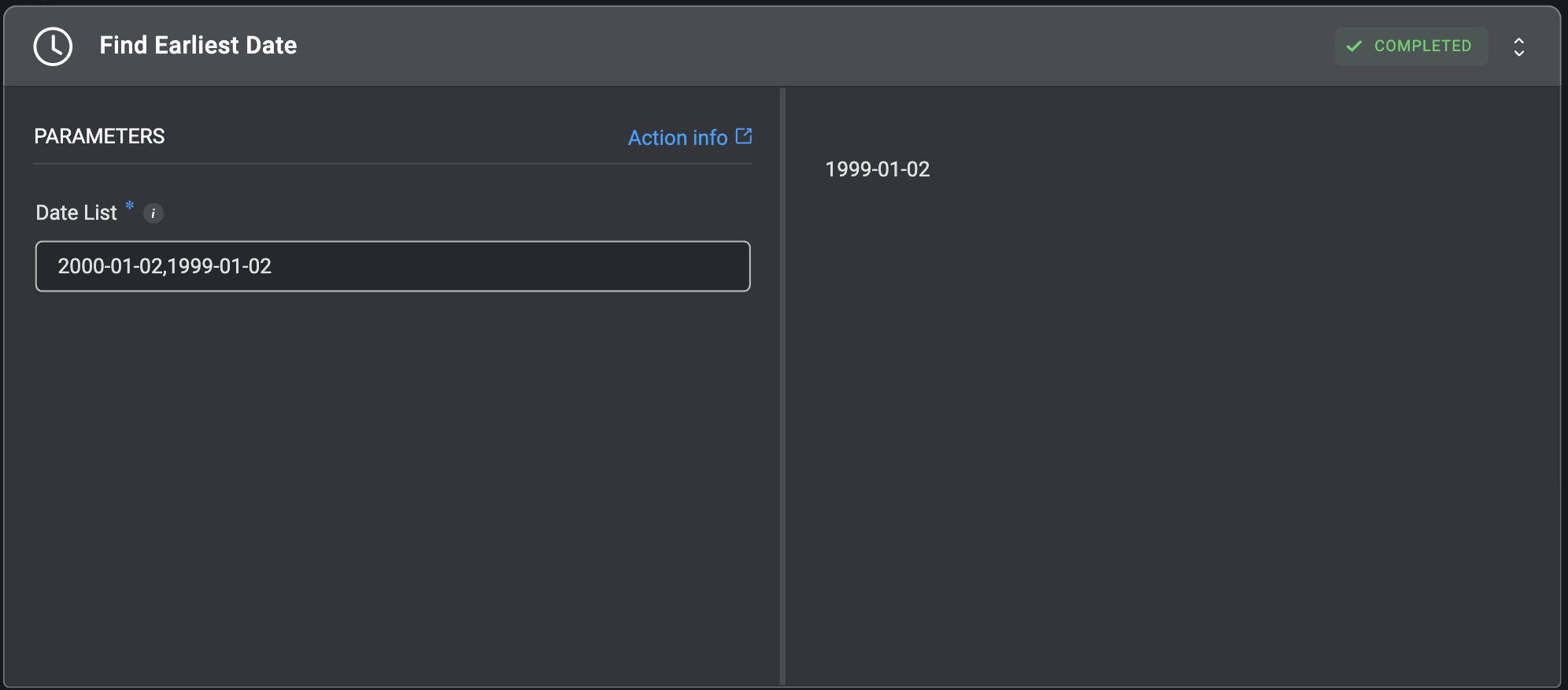
Returns the earliest date from a given list of dates.
## Find Earliest Date
Returns the earliest date from a given list of dates.
| Parameter | Description |
| --------- | ------------------------------------------------------------------------------------------------------------------------------------------------------------------------------------------------------------------------------------------------------------------------------------------------------------------------------------------------------------------------------------------------------------------------------------------------------------------------------------------------------------------------------------------------------------- |
| Date List | A comma separated list or JSON array containing date strings.
Each date string can be in a variety of common date formats. For example:
- `YYYY-MM-DD`
- `DD/MM/YYYY`
- `YYYY-MM-DDTHH:MM:SS`
- `YYYY-MM-DDTHH:MM:SS.sssZ`
- `YYYY-MM-DDTHH:MM:SS.sss+hh:mm`
- `YYYY-MM-DDTHH:MM:SS.sss-hh:mm`
- `Unix Timestamp`
**Note**: Input dates that are `Timezone Aware` cannot be used along with `Timezone Naive` dates. All dates should either be in UTC format or have a clearly defined timezone. |
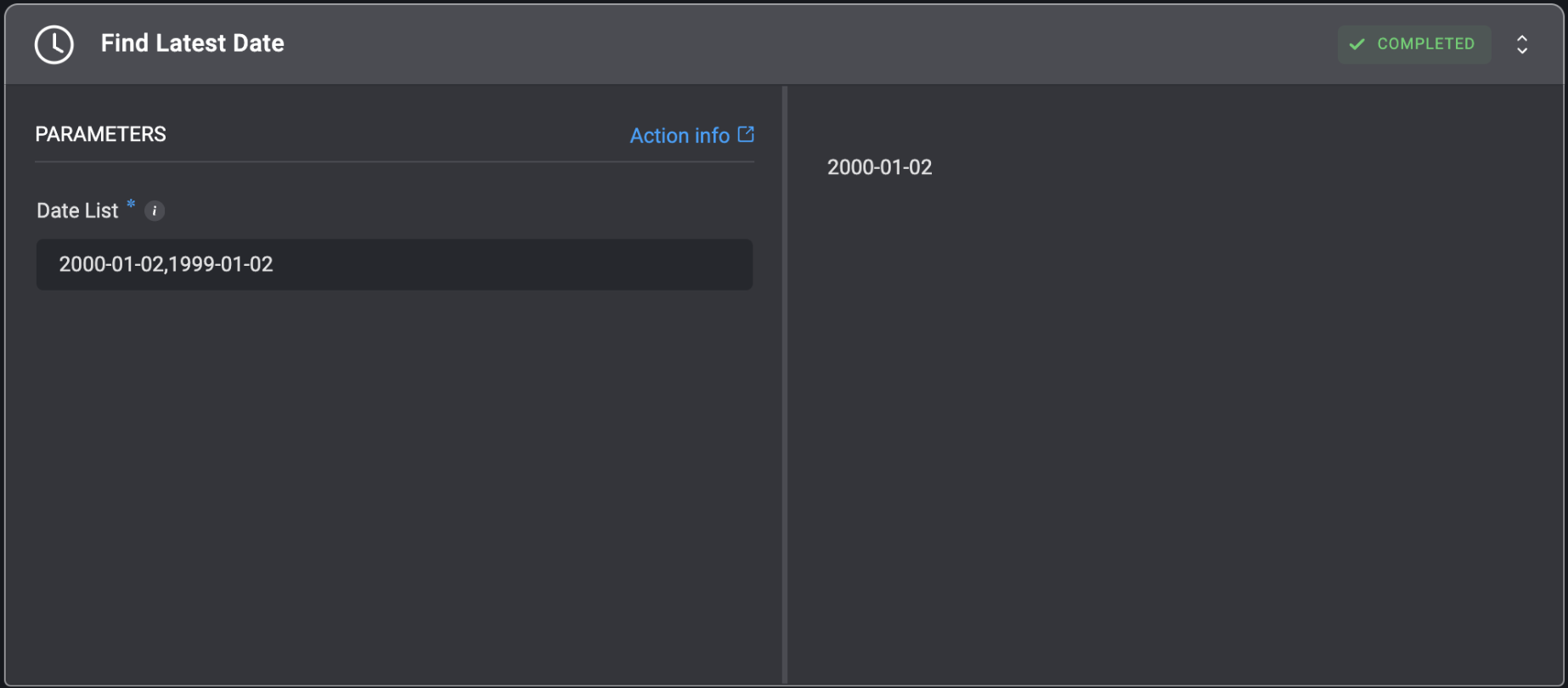
 ## Find Latest Date
Returns the latest date from a given list of dates.
## Find Latest Date
Returns the latest date from a given list of dates.
| Parameter | Description |
| --------- | ------------------------------------------------------------------------------------------------------------------------------------------------------------------------------------------------------------------------------------------------------------------------------------------------------------------------------------------------------------------------------------------------------------------------------------------------------------------------------------------------------------------------------------------------------------- |
| Date List | A comma separated list or JSON array containing date strings.
Each date string can be in a variety of common date formats. For example:
- `YYYY-MM-DD`
- `DD/MM/YYYY`
- `YYYY-MM-DDTHH:MM:SS`
- `YYYY-MM-DDTHH:MM:SS.sssZ`
- `YYYY-MM-DDTHH:MM:SS.sss+hh:mm`
- `YYYY-MM-DDTHH:MM:SS.sss-hh:mm`
- `Unix Timestamp`
**Note**: Input dates that are `Timezone Aware` cannot be used along with `Timezone Naive` dates. All dates should either be in UTC format or have a clearly defined timezone. |
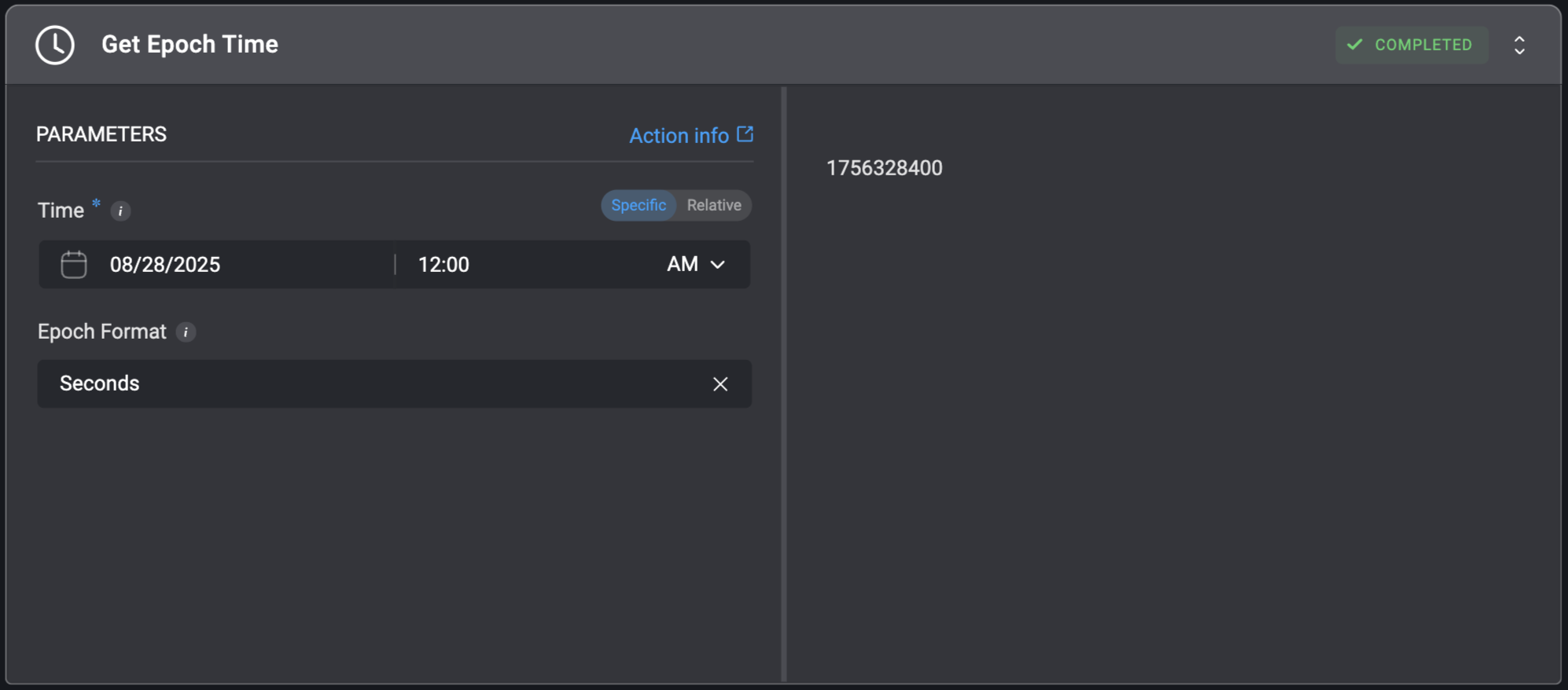
 ## Get Epoch Time
Gets an epoch time specific or relative to a given time.
## Get Epoch Time
Gets an epoch time specific or relative to a given time.
| Parameter | Description |
| ------------ | ------------------------------------------------------------- |
| Time | Can be a specific date and hour, or a relative range. |
| Epoch Format | Whether to display the epoch time as seconds or milliseconds. |
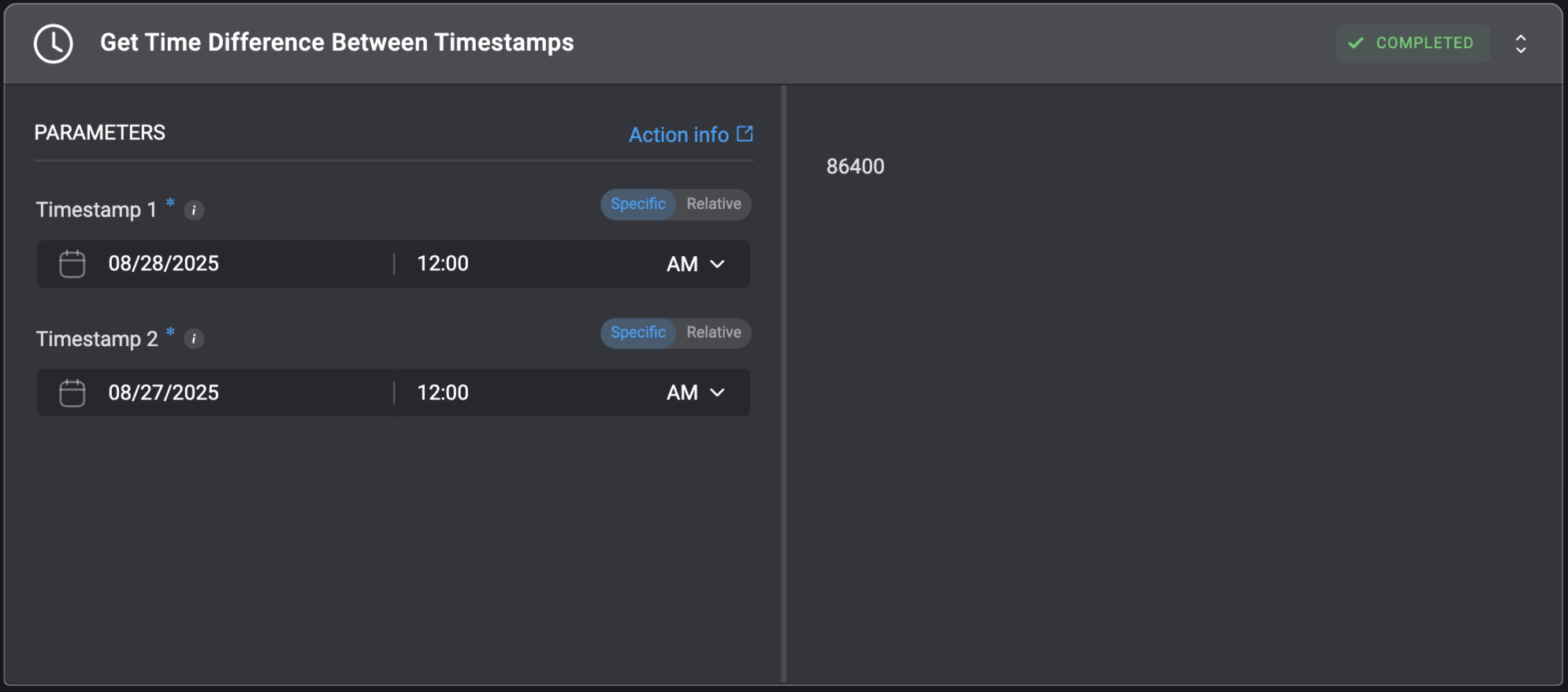
 ## Get Time Difference Between Timestamps
Get Time Difference, in **Seconds**, Between Two Different Timestamps.
## Get Time Difference Between Timestamps
Get Time Difference, in **Seconds**, Between Two Different Timestamps.
| Parameter | Description |
| ----------- | --------------------------------------------------------------------------- |
| Timestamp 1 | The first Timestamp. Can be a specific date and hour, or a relative range. |
| Timestamp 2 | The second Timestamp. Can be a specific date and hour, or a relative range. |
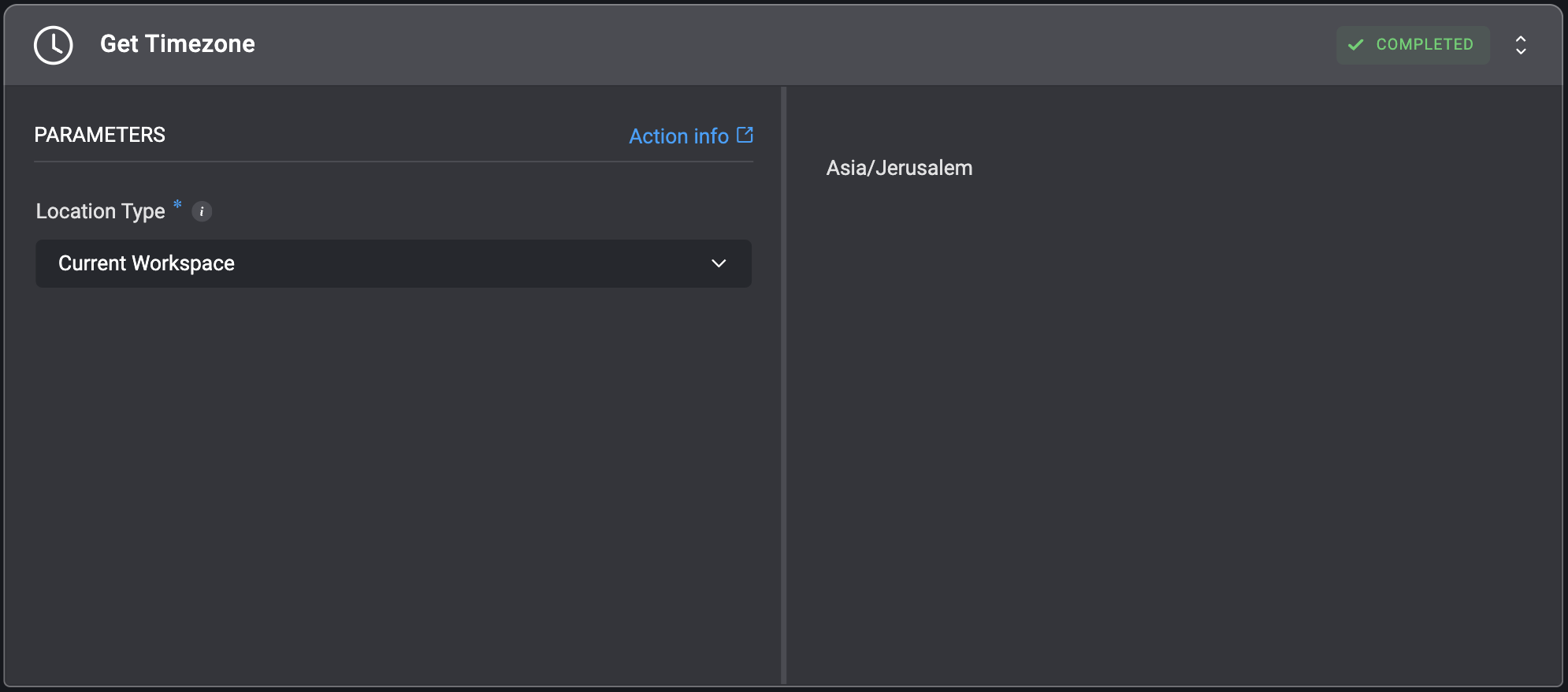
 ## Get Timezone
Gets the timezone identifier from a latitude/longitude pair or from the current workspace.
Can be used in conjunction with the `Get Timezone Offset` to get the amount of seconds after GMT.
## Get Timezone
Gets the timezone identifier from a latitude/longitude pair or from the current workspace.
Can be used in conjunction with the `Get Timezone Offset` to get the amount of seconds after GMT.
| Parameter | Description |
| ------------- | ------------------------------------------------------------------ |
| Location Type | Choose how the location for the timezone should be provided. |
| Latitude | The degrees latitude of the desired position to get the time for. |
| Longitude | The degrees longitude of the desired position to get the time for. |
 ## Get Timezone Offset
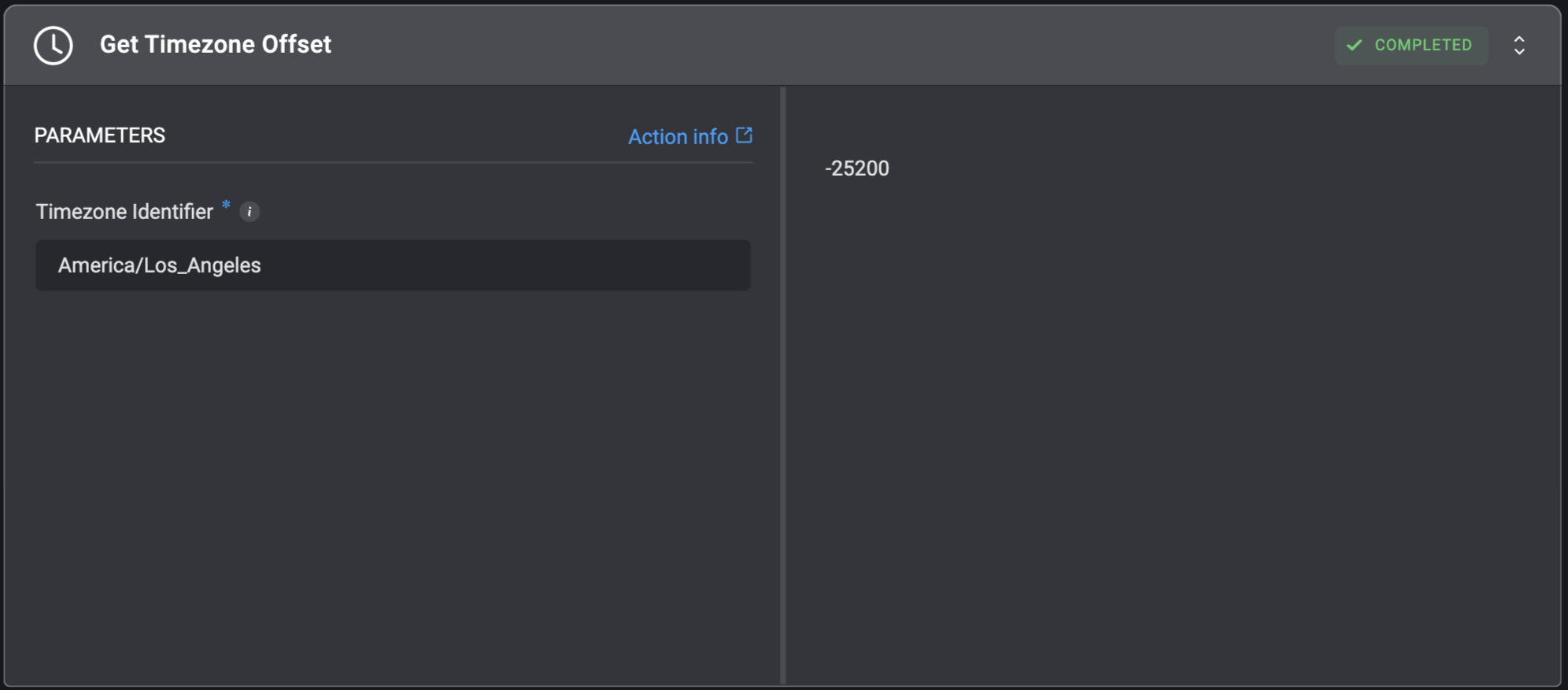
Gets the timezone offset (in seconds) relative to GMT from a IANA timezone identifier.
## Get Timezone Offset
Gets the timezone offset (in seconds) relative to GMT from a IANA timezone identifier.
| Parameter | Description |
| ------------------- | ------------------------------------------------------------------------------------------------------------------------------------------------------------------------------------------------------------------------------------------------------------------------------------------------------------------------------------------------------------------------------------------------- |
| Timezone Identifier | The IANA timezone identifier, usually provided as `{Country}/{City}`.
If given `UTC`, returns the offset of UTC time (`0`).
Visit [Wikipedia](https://en.wikipedia.org/wiki/List_of_tz_database_time_zones#List) for a frequently updated list of names.
For the most updated list, visit the [IANA registry](https://www.iana.org/time-zones) and download the distribution file. |
 ## Modify Date Time
Add or subtract seconds, minutes, hours, days, or years to or from the specified timestamp.
## Modify Date Time
Add or subtract seconds, minutes, hours, days, or years to or from the specified timestamp.
| Parameter | Description |
| ---------- | ----------------------------------------------------------------------------------------------------------------------------------------------------------------------------- |
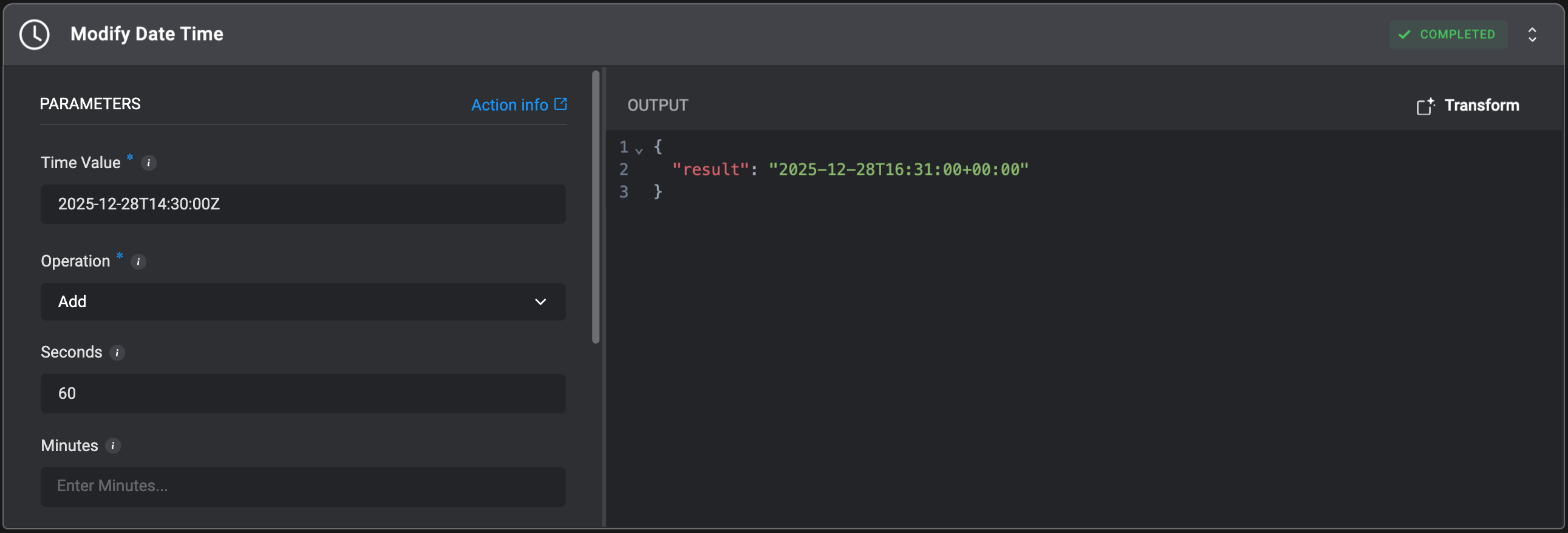
| Time Value | The timestamp to modify. Can be either Epoch (Unix timestamp) or ISO 8601 format.
**Examples**:
• Epoch: `1627890123`
• ISO 8601: `2021-08-02T12:02:03Z` |
| Operation | Select whether to add or subtract time.
Options: `Add`, `Subtract` |
| Seconds | Number of seconds to add or subtract. |
| Minutes | Number of minutes to add or subtract. |
| Hours | Number of hours to add or subtract. |
| Days | Number of days to add or subtract. |
| Years | Number of years to add or subtract.
**Note**: Leap years are handled automatically. |