> ## Documentation Index
> Fetch the complete documentation index at: https://docs.blinkops.com/llms.txt
> Use this file to discover all available pages before exploring further.
# Data Conversions Utilities
> Essential format transformation capabilities for various data types and document formats.
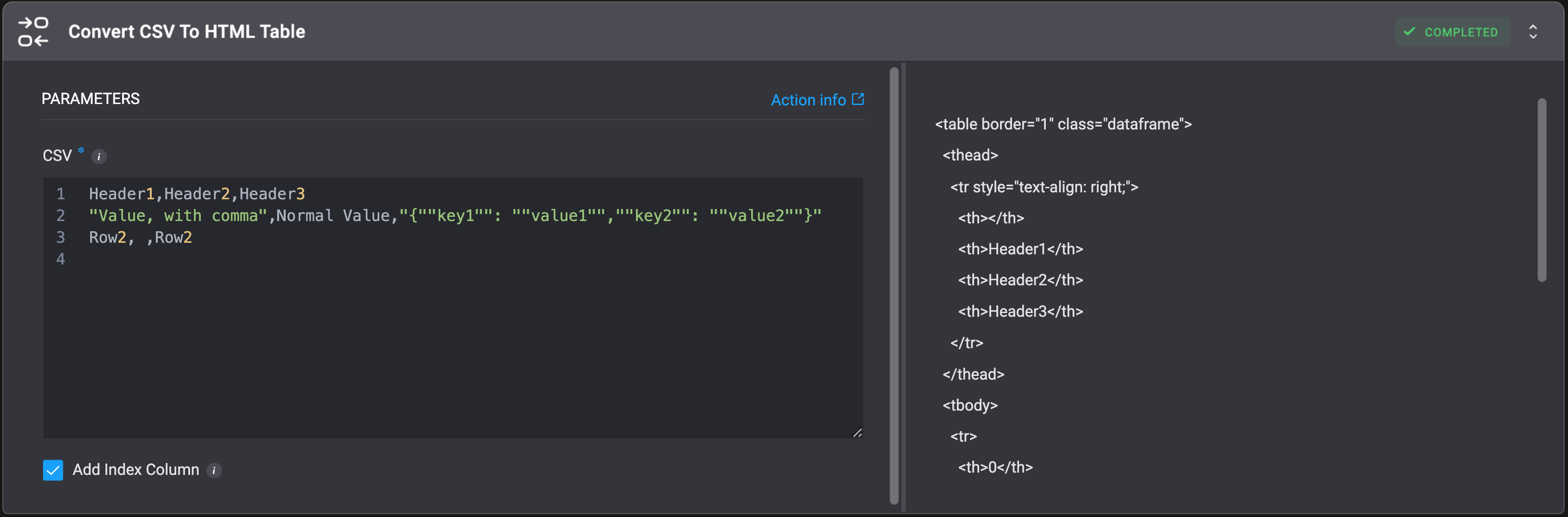
## Convert CSV To HTML Table
Convert a CSV input to a HTML table.
**Notes:**
* All rows must have the same number of columns as the header (RFC 4180 compliant).
* The first row of the CSV will become the header and every row after it will be a new entry in the final HTML table.
* Any value containing a comma (`,`) must be enclosed in double quotes (`"..."`). The opening quote must appear immediately after the comma separator (no space).
* To include a literal double quote in a value, escape it by using two double quotes (`""`). This is especially important for JSON strings within a CSV cell.
| Parameter | Description |
| ---------------- | ------------------------------------------------------------------------------------------------------------------------------------------------------------------- |
| CSV Object | The CSV input to convert.
Example: `Header1,Header2,Header3 "Value, with comma",Normal Value,"{""key1"": ""value1"",""key2"": ""value2""}" Row2, ,Row2` |
| Add Index Column | Select to add an index column with row numbers. |
 ## Convert CSV To JSON
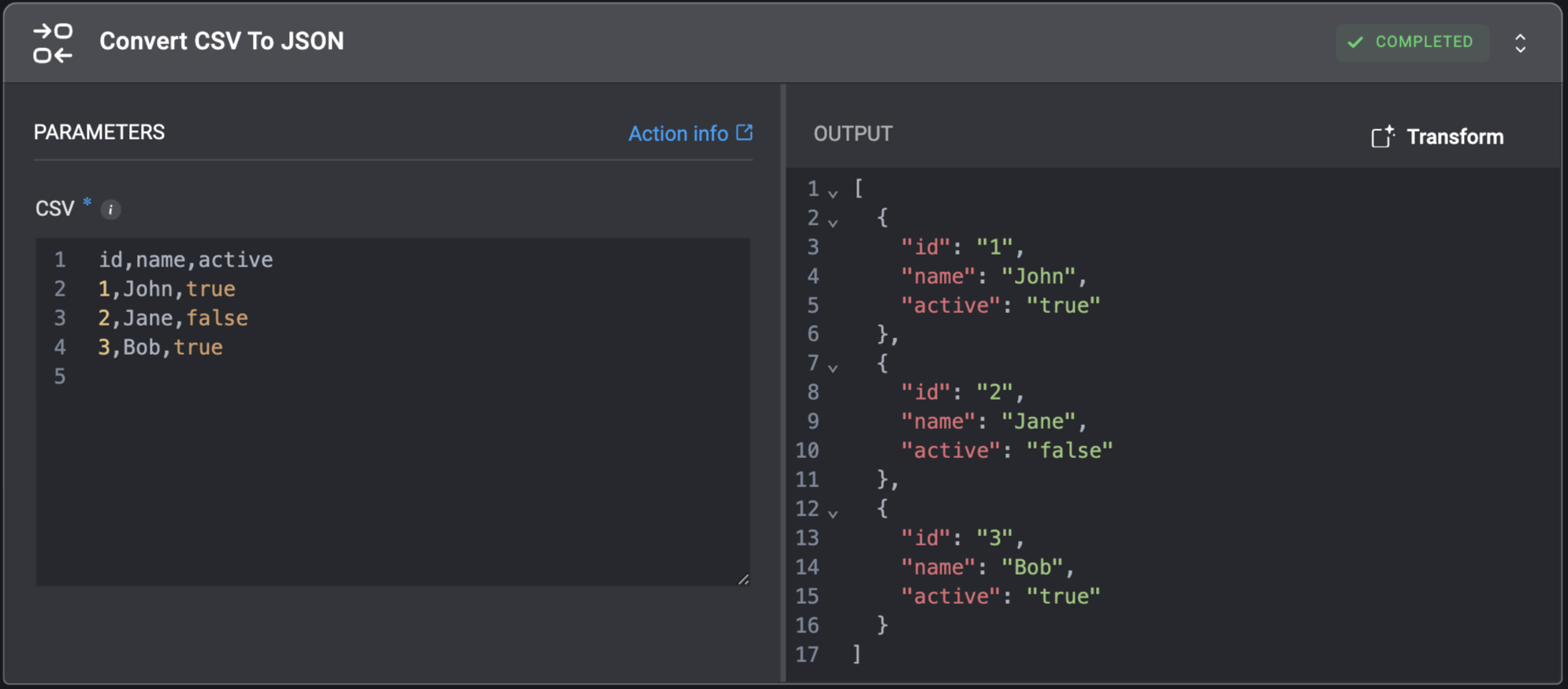
Convert a CSV object to a JSON object.
## Convert CSV To JSON
Convert a CSV object to a JSON object.
| Parameter | Description |
| ---------- | ----------------------------------------- |
| CSV Object | CSV object to convert to the JSON format. |
 ## Convert EML To JSON
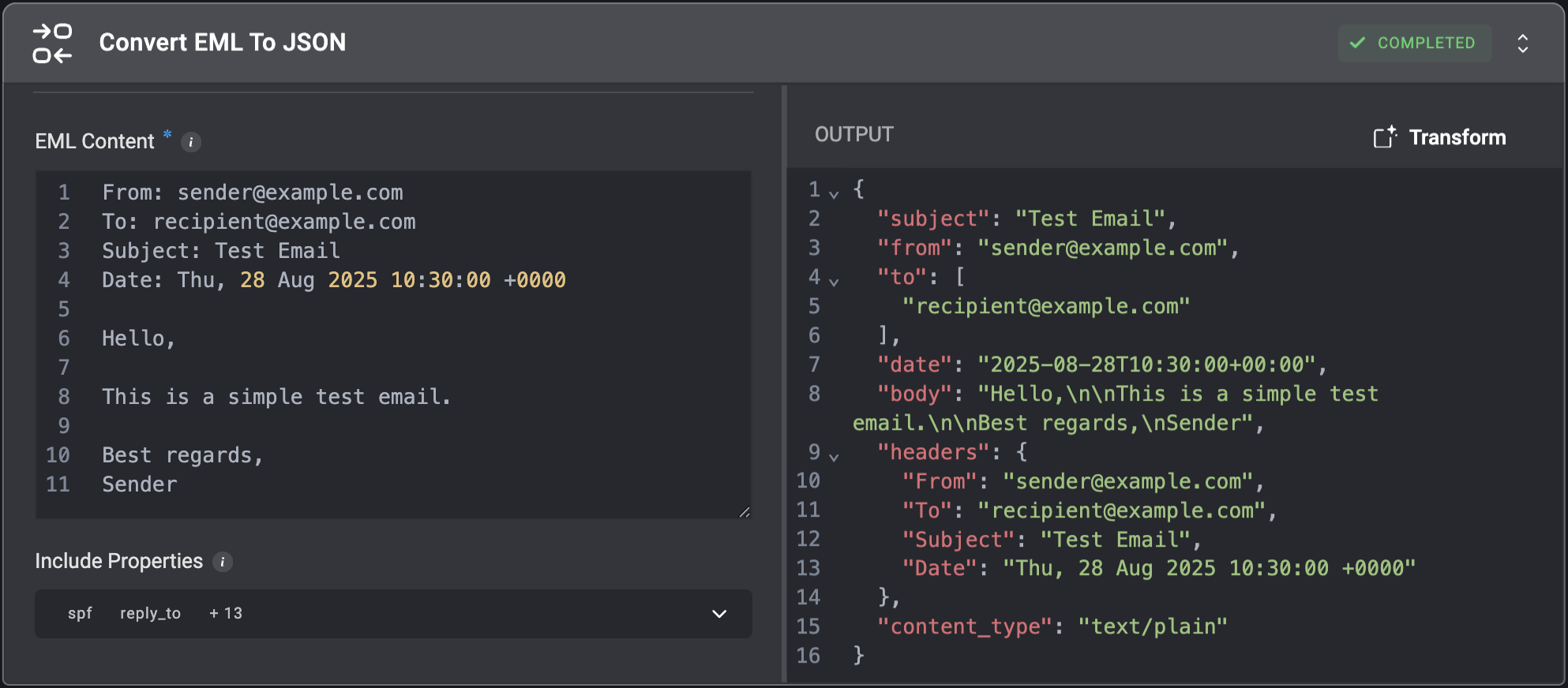
Convert EML data to JSON structure.
## Convert EML To JSON
Convert EML data to JSON structure.
| Parameter | Description |
| ------------------ | -------------------------------------------------------------------------------------------------------------------------------------------------------------------------------------------------------------------------------------------------------------------------------------------------------------------------------------------------------------------------------------------------------------------------------------------------------------------------------------------------------------------------------------------------------------------------------------------------------------------------------------------------------------------------------------------------------------------------------------------------------------------------------------------------------------------------------------------------------------------------------------------------------------------------------------------------------------------------------------------------------------------------------------------------------------------------------------------------------------------------------------------------------------------------------------------------------------------------------------------------------------------------------------------------------------------------------------------------------------------------------------------------------------------------------------------------------------------------------------------------------------- |
| EML Content | The EML string which will be converted to JSON. |
| Include Properties | Select which advanced email properties to include in the JSON result.
Advanced email data options:
• `cc` - Carbon copy recipients who receive a visible copy of the email.
• `bcc` - Blind carbon copy recipients who receive a hidden copy of the email.
• `reply_to` - The email address that replies should be sent to, which may differ from the sender.
• `message_id` - Unique identifier assigned to each email message.
• `in_reply_to` - Message ID of the email this message is responding to.
• `references` - Chain of Message IDs showing the conversation history.
• `attachments` - Files included with the email message.
• `headers` - Collection of all metadata fields in the email.
• `content_type` - Format of the email content (e.g., text/plain, text/html).
• `content_transfer_encoding` - Method used to encode the message content for transmission.
• `mime_version` - Version of MIME protocol used to structure the email.
• `return_path` - Email address for handling bounce-back messages.
• `delivered_to` - Final recipient's email address after any forwarding.
• `received` - Tracking information added by each server that processed the email.
• `authentication_results` - Results of email authentication checks.
• `dkim_signature` - Digital signature to verify the email's authenticity.
• `spf` - Sender Policy Framework record to prevent email spoofing. |
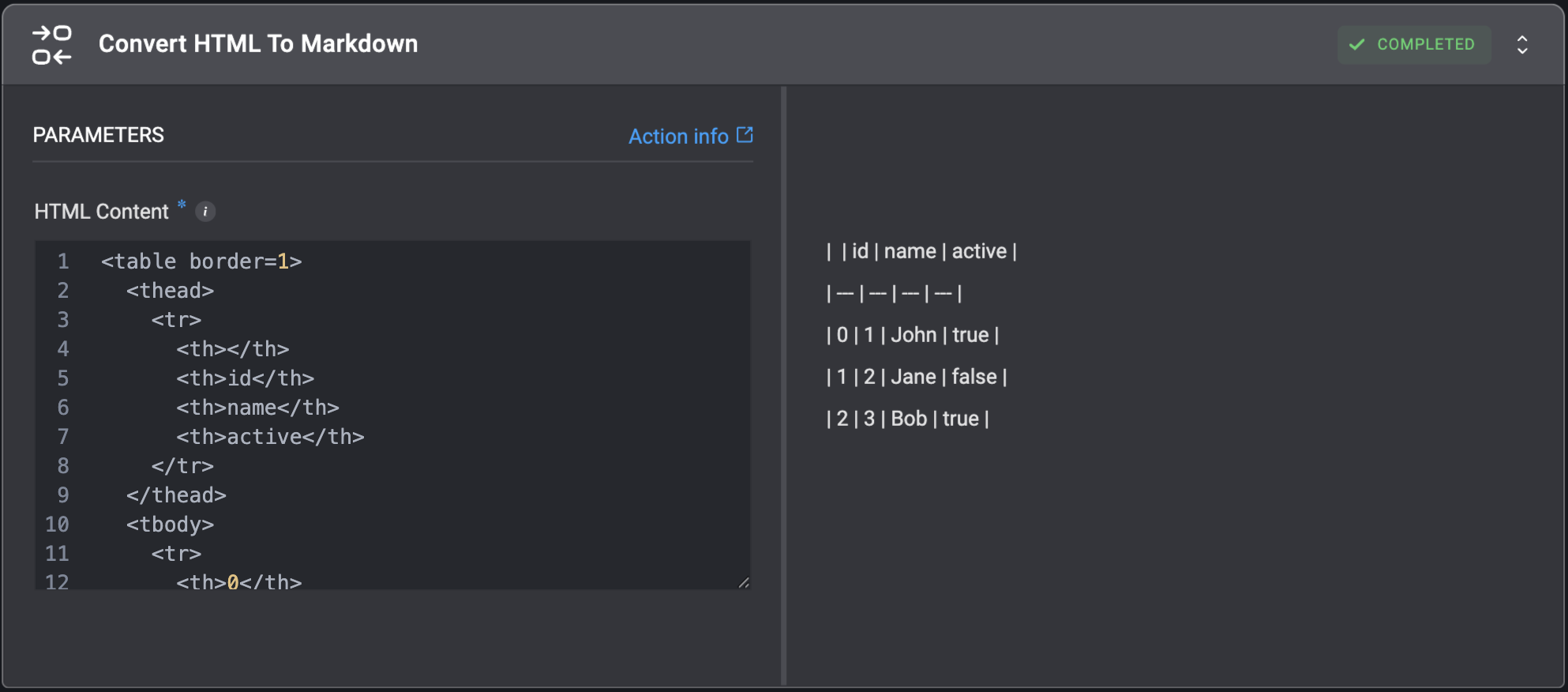
 ## Convert HTML To Markdown
Convert HTML string to Markdown format.
## Convert HTML To Markdown
Convert HTML string to Markdown format.
| Parameter | Description |
| ------------ | ------------------------------------------------------------------------------------------------------------------------------------------------------------------------------------------------------------------------------------------------------------------------------------------------------------- |
| HTML Content | The HTML string which will be converted to Markdown.
For example, for the HTML string:
`
Automate Everything With
Blink Ops`
The Markdown output will be:
`**Automate Everything** With [Blink Ops](https://www.blinkops.com/)` |
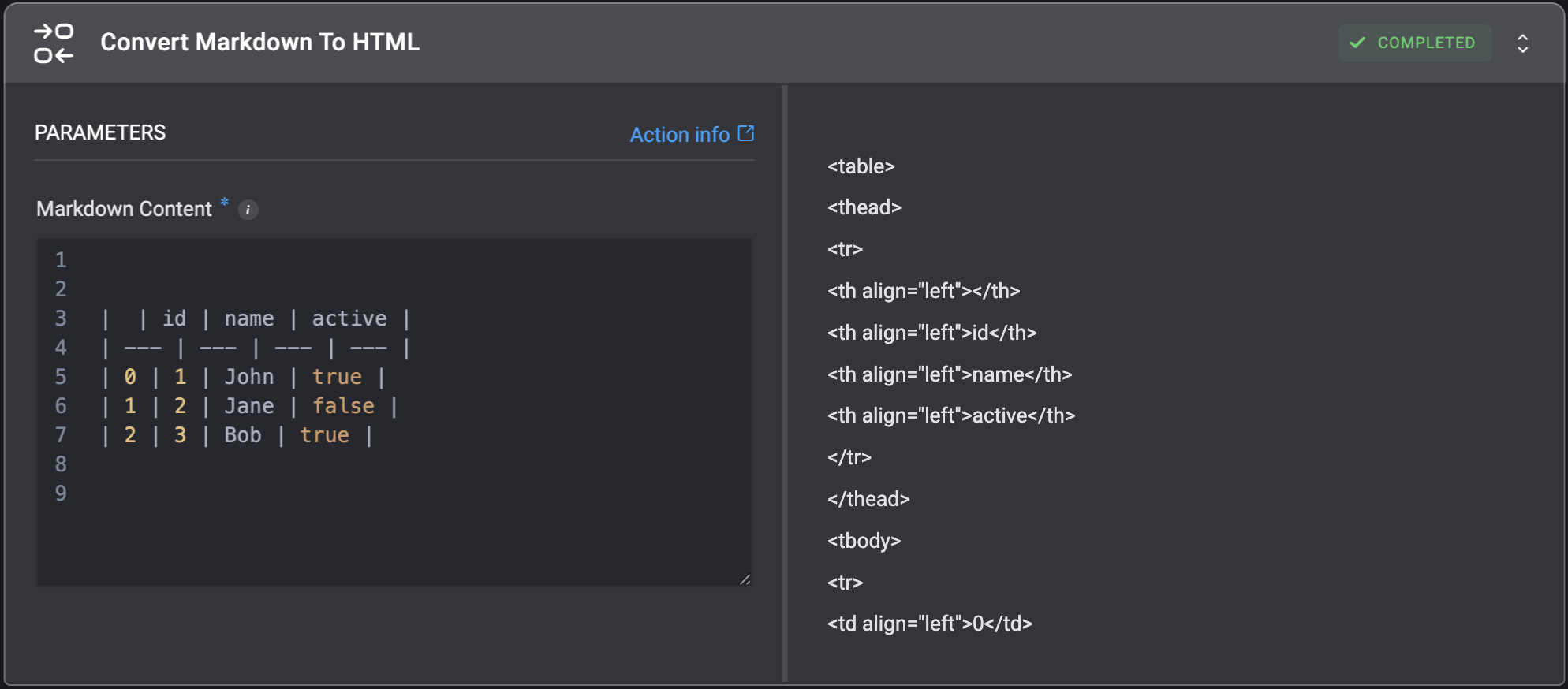
 ## Convert Markdown To HTML
Convert Markdown string to HTML format.
## Convert Markdown To HTML
Convert Markdown string to HTML format.
| Parameter | Description |
| ---------------- | ------------------------------------------------------------------------------------------------------------------------------------------------------------------------------------------------------------------------------------------------------- |
| Markdown Content | The Markdown string which will be converted to HTML.
For example, for the Markdown string:
`[Blink Ops](https://www.blinkops.com/)`
The HTML output will be:
`
Blink Ops
` |
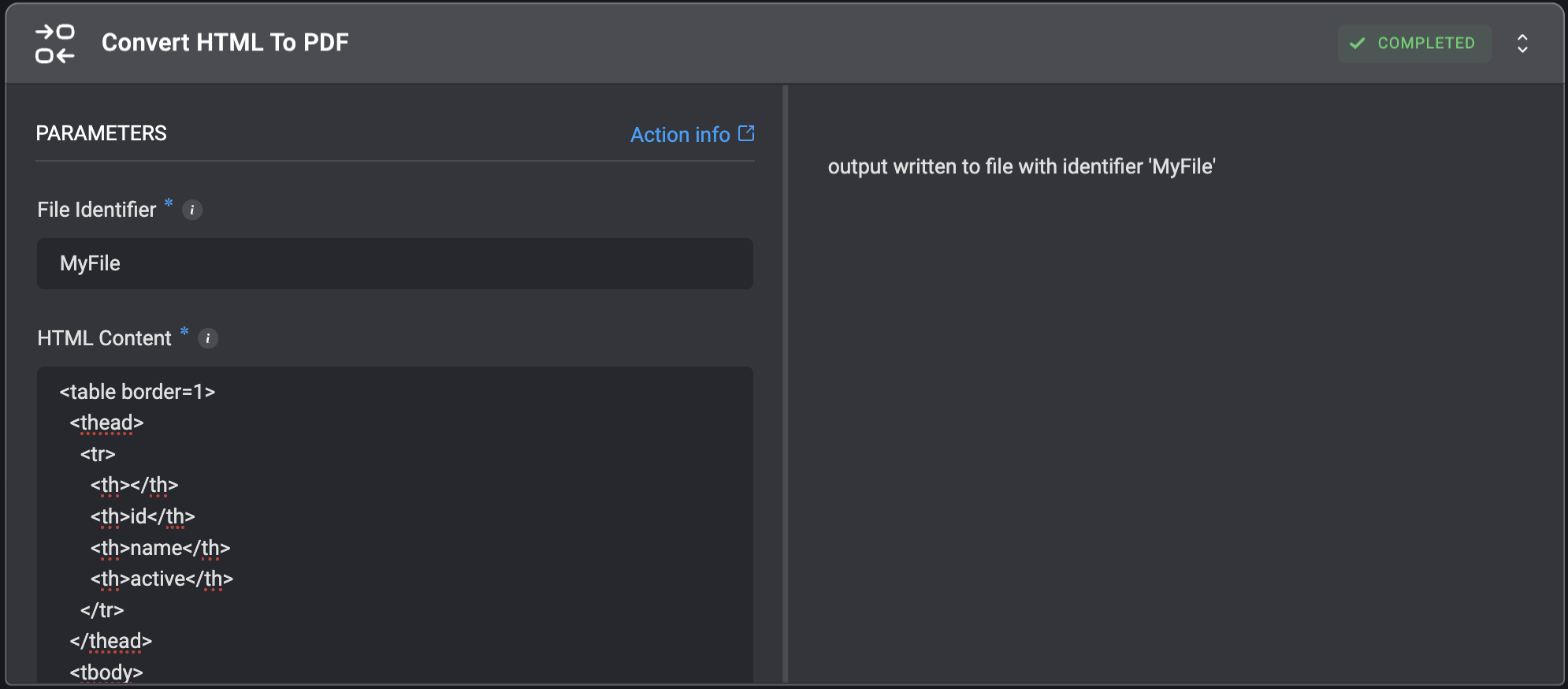
 ## Convert HTML To PDF
Convert HTML to a `.pdf` file.
## Convert HTML To PDF
Convert HTML to a `.pdf` file.
| Parameter | Description |
| --------------- | ------------------------------------------------------------------------------- |
| File Identifier | The identifier of the file. This will be used as an input for subsequent steps. |
| HTML Content | The HTML code to render. |
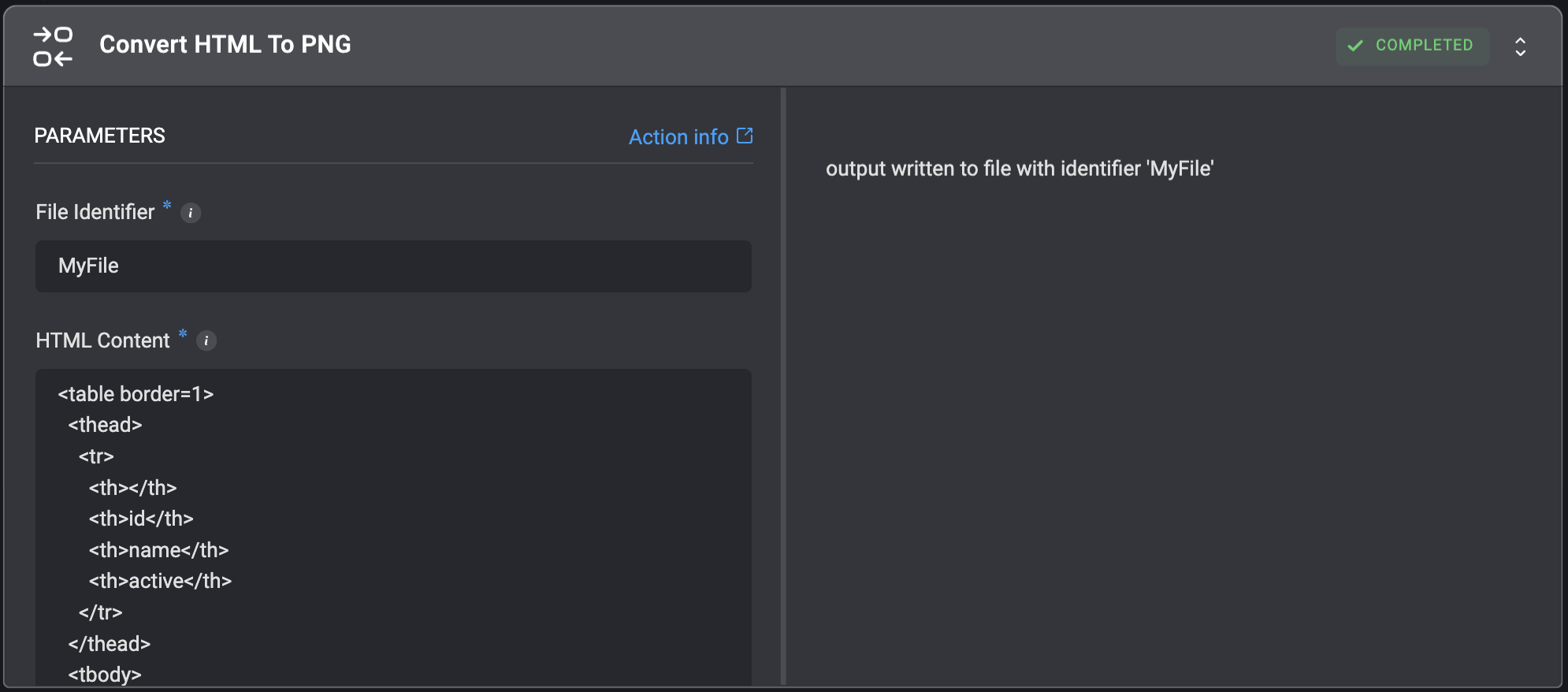
 ## Convert HTML To PNG
Convert HTML to a `.png` file.
## Convert HTML To PNG
Convert HTML to a `.png` file.
| Parameter | Description |
| --------------- | ---------------------------------------------------------------------------- |
| File Identifier | The identifier of the file. This will be used as input for subsequent steps. |
| HTML Content | The HTML code to render. |
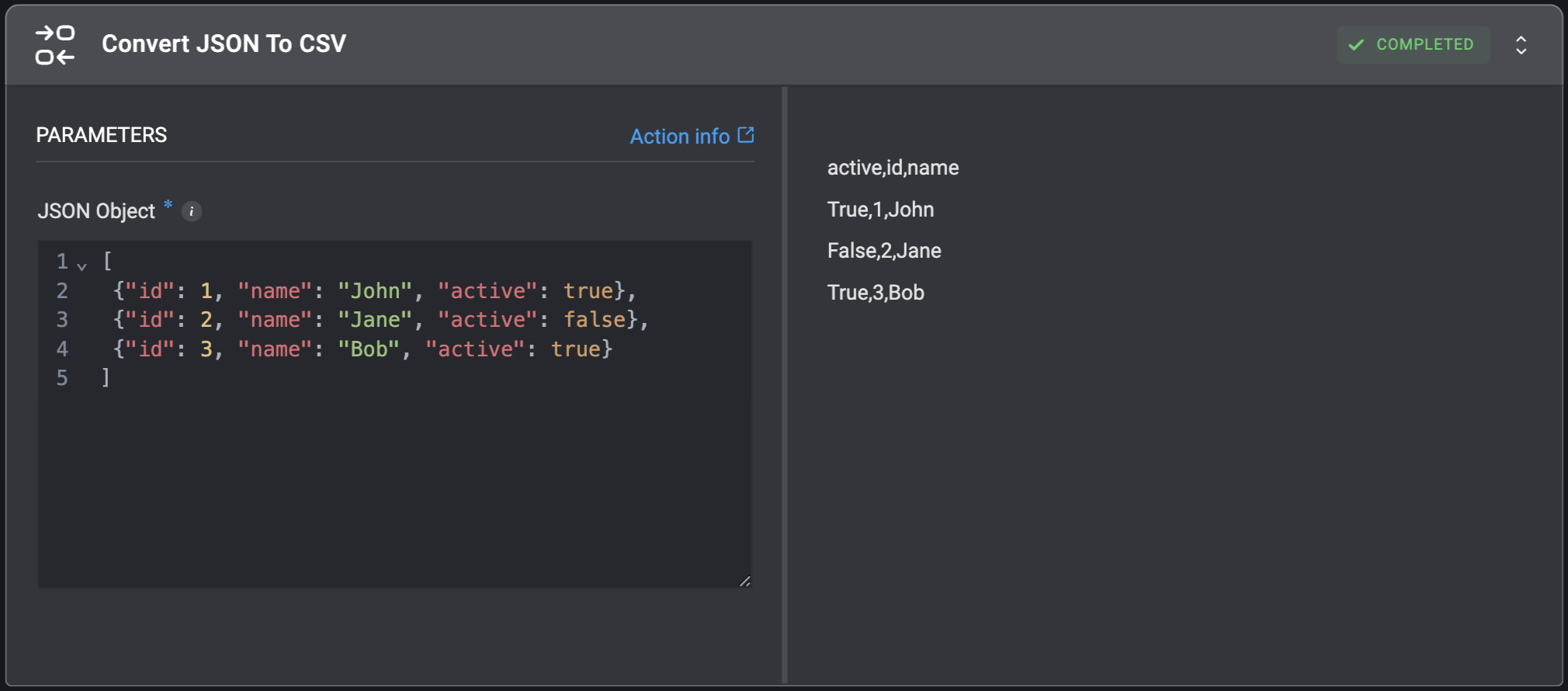
 ## Convert JSON To CSV
Convert a JSON object to a CSV object.
## Convert JSON To CSV
Convert a JSON object to a CSV object.
| Parameter | Description |
| ----------- | ----------------------------------------- |
| JSON Object | JSON object to convert to the CSV format. |
 ## Convert JSON To YAML
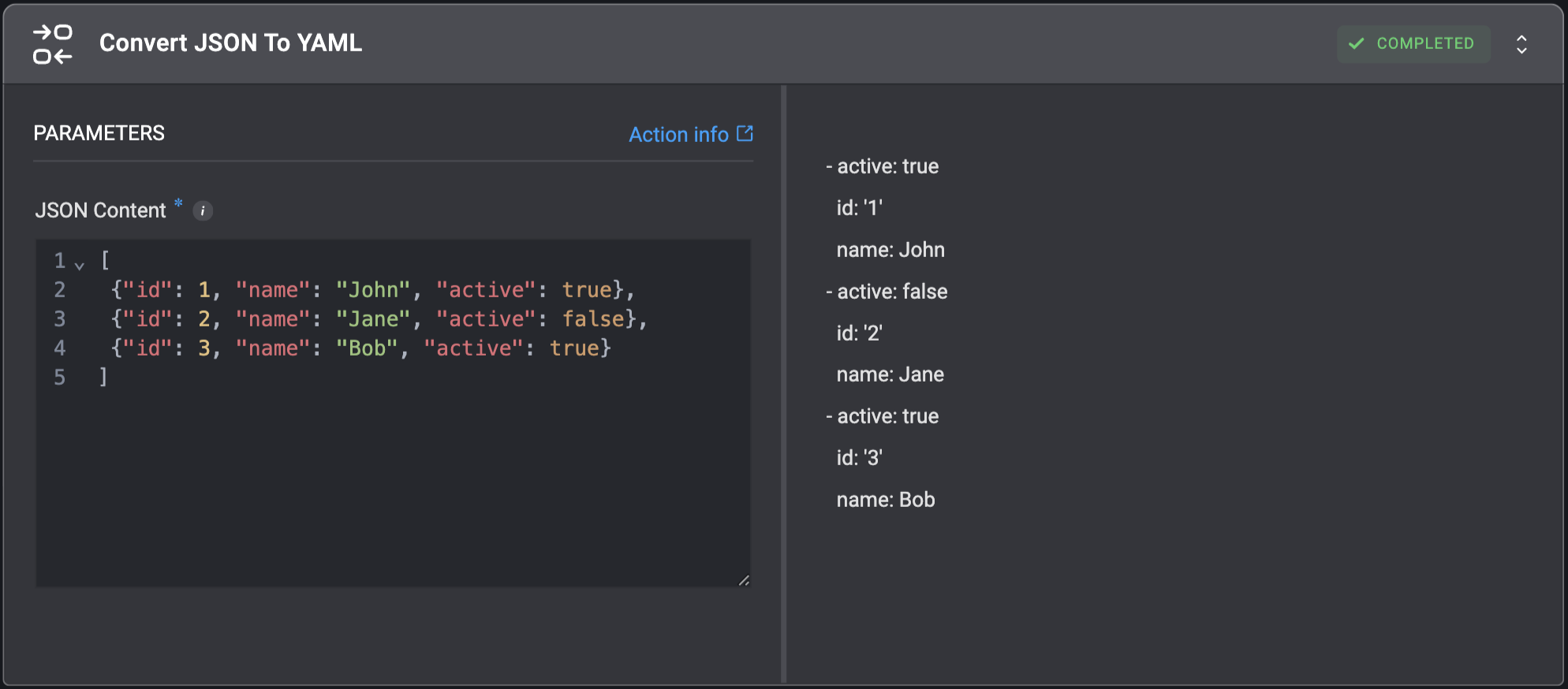
Convert JSON string to YAML.
## Convert JSON To YAML
Convert JSON string to YAML.
| Parameter | Description |
| ------------ | ------------------------------------------------ |
| JSON Content | The JSON string which will be converted to YAML. |
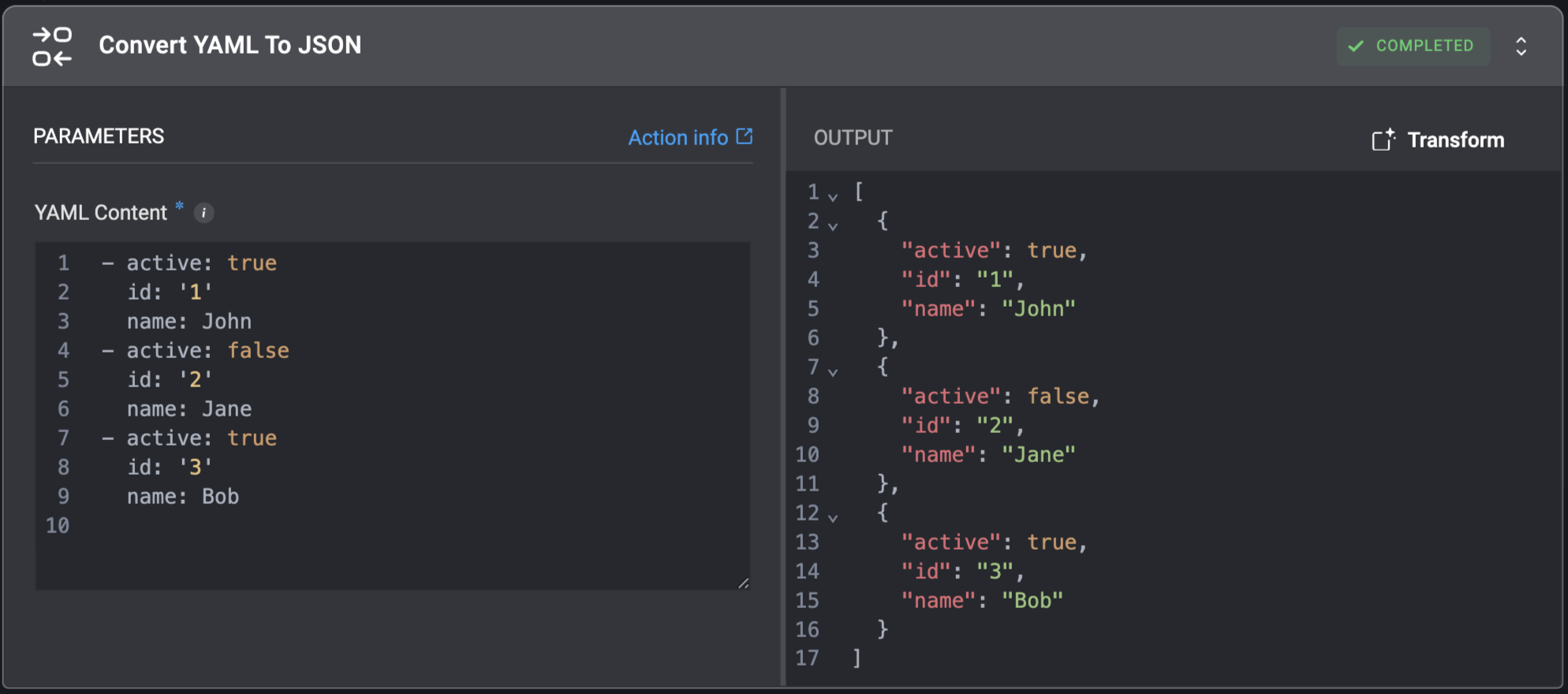
 ## Convert YAML To JSON
Convert YAML string to JSON.
## Convert YAML To JSON
Convert YAML string to JSON.
| Parameter | Description |
| ------------ | ------------------------------------------------ |
| YAML Content | The YAML string which will be converted to JSON. |