> ## Documentation Index
> Fetch the complete documentation index at: https://docs.blinkops.com/llms.txt
> Use this file to discover all available pages before exploring further.
# Cryptographic Utilities
> Essential security and encoding operations for data protection and transformation.
## Decode Base64
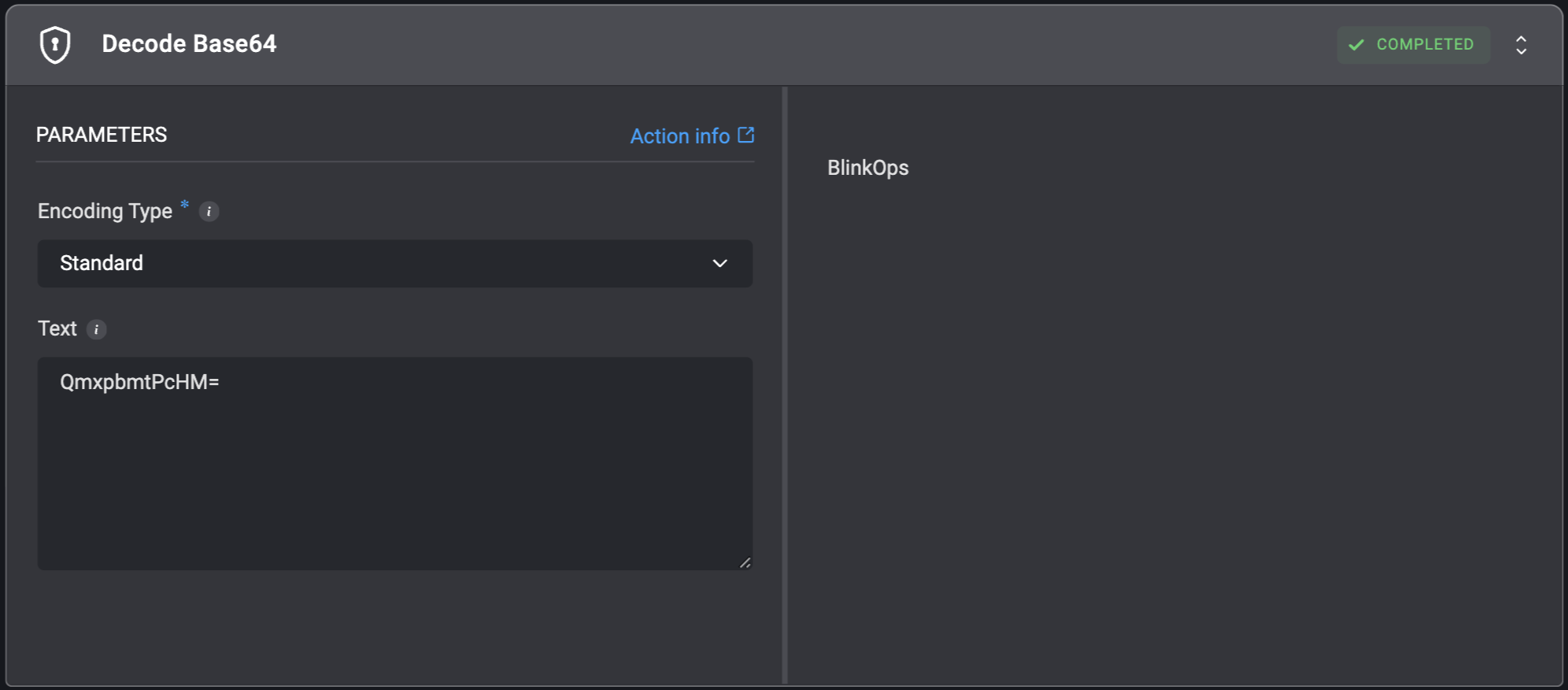
Decodes the input text from base64 and prints the result to the output screen. The action supports either standard base64 or URL base64 encoding.
| Parameter | Description |
| ------------- | ----------------------------------------- |
| Text | The text to decode. |
| Encoding Type | The type of encoding: `Standard` or `URL` |
 ## Decode Hex
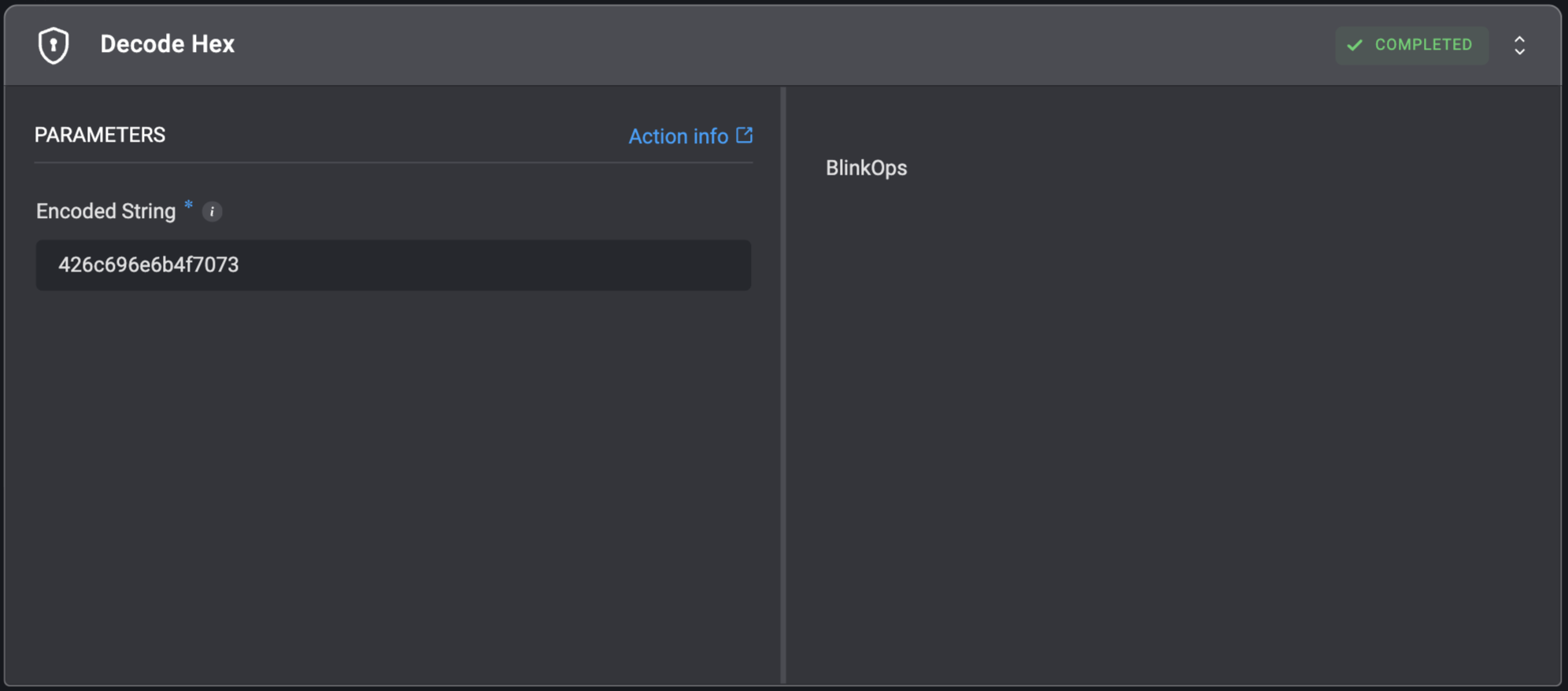
Converts a hex-encoded string to a string.
For example:
For the hexadecimal encoded string: `626C696E6B`, the returned string will be: `blink`.
## Decode Hex
Converts a hex-encoded string to a string.
For example:
For the hexadecimal encoded string: `626C696E6B`, the returned string will be: `blink`.
| Parameter | Description |
| -------------- | ------------------------------------------------------------------- |
| Encoded String | The string that needs to be decoded. Bytes are decoded using UTF-8. |
 ## Decode JWT
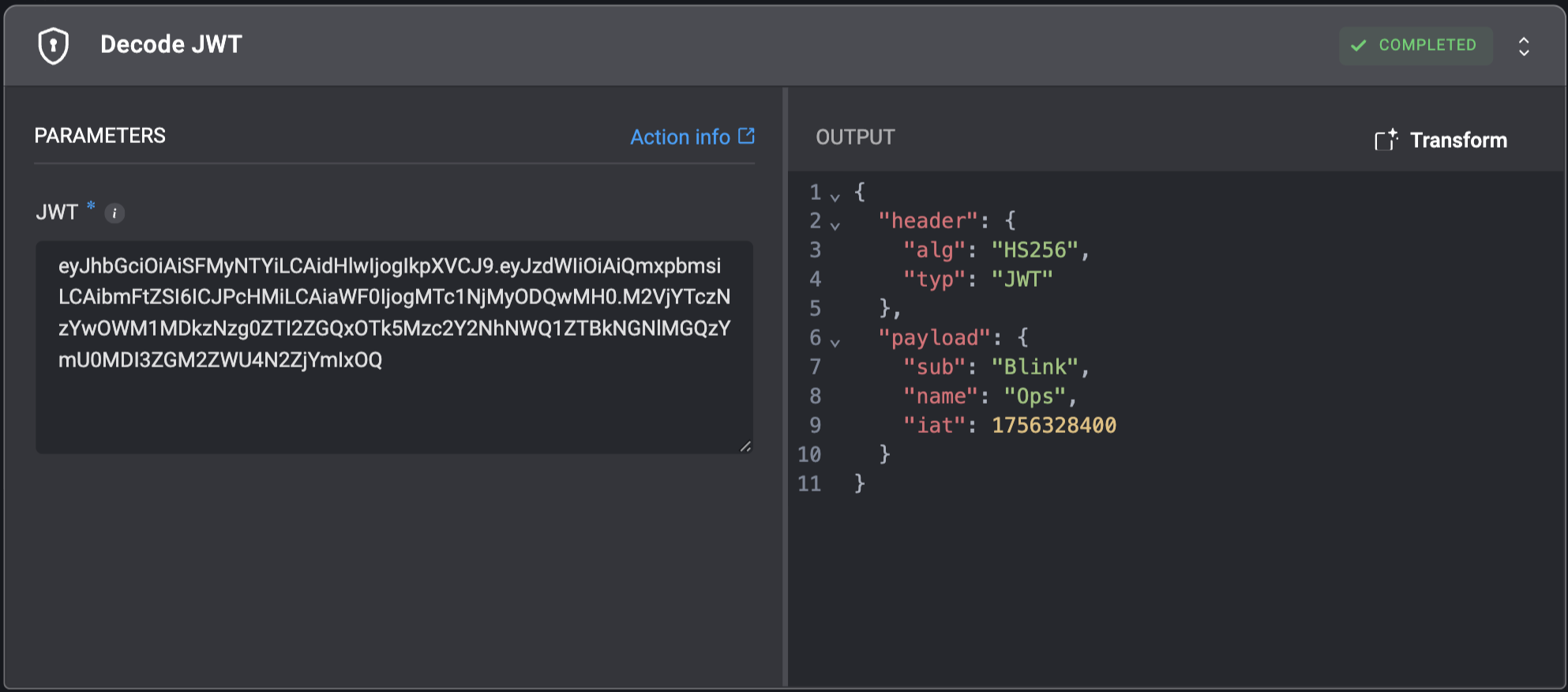
Decode a JSON Web Token (JWT).
## Decode JWT
Decode a JSON Web Token (JWT).
| Parameter | Description |
| --------- | ------------------------------------------------------- |
| JWT | The complete JSON Web Token (JWT) string to be decoded. |
 ## Encode Base64
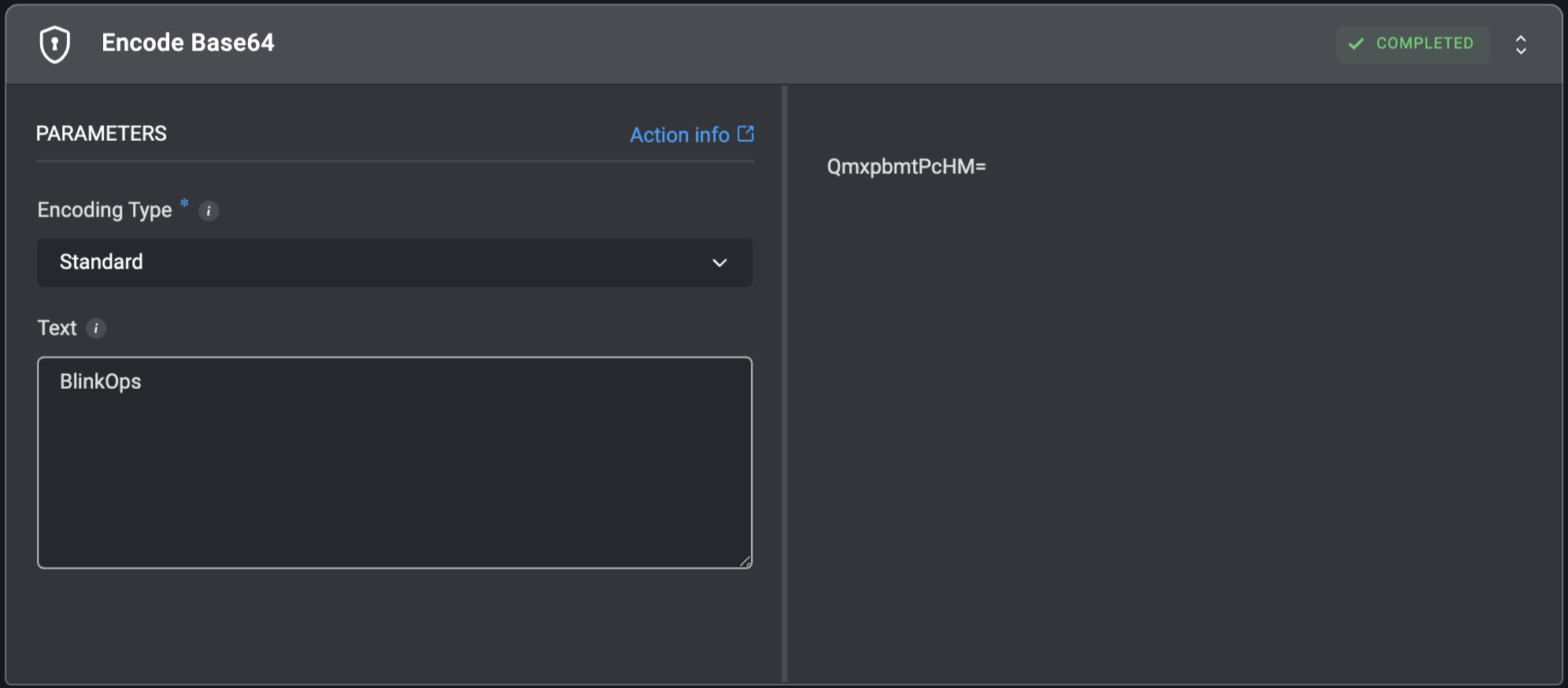
Encodes the input text to base64 and prints the result to the output screen. The action supports either standard base64 or URL base64 encoding.
## Encode Base64
Encodes the input text to base64 and prints the result to the output screen. The action supports either standard base64 or URL base64 encoding.
| Parameter | Description |
| ------------- | --------------------------------------------------- |
| Text | The text to encode. |
| Encoding Type | The type of encoding to decode: `Standard` or `URL` |
 ## Encode Hex
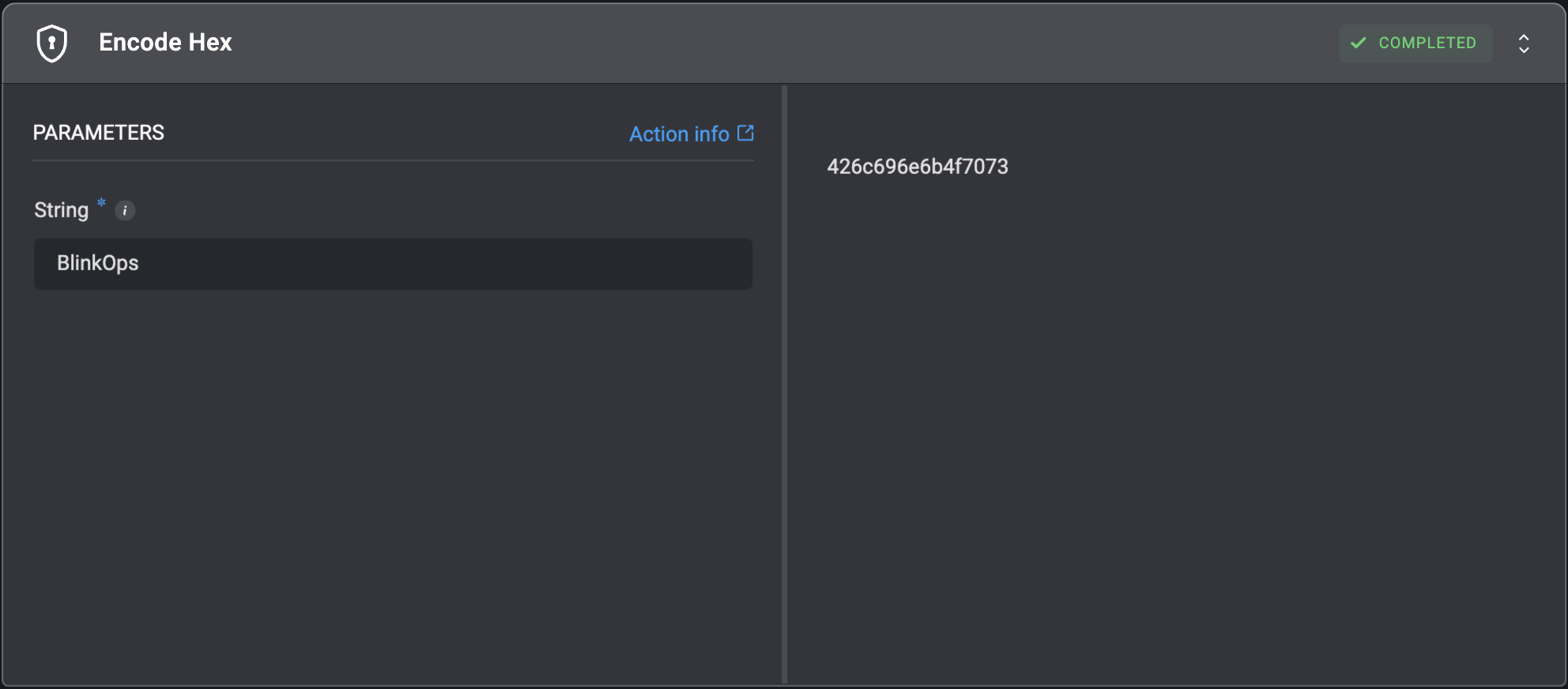
Converts a regular string to its hex representation, encoding each character of the string into hexadecimal format.
For example:
For input string: `blink`, the returned hexadecimal string will be: `626c696e6b`.
## Encode Hex
Converts a regular string to its hex representation, encoding each character of the string into hexadecimal format.
For example:
For input string: `blink`, the returned hexadecimal string will be: `626c696e6b`.
| Parameter | Description |
| --------- | --------------------------------------------------------------------------------------------------------------- |
| String | The string that will be encoded. First, it encodes the string to bytes (using UTF-8) and then the bytes to hex. |
 ## Encode JWT
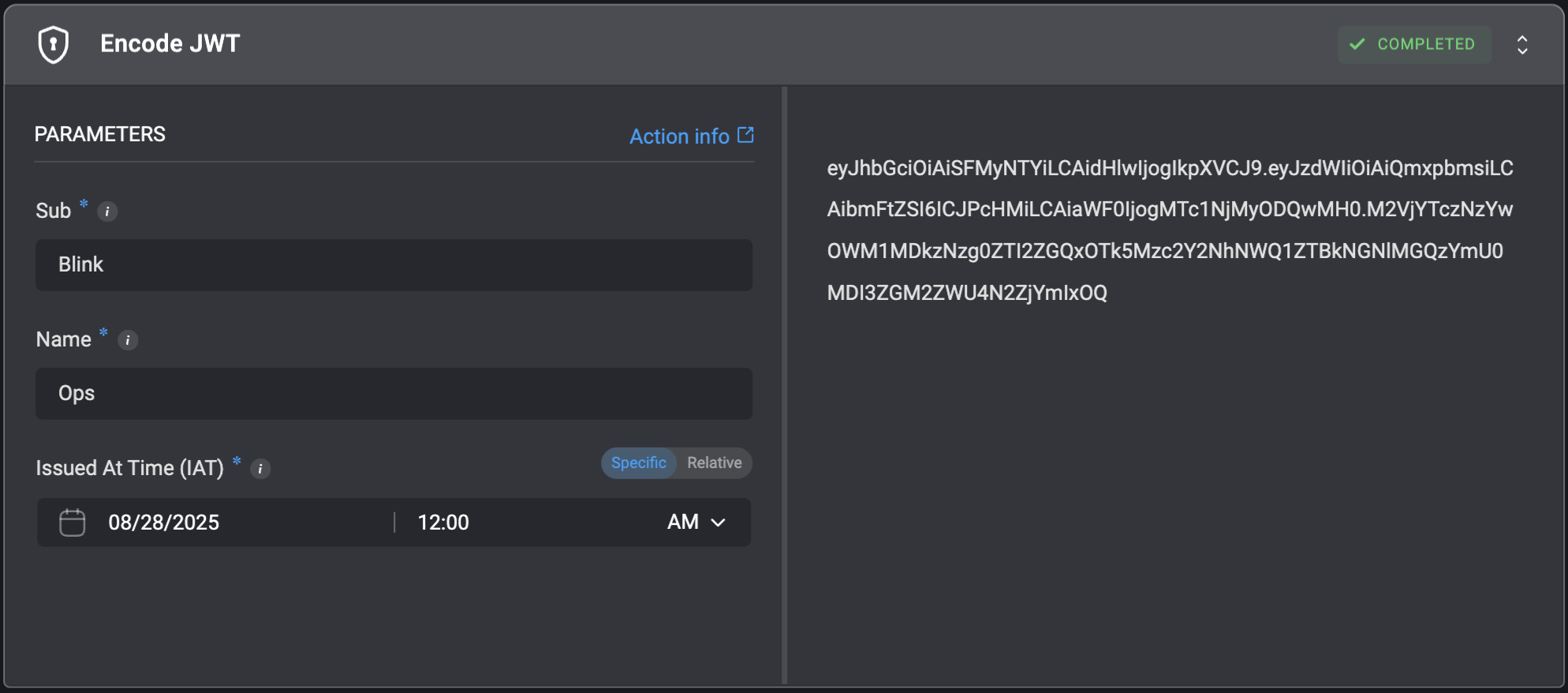
Encode JSON Web Token (JWT).
## Encode JWT
Encode JSON Web Token (JWT).
| Parameter | Description |
| -------------------- | ------------------------------------------------------------ |
| Sub | The subject identifier for whom this token is being created. |
| Name | The human-readable name associated with the subject. |
| Issued At Time (IAT) | The timestamp when this token was issued. |
 ## Generate MD5 Hash
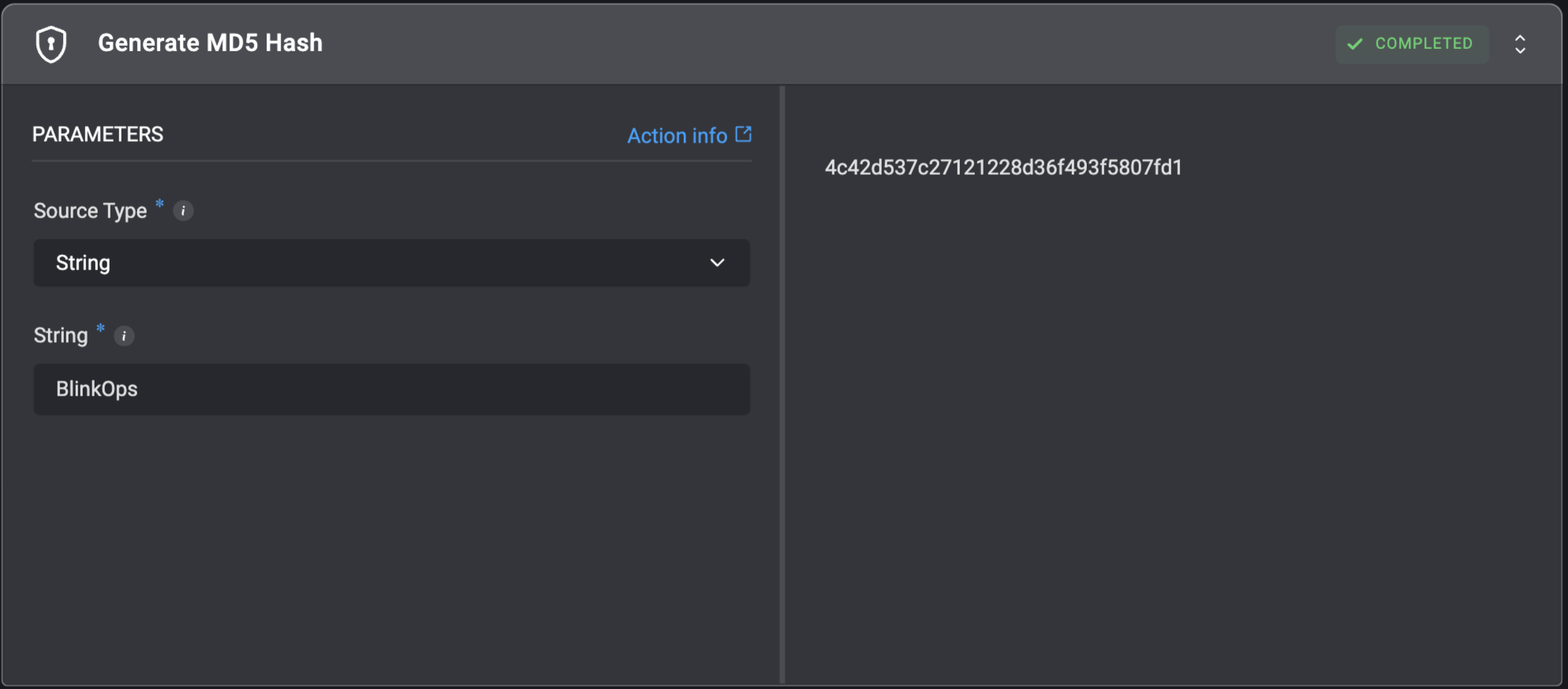
Generates a MD5 hash from a string or from a file.
For example:
For input string: `blink`, the returned generated MD5 hash will be: `40652ee9ae143f1c1c830f01a5449ecb`.
## Generate MD5 Hash
Generates a MD5 hash from a string or from a file.
For example:
For input string: `blink`, the returned generated MD5 hash will be: `40652ee9ae143f1c1c830f01a5449ecb`.
| Parameter | Description |
| ----------------- | ------------------------------------------------------------------------------------------------------------------------------------------------------------------------------------------------------------------------------------------------------------------------------------------------------------------------------------------------------------------------------------------------------------------------------------------------------------------------ |
| Source Type | Select whether to generate the hash from the `String` or from a `File`. |
| String | The string from which to generate the MD5 hash. |
| File Path | The file from which to generate the MD5 hash. |
| Working Directory | The directory where the file is located. The filesystem state is preserved across steps using this directory to ensure that files and changes persist for continuity.
For more information - refer to the [Create Working Directory](https://docs.blinkops.com/docs/workflows/building-workflows/actions/utility-actions/file_system-utilities#create-working-directory) action documentation for guidance on setting up and selecting working directories. |
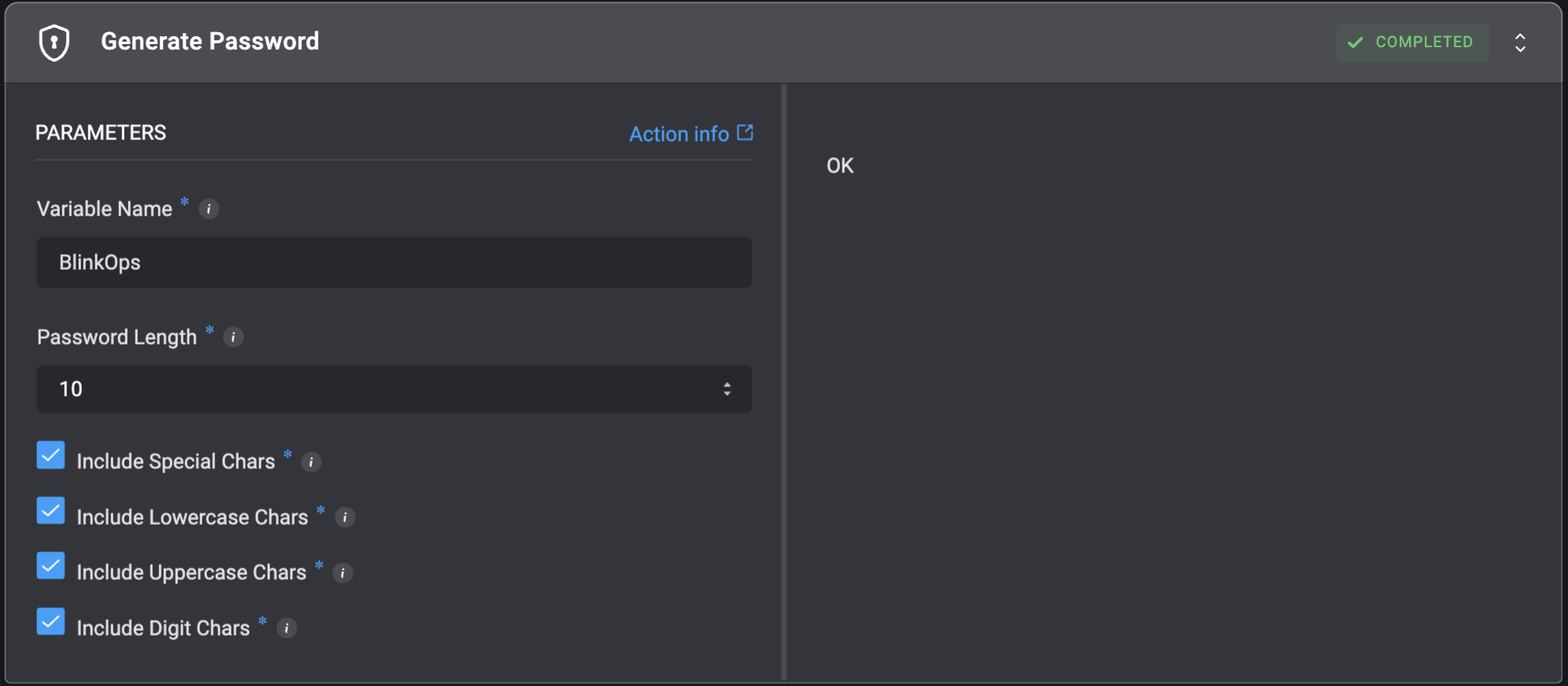
 ## Generate Password
Generates a secret password and stores it in a variable.
## Generate Password
Generates a secret password and stores it in a variable.
| Parameter | Description |
| ----------------------- | ------------------------------------------------------------ |
| Variable Name | The name of the variable to store the generated password in. |
| Password Length | The password length, default 10. |
| Include Special Chars | `[!-*]` character set - `!@#$%&*`. |
| Include Lowercase Chars | `[a-z]` character set - `abcdedfghijklmnopqrst`. |
| Include Uppercase Chars | `[A-Z]` character set - `ABCDEFGHIJKLMNOPQRSTUVWXYZ`. |
| Include Digit Chars | `[0-9]` character set - `0123456789`. |
 ## Generate SHA1 Hash
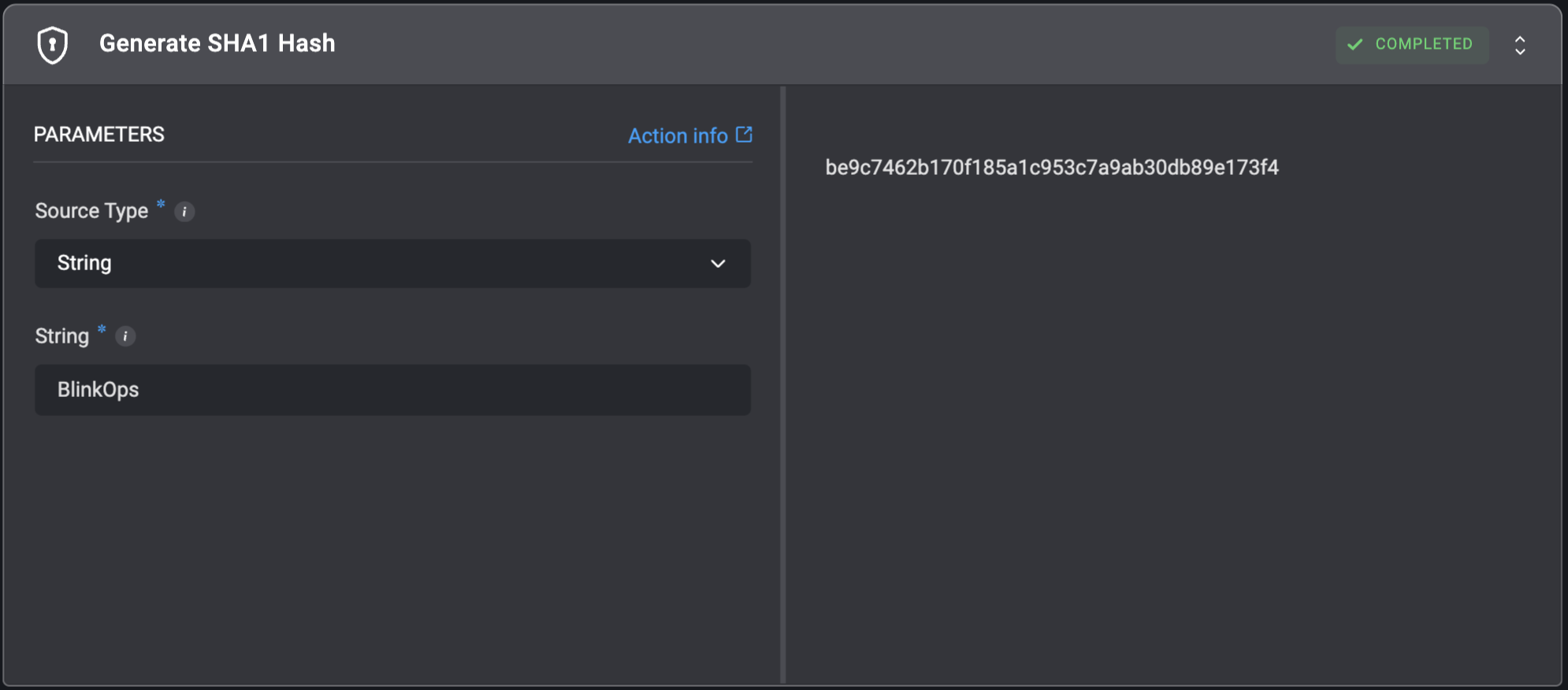
Generates a SHA1 hash from a string or from a file.
For example:
For input string: `blink`, the returned generated SHA1 hash will be: `dcae3a7a7c14a77ef384f1c5df6e63edc780eba0`.
## Generate SHA1 Hash
Generates a SHA1 hash from a string or from a file.
For example:
For input string: `blink`, the returned generated SHA1 hash will be: `dcae3a7a7c14a77ef384f1c5df6e63edc780eba0`.
| Parameter | Description |
| ----------------- | ------------------------------------------------------------------------------------------------------------------------------------------------------------------------------------------------------------------------------------------------------------------------------------------------------------------------------------------------------------------------------------------------------------------------------------------------------------------------ |
| Source Type | Select whether to generate the hash from the `String` or from a `File`. |
| String | The string from which to generate the SHA1 hash. |
| File Path | The path of the file from which to generate the SHA1 hash. |
| Working Directory | The directory where the file is located. The filesystem state is preserved across steps using this directory to ensure that files and changes persist for continuity.
For more information - refer to the [Create Working Directory](https://docs.blinkops.com/docs/workflows/building-workflows/actions/utility-actions/file_system-utilities#create-working-directory) action documentation for guidance on setting up and selecting working directories. |
 ## Generate SHA256 Hash
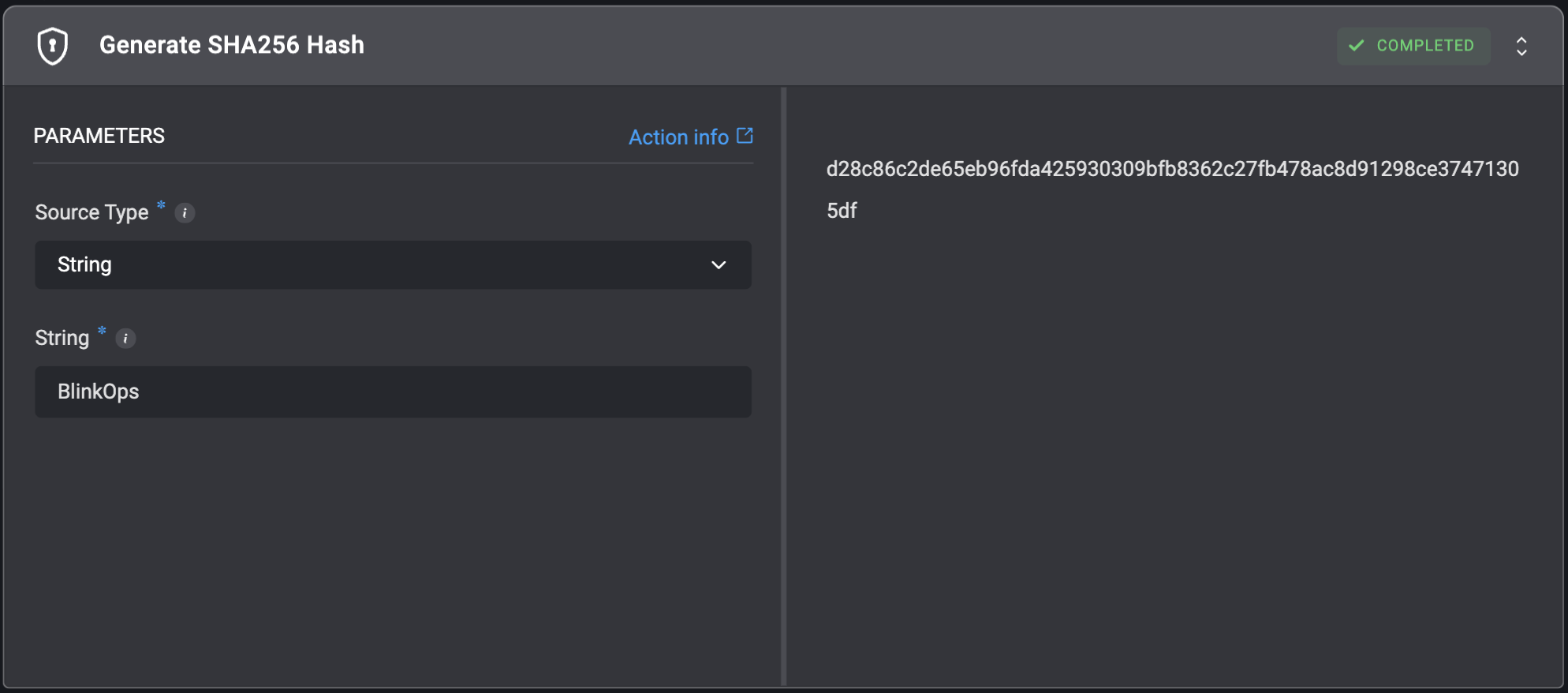
Generates a SHA256 hash from a string or from a file.
For example:
For input string: `blink`, the returned generated SHA256 hash will be: `e14a51fded1fb9b43de815d3832da099053b583f1d2c01d0495a70f118df426c`.
## Generate SHA256 Hash
Generates a SHA256 hash from a string or from a file.
For example:
For input string: `blink`, the returned generated SHA256 hash will be: `e14a51fded1fb9b43de815d3832da099053b583f1d2c01d0495a70f118df426c`.
| Parameter | Description |
| ----------------- | ------------------------------------------------------------------------------------------------------------------------------------------------------------------------------------------------------------------------------------------------------------------------------------------------------------------------------------------------------------------------------------------------------------------------------------------------------------------------ |
| Source Type | Select whether to generate the hash from the `String` or from a `File`. |
| String | The string from which to generate the SHA256 hash. |
| File Path | The path of the file from which to generate the SHA256 hash. |
| Working Directory | The directory where the file is located. The filesystem state is preserved across steps using this directory to ensure that files and changes persist for continuity.
For more information - refer to the [Create Working Directory](https://docs.blinkops.com/docs/workflows/building-workflows/actions/utility-actions/file_system-utilities#create-working-directory) action documentation for guidance on setting up and selecting working directories. |
 ## Generate UUID V4
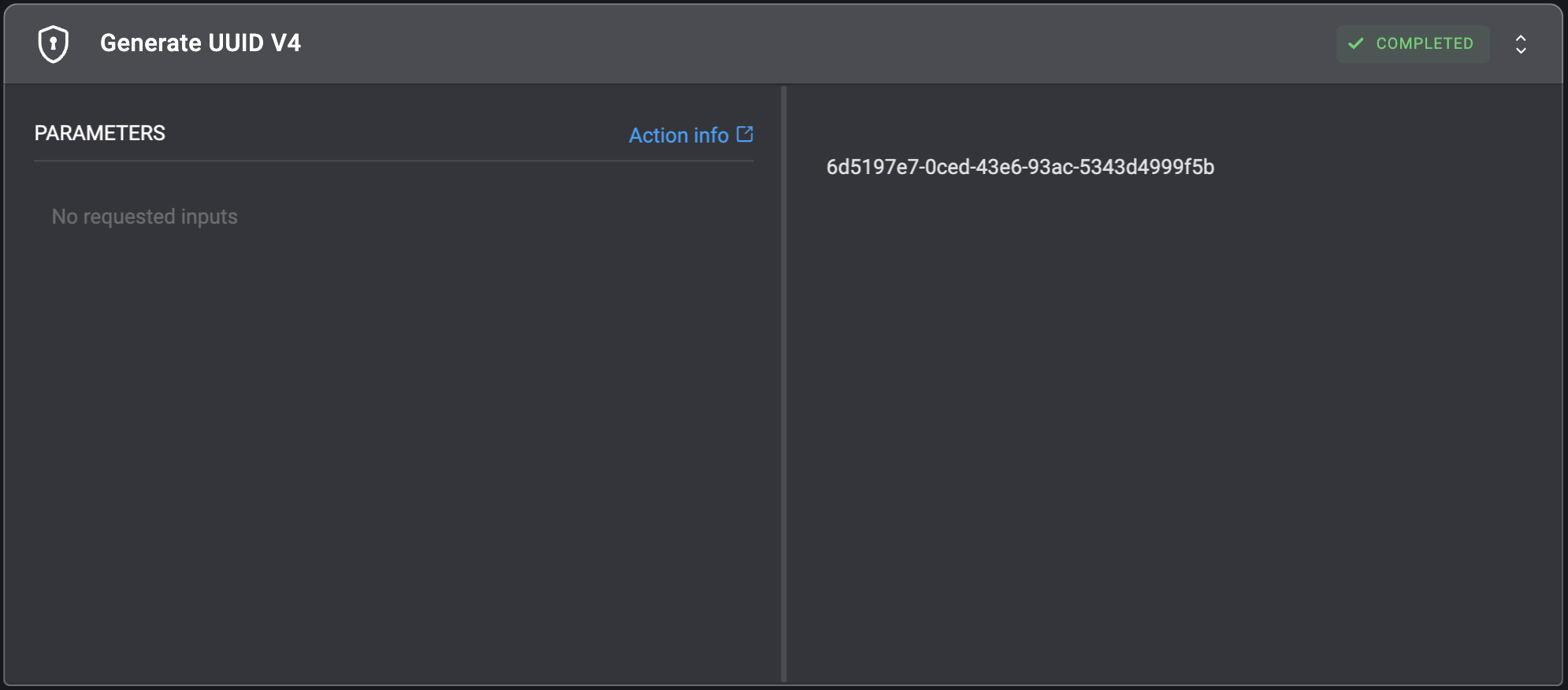
Generates a random version 4 UUID.
**Note**: A Version 4 UUID is a universally unique identifier that is generated using random numbers. There is no warranty that the provided UUID is unique.
## Generate UUID V4
Generates a random version 4 UUID.
**Note**: A Version 4 UUID is a universally unique identifier that is generated using random numbers. There is no warranty that the provided UUID is unique.
 ## Get TLS Certificate Information
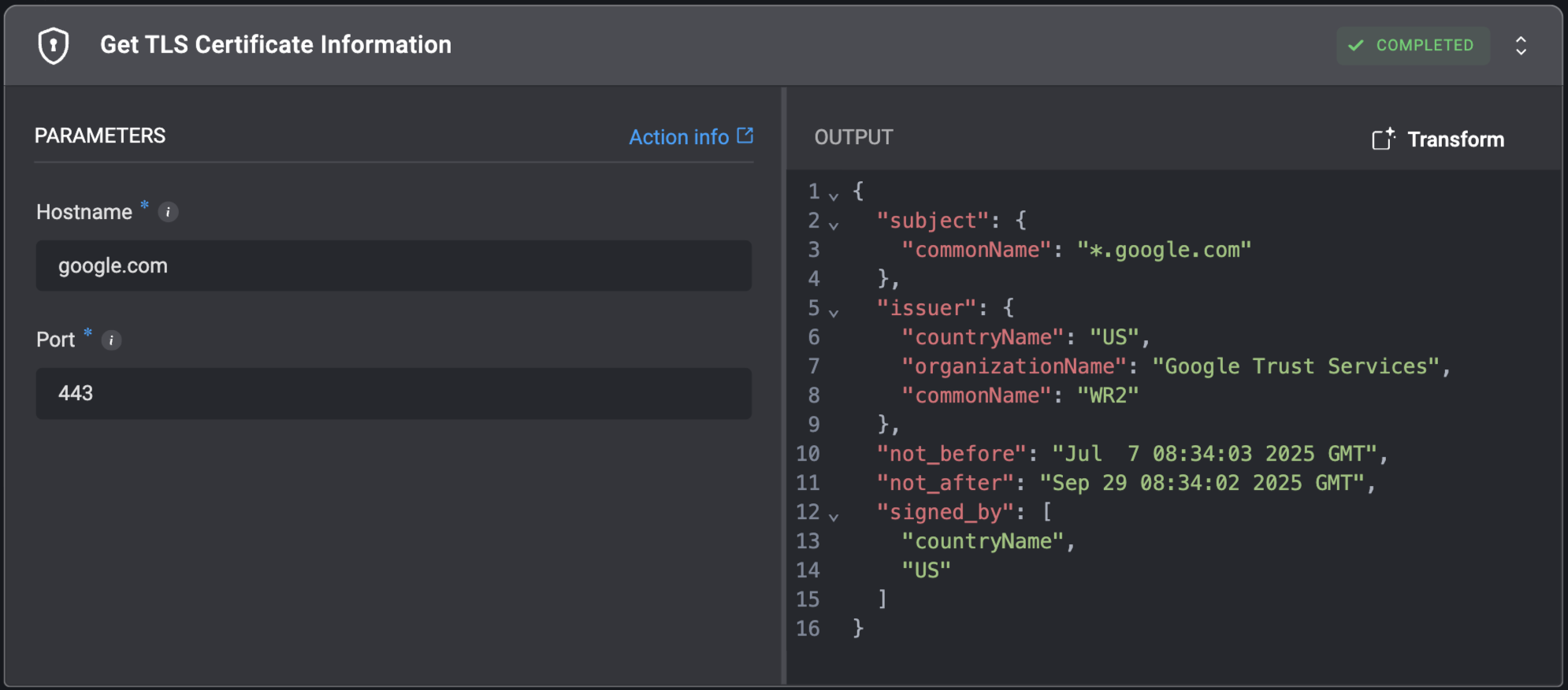
Retrieves information about the security certificate (TLS/SSL) used by an endpoint for encrypted communication.
## Get TLS Certificate Information
Retrieves information about the security certificate (TLS/SSL) used by an endpoint for encrypted communication.
| Parameter | Description |
| --------- | -------------------------------- |
| Hostname | The hostname of the endpoint. |
| Port | The port number of the endpoint. |