> ## Documentation Index
> Fetch the complete documentation index at: https://docs.blinkops.com/llms.txt
> Use this file to discover all available pages before exploring further.
# PagerDuty BlinkOps Integration Benefits
* Enrich alerts with real-time data
* Build complex esceletion policies with dependencies on external tooling
* Orchastrate ChatOps flows to resolve alerts quickly
* Perform automatic remediation for alerts that can include human approval points
# How it Works
* Blink allows you to build automated workflows with your entire cloud and saas stack
* Blink can listen in to Pagerduty events or any other event on your cloud
* Then, Blink allows you to create any automated flow which can also take action on existing Pagerduty incidents, create new incidents and perform many other actions on Pagerduty
# Requirements
* An active BlinkOps account.
* An active PagerDuty account.
# Support
If you need help with this integration, please contact ***[support@blinkops.com](mailto:support@blinkops.com)***
# Integration Walkthrough
The PagerDuty integration for BlinkOps is designed to send PagerDuty events to Blink, run Blink workflows and take action for you in your cloud. The integration uses a PagerDuty connection in Blink, and then using or building workflows that consist of PagerDuty Actions.
## In Blink
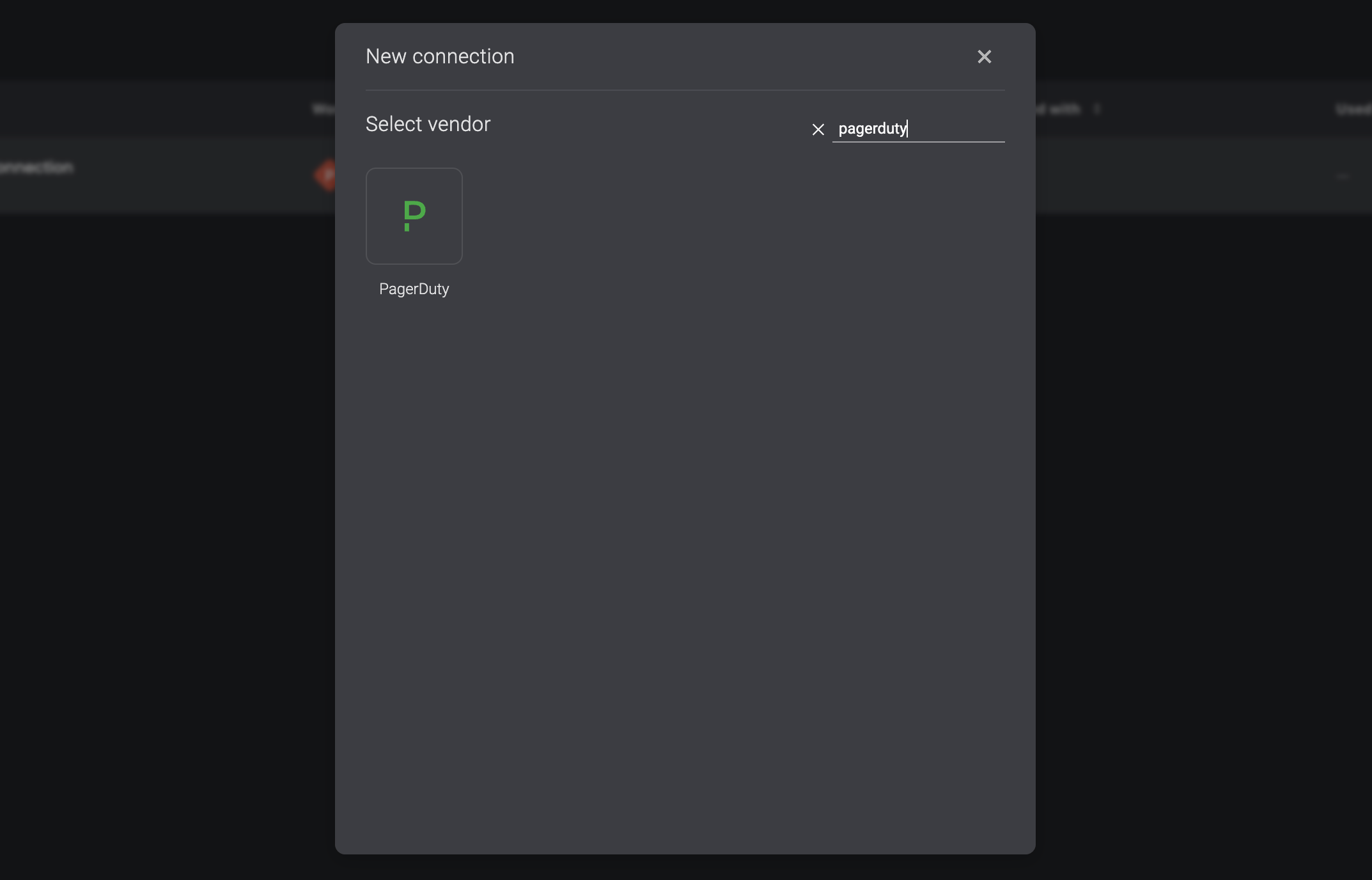
1. Go to the ***Connections*** Page and click ***Add Connection***
2. Select ***PagerDuty*** in the vendors list
3. Connect with either an oAuth connection
 # How to Uninstall
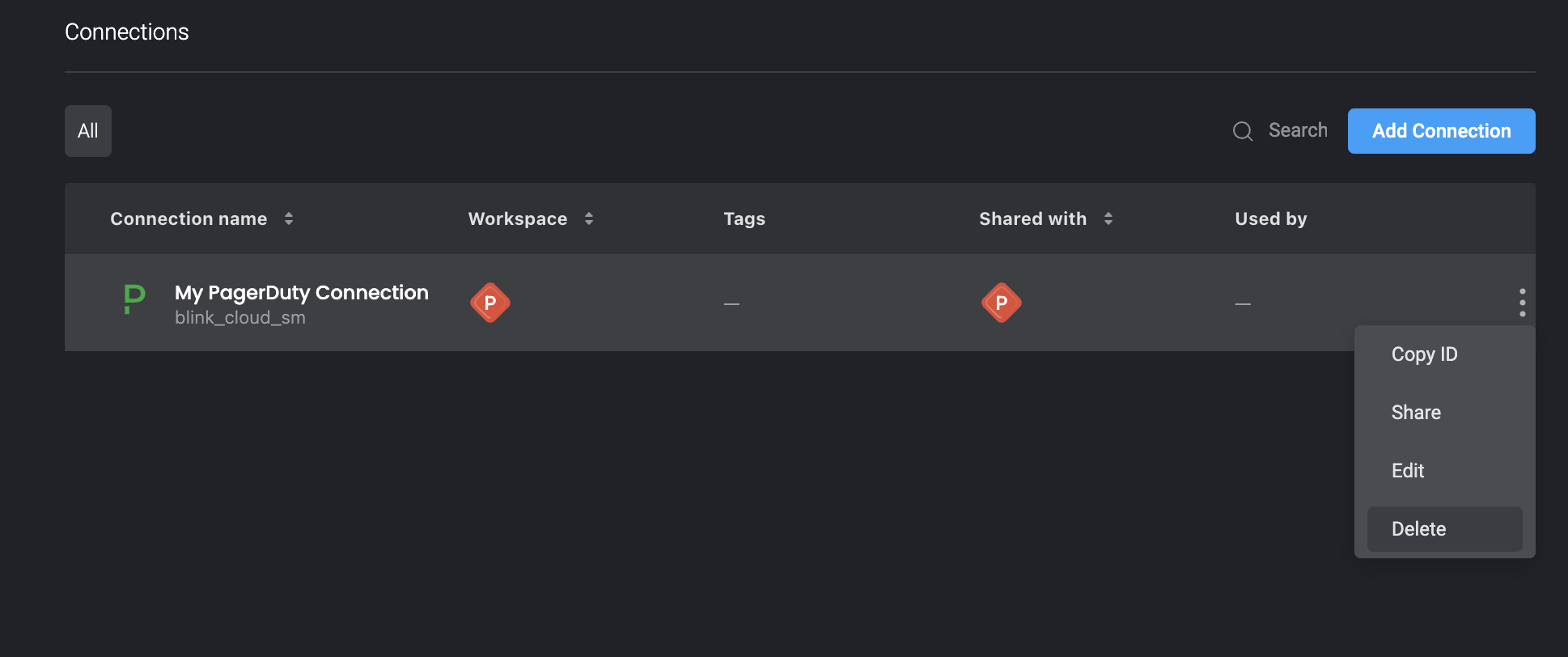
1. To remove the PagerDuty connection, go to the **Connections** page and locate the **PagerDuty** connection that you wish to delete.
2. On the 3 dot menu of the specific connection, click "Delete"
# How to Uninstall
1. To remove the PagerDuty connection, go to the **Connections** page and locate the **PagerDuty** connection that you wish to delete.
2. On the 3 dot menu of the specific connection, click "Delete"