> ## Documentation Index
> Fetch the complete documentation index at: https://docs.blinkops.com/llms.txt
> Use this file to discover all available pages before exploring further.

# Update Bot Message

> Update a message sent by the Blink Teams bot.

<Info>
  **Note**

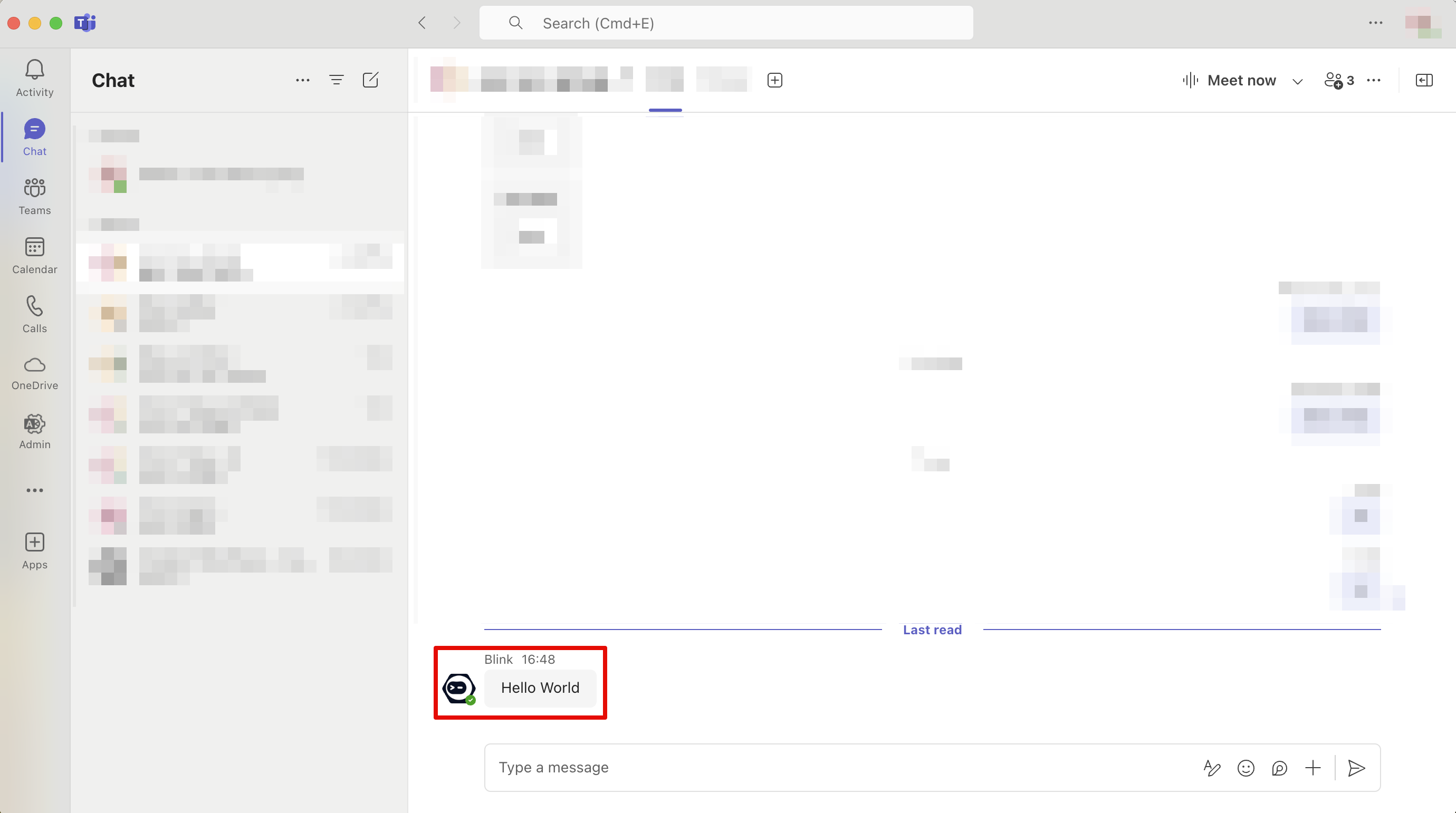
  A message sent from the Blink Teams bot will be displayed as shown below:
  <img src="https://mintcdn.com/blinkops-2/SvXOjNzLNjf-qU4G/img/MicrosoftTeams/teams_bot.png?fit=max&auto=format&n=SvXOjNzLNjf-qU4G&q=85&s=6f88e001b842629fdd5a9d491692da50" alt="Teams_bot" width="2760" height="1542" data-path="img/MicrosoftTeams/teams_bot.png" />
</Info>

## Parameters

<div className="integrations-table">
  | Parameter      | Description                                                                                                                                                                            |
  | -------------- | -------------------------------------------------------------------------------------------------------------------------------------------------------------------------------------- |
  | Message Source | Select where the message was sent.                                                                                                                                                     |
  | Team ID        | The ID of the team. Can be obtained by using the `List All Teams` action.                                                                                                              |
  | Channel ID     | The ID of the channel where the message was sent. Can be obtained by using the `List Channels` action.                                                                                 |
  | Chat ID        | The ID of the chat where the message was sent. Can be obtained by using the `List Chats action`. `Note`: The dynamic dropdown is supported only for **OAuth** (delegated) connections. |
  | Message ID     | The ID of the message to update.                                                                                                                                                       |
  | Content        | The new message content.                                                                                                                                                               |
</div>
