> ## Documentation Index
> Fetch the complete documentation index at: https://docs.blinkops.com/llms.txt
> Use this file to discover all available pages before exploring further.
# HackNotice
> HackNotice is a threat intelligence platform designed to alert organizations and individuals to compromised credentials and data breaches. By aggregating and analyzing data from various sources, HackNotice provides real-time notifications about potential security risks, enabling proactive measures to mitigate damage. It focuses on delivering actionable insights to help users understand their exposure and take steps to secure their accounts and sensitive information.
## Creating a HackNotice connection
### Using API Key
To create the connection you need:
* An Email
* A Password
* An API Key
#### Obtaining the credentials
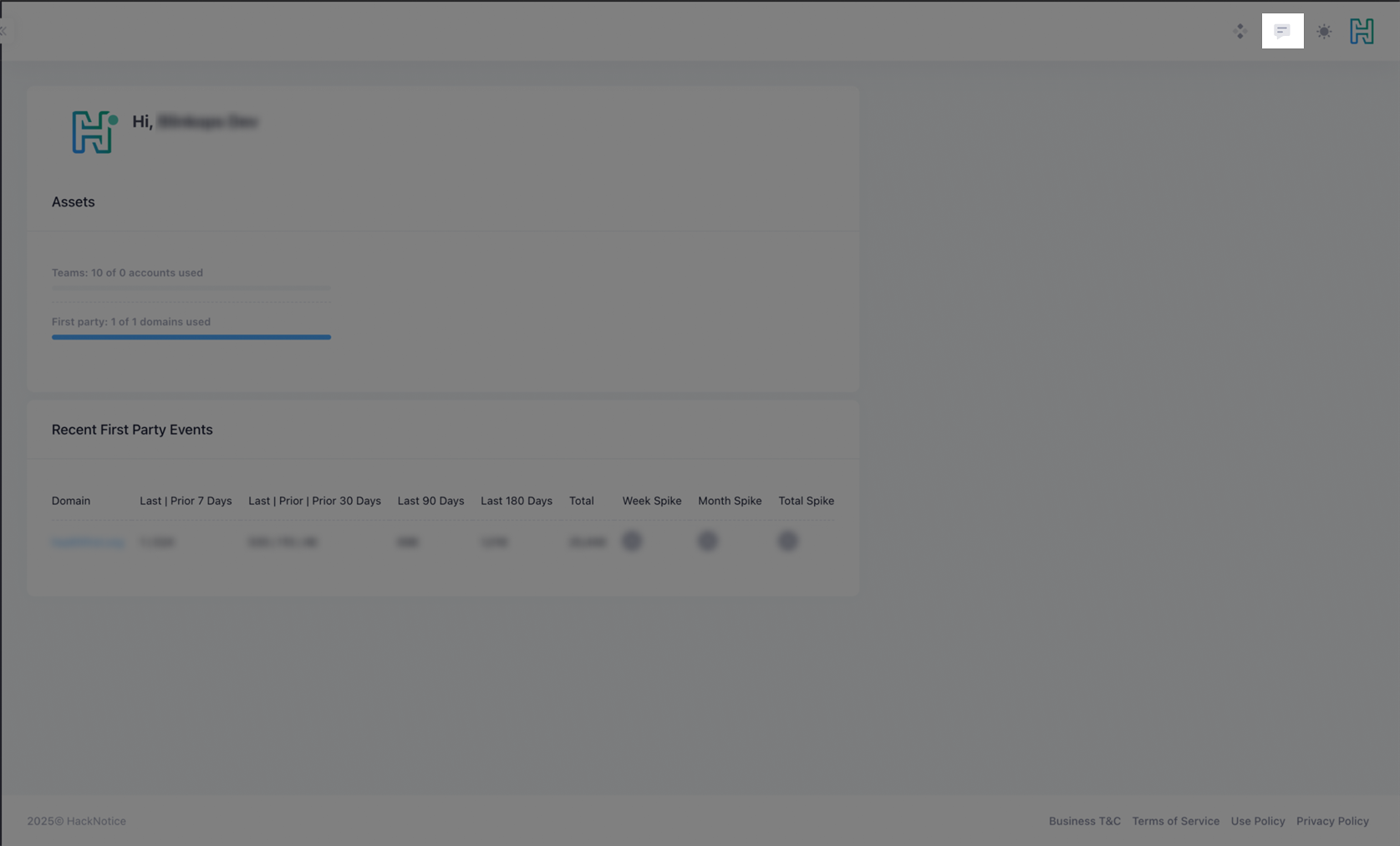
1. In the top right corner click on the message icon.
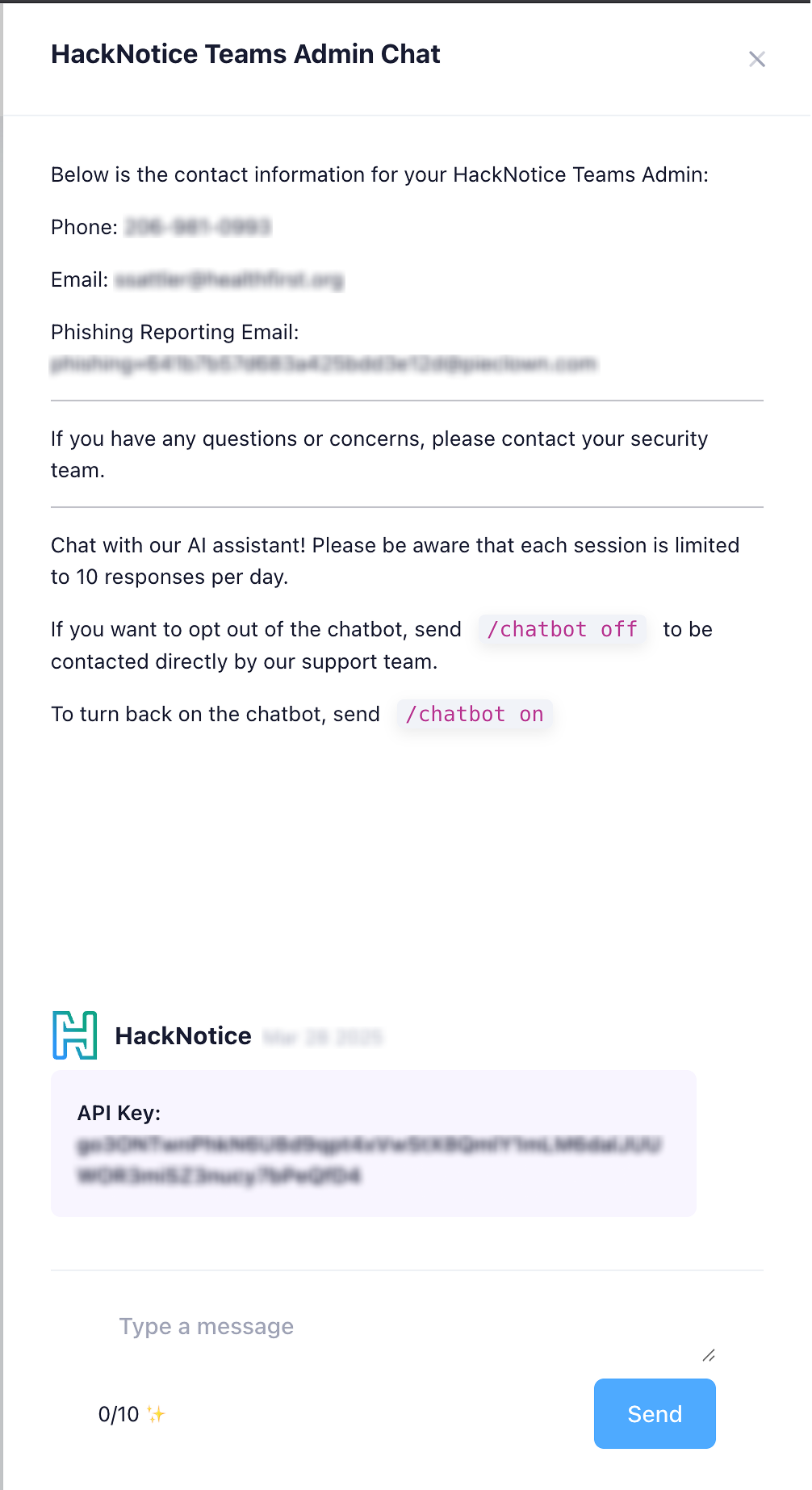
 2. Copy your API Key.
 #### Creating your connection
1. In the Blink platform, navigate to the **Connections** page > **Add connection**. A New Connection dialog box opens displaying icons of external service providers available.
2. Select the **HackNotice** icon. A dialog box with name of the connection and connection methods appear.
3. (Optional) Edit the name of the connection. At a later stage you cannot edit the name.
4. Select **API Key** as the method to create the connection.
5. Fill in the parameters:
* The Email
* The Password
* The API Key
6. (Optional) Click **Test Connection** to test it.
7. Click **Create connection**. The new connection appears on the **Connections** page.
#### Creating your connection
1. In the Blink platform, navigate to the **Connections** page > **Add connection**. A New Connection dialog box opens displaying icons of external service providers available.
2. Select the **HackNotice** icon. A dialog box with name of the connection and connection methods appear.
3. (Optional) Edit the name of the connection. At a later stage you cannot edit the name.
4. Select **API Key** as the method to create the connection.
5. Fill in the parameters:
* The Email
* The Password
* The API Key
6. (Optional) Click **Test Connection** to test it.
7. Click **Create connection**. The new connection appears on the **Connections** page.