> ## Documentation Index
> Fetch the complete documentation index at: https://docs.blinkops.com/llms.txt
> Use this file to discover all available pages before exploring further.
# Linked Cases
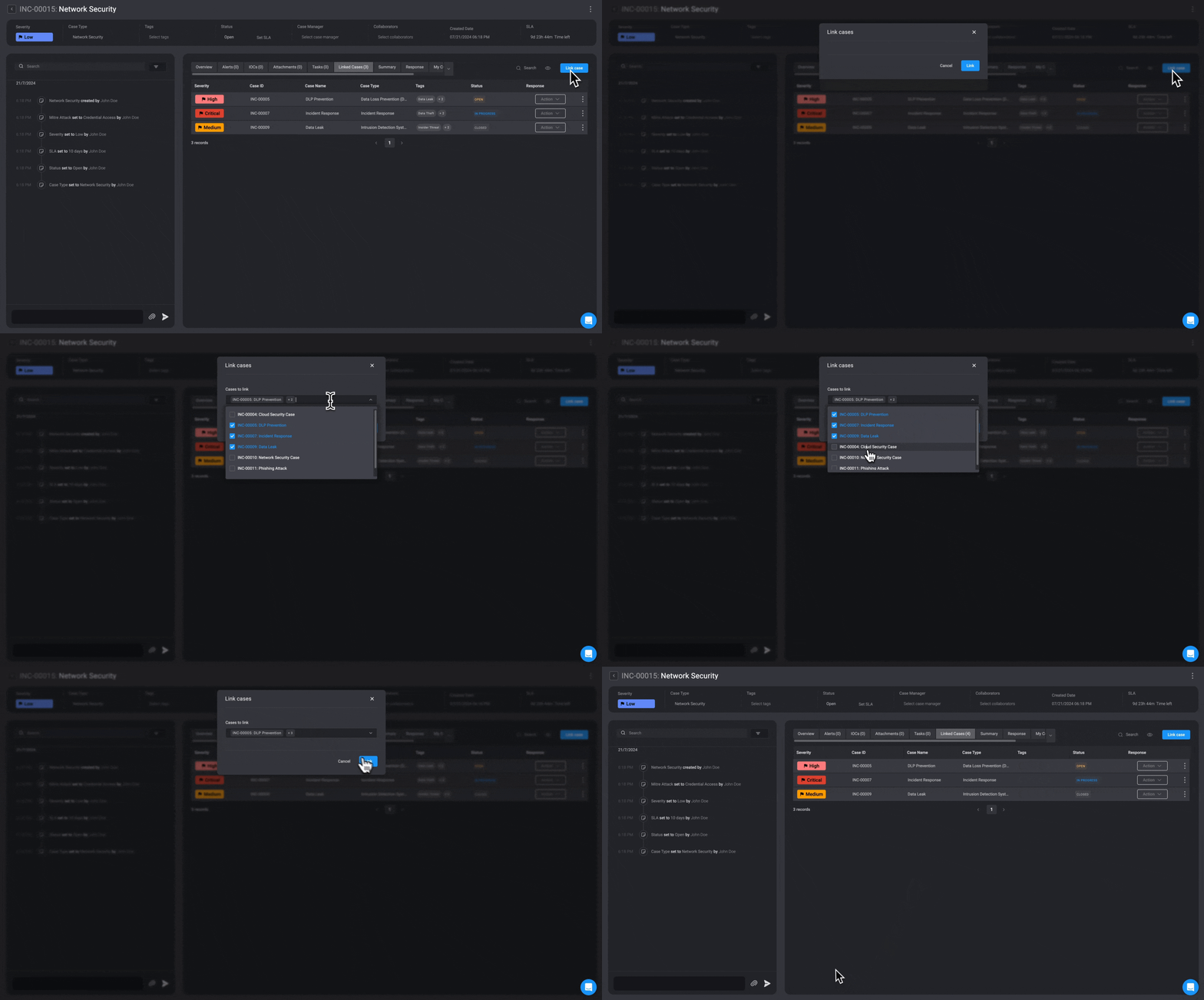
> Link related cases together to track connections between security incidents in Blink.
Clicking on a case row will open its overview. In the overview, you will find the **linked cases** section, which contains all the details of the cases that have already been linked.
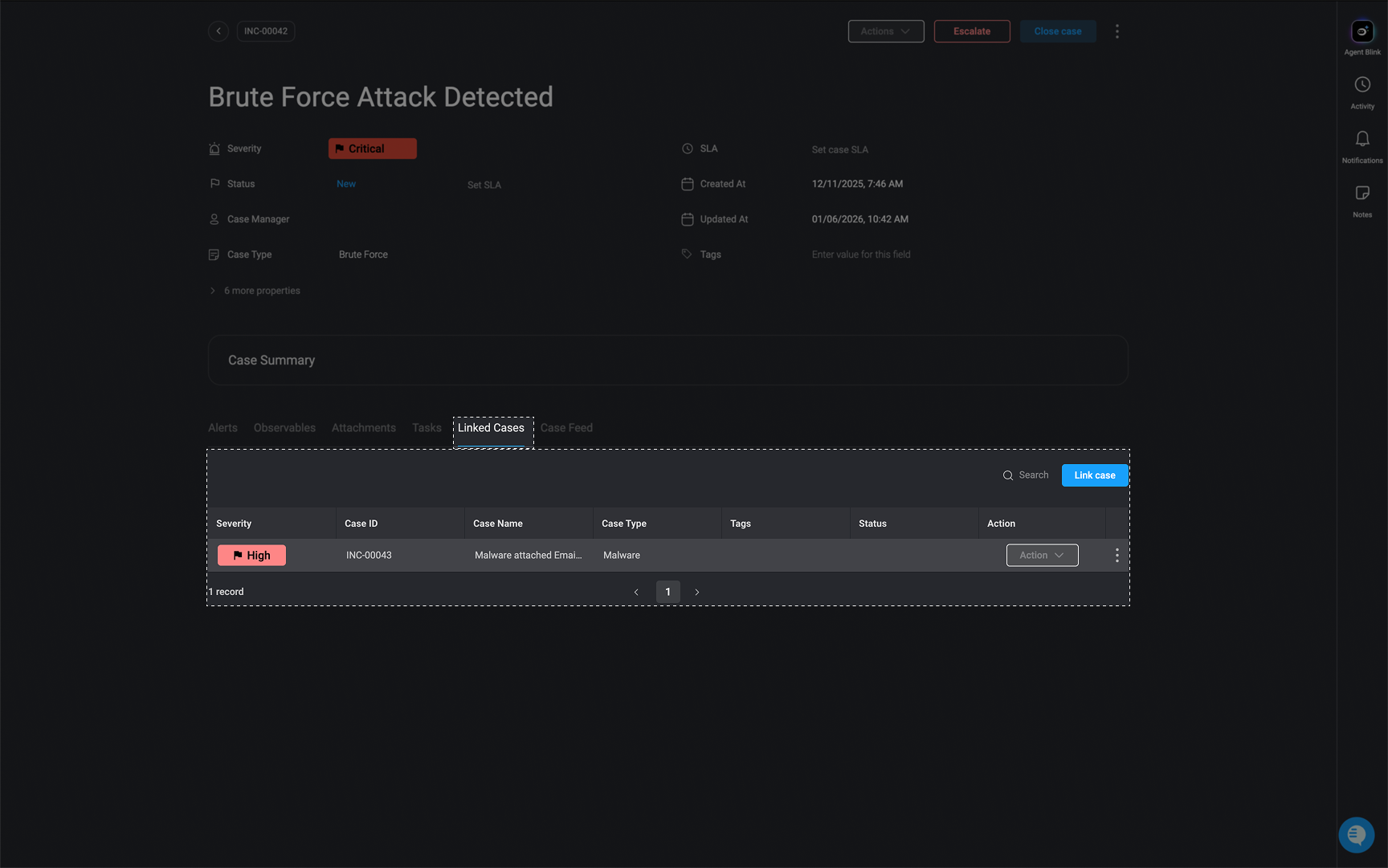 To link or unlink more cases, click the "Link Cases" button in the top right corner. Then, check the boxes next to the cases you want to link, or uncheck the boxes next to the cases you want to unlink.