> ## Documentation Index
> Fetch the complete documentation index at: https://docs.blinkops.com/llms.txt
> Use this file to discover all available pages before exploring further.
# SLA
> Configure case status workflows and SLA policies to track response times in Blink case management.
With the Case Management feature, you can define service level agreement (SLA) response times in two ways for the **entire case** or for the **statuses** of the selected case. You can set the **SLA** by choosing a time duration in **Days**, **Hours**, or **Minutes**.
**Note**: Only users with the `case_management:admin` permissions, can make changes to the [Case Level SLA](#case-level-sla) and [Case Status SLA](#case-status-sla)
***
## Case Level SLA
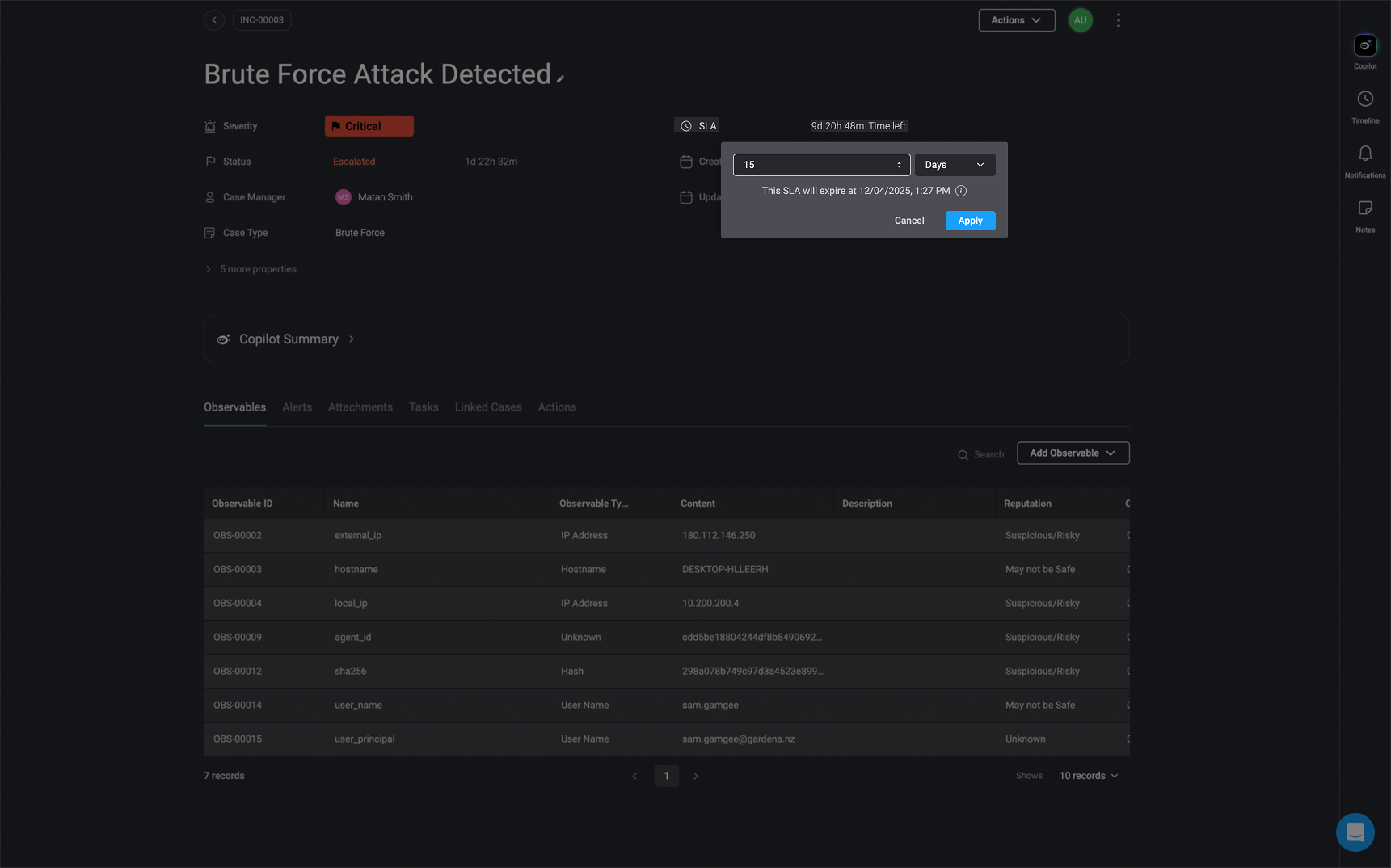
The **Case level SLA** measures the time from when the case is created until the case is closed.
 ***
## Case Status SLA
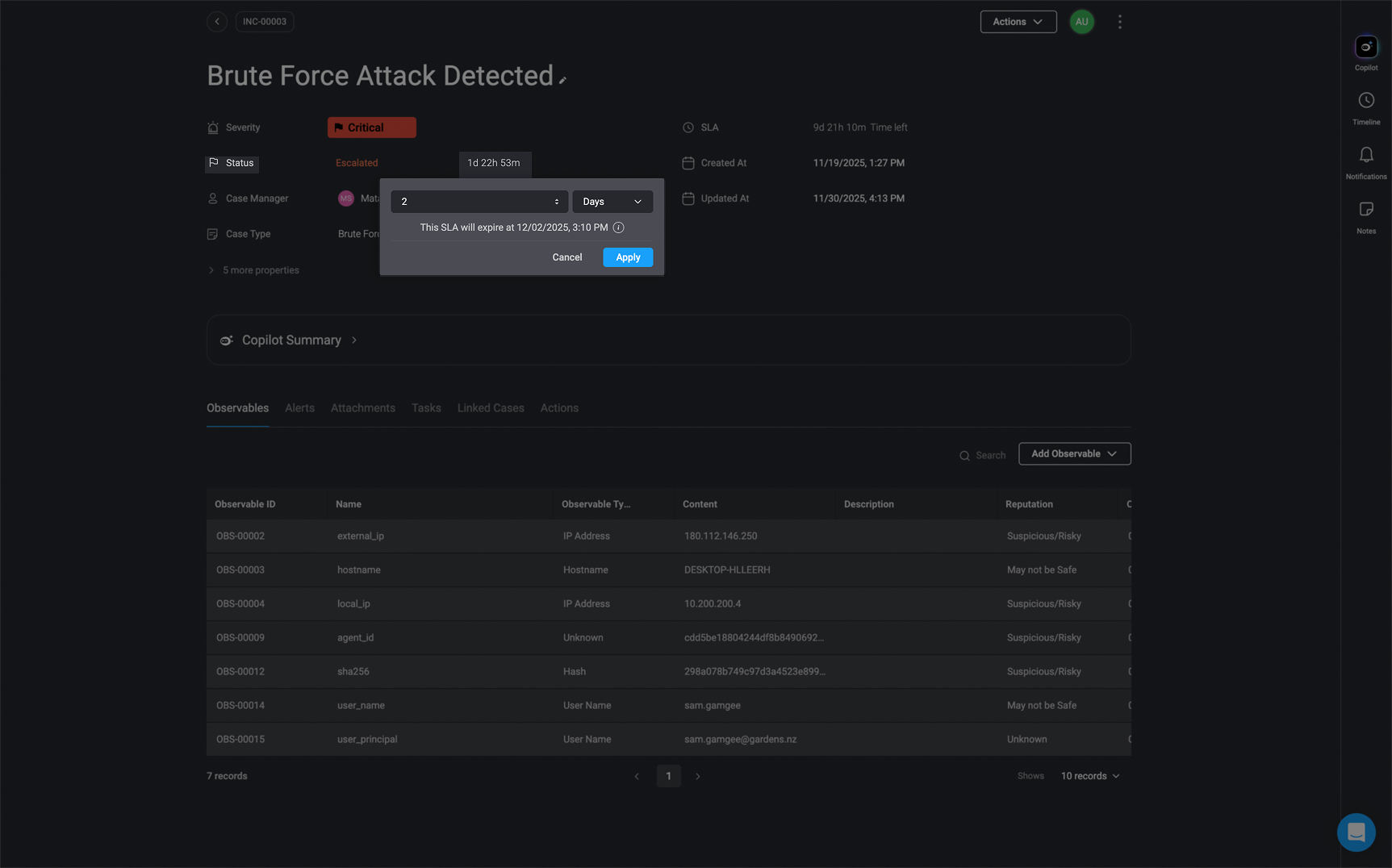
The **Case Status SLA** measures the duration from one status change to another. For example, it measures the time from when a case is initially **opened** until it is changed to the **In progress** status.
You can also make changes to the **Case Status SLA** via the [Case Status SLA Action](/docs/case-management/case-management-workflow-actions/case-actions#update-case-status-sla) or in the [Case Management Settings](/docs/case-management/case-management-settings#cases)
***
## Case Status SLA
The **Case Status SLA** measures the duration from one status change to another. For example, it measures the time from when a case is initially **opened** until it is changed to the **In progress** status.
You can also make changes to the **Case Status SLA** via the [Case Status SLA Action](/docs/case-management/case-management-workflow-actions/case-actions#update-case-status-sla) or in the [Case Management Settings](/docs/case-management/case-management-settings#cases)