> ## Documentation Index
> Fetch the complete documentation index at: https://docs.blinkops.com/llms.txt
> Use this file to discover all available pages before exploring further.
# About Case Management
> Overview of Blink case management for handling security incidents, investigations, and alert triage from a centralized dashboard.
**Note** Please note BlinkOps is compliant with the [OCSF](https://github.com/ocsf) (Open Cybersecurity Schema Framework). OCSF (Open Cybersecurity Schema Framework) is a standardized framework designed to improve the sharing and understanding of cybersecurity data across different tools and platforms. It provides a common format for security-related information, helping organizations integrate and analyze data more effectively. For more information, [click here](https://github.com/ocsf)
 ## Case Management Version
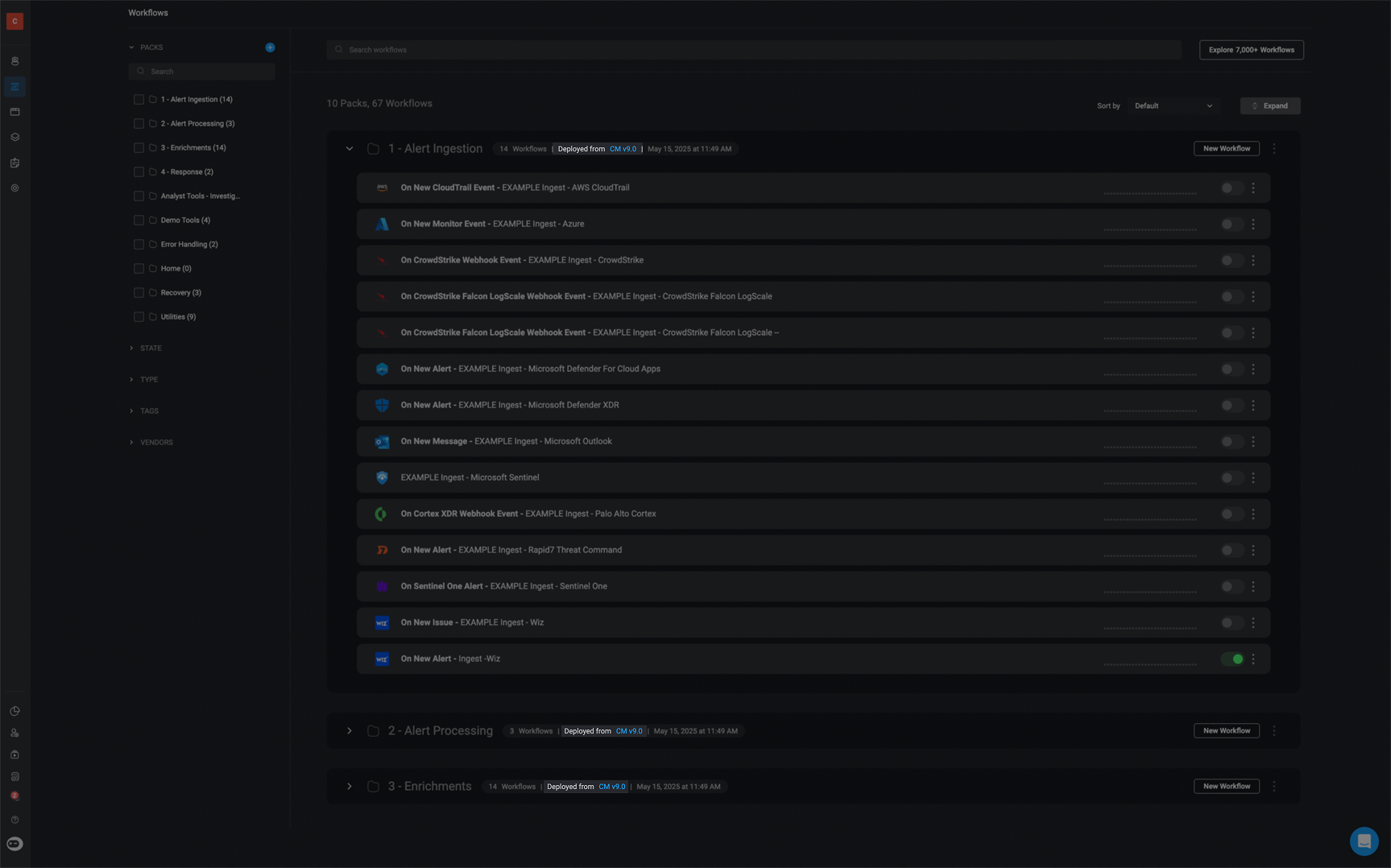
To determine which version of Case Management you are using, check the Pack details. It will display a note such as "`Deployed from v8.2`" or "`Deployed from v9.0`", indicating the version it was deployed from.
## Case Management Version
To determine which version of Case Management you are using, check the Pack details. It will display a note such as "`Deployed from v8.2`" or "`Deployed from v9.0`", indicating the version it was deployed from.