> ## Documentation Index
> Fetch the complete documentation index at: https://docs.blinkops.com/llms.txt
> Use this file to discover all available pages before exploring further.
# Attachment Actions
> Workflow actions for uploading, linking, and managing attachments in Blink case management.
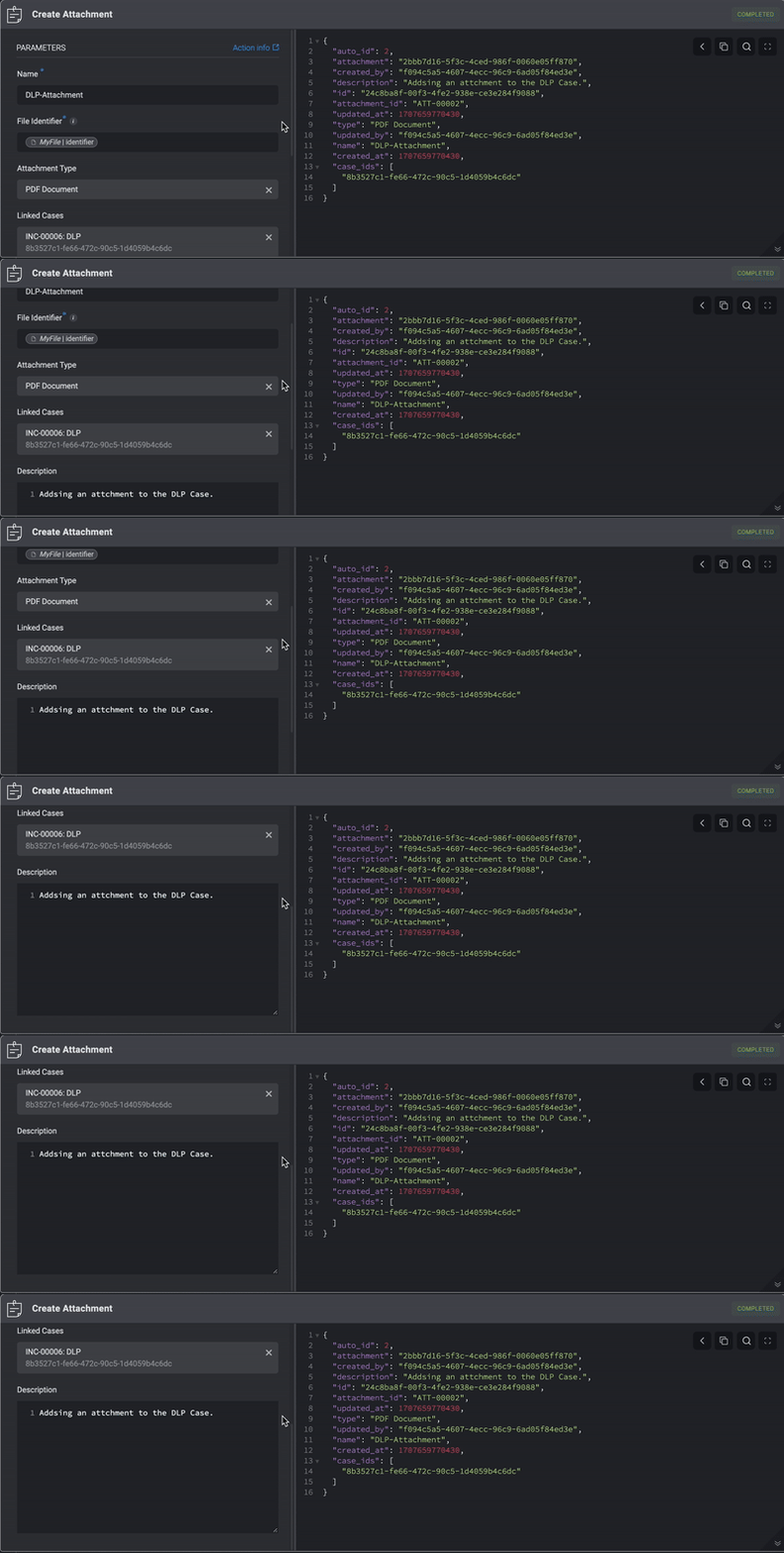
## Create Attachment
Adding an Attachment to a Case by filling in the following parameters in the step.
| Parameter | Description |
| -------------------------------- | ---------------------------------------------------------------------------------------------------------------------------------------------------------------------------------------------------------------------- |
| File Identifier | The file identifier of the attachment. You can create a file identifier using the [Download File from an URL Action](/docs/workflows/building-workflows/actions/utility-actions/file-actions#download-file-from-a-url) |
| Name | The Attachment Name |
| Attachment Type | The type of Attachment |
| Description | A brief explanation explaining the Attachment |
| Linked Cases | The Case's ID linked to this Attachment |
| Custom Fields (JSON Format) | Add a Custom Field in JSON format. Please note that this applies only if you have manually added a [custom record column](/docs/case-management/manage-tables#adding-custom-column) to the subject table. |
| **Advanced**- Linked Observables | The Name and ID of the Observable you want to link to this Attachment. |
| **Advanced**- Linked Alerts | The Name and ID of the Alert you want to link to this Attachment. |
| **Advanced**- Linked Tasks | The Name and ID of the Tasks you want to link to this Attachments. |
| **Advanced**- Linked Cases | The Name and ID of a different Case you want link to this Attachment. |
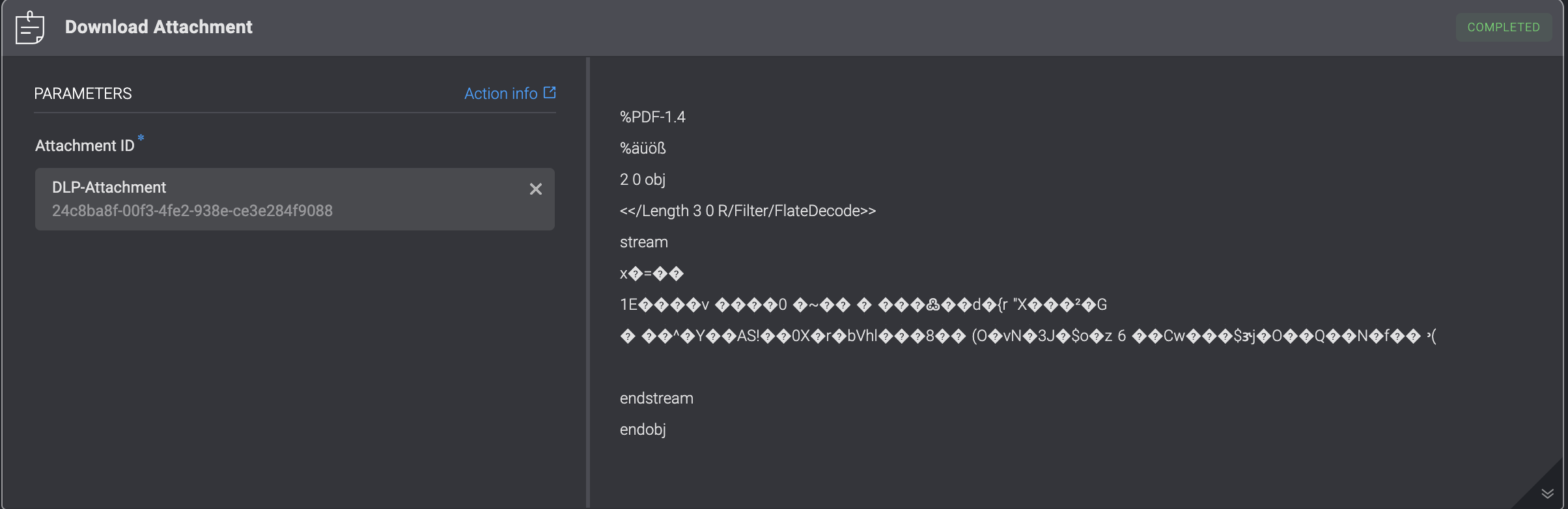
 ## Download Attachment
Download an Attachment from a Case by filling in the following parameters in the step.
## Download Attachment
Download an Attachment from a Case by filling in the following parameters in the step.
| Parameter | Description |
| ------------- | ------------------------------------------------------------------------------------------- |
| Attachment ID | The ID of the Attachment. It can be the `id` or the `attachment_id` field of the attachment |
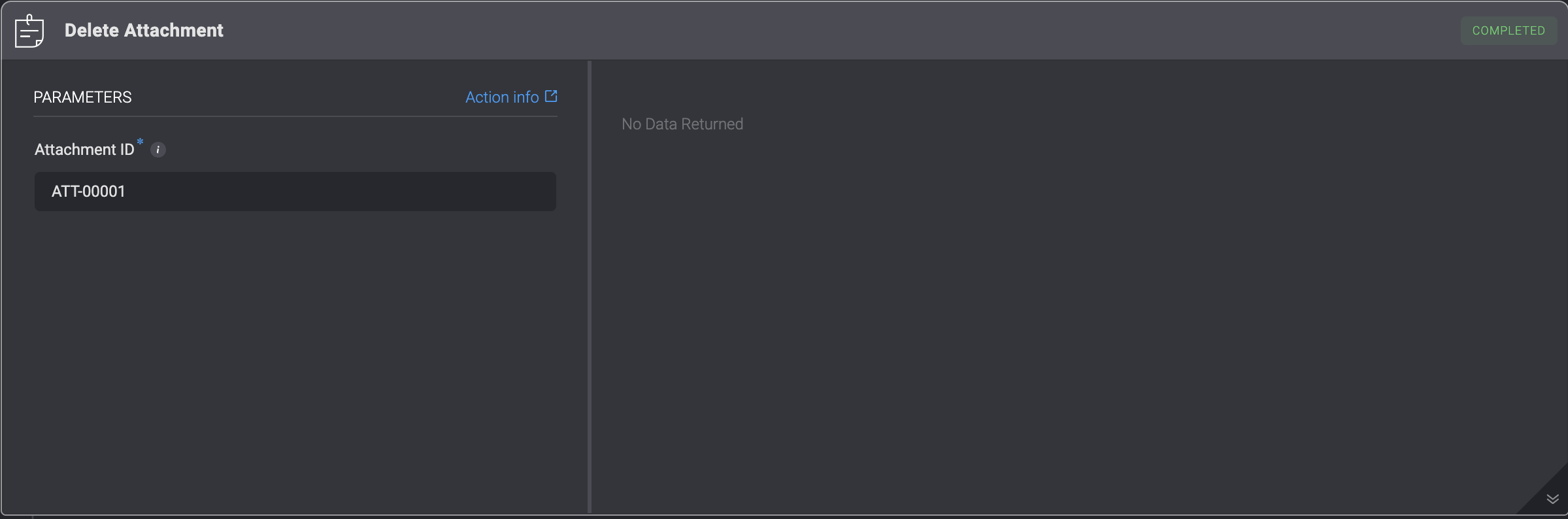
 ## Delete Attachment
Deleting an Attachment from a Case by filling in the following parameters in the step.
## Delete Attachment
Deleting an Attachment from a Case by filling in the following parameters in the step.
| Parameter | Description |
| ------------- | ------------------------------------------------------------------------------------------- |
| Attachment ID | The ID of the Attachment. It can be the `id` or the `attachment_id` field of the attachment |
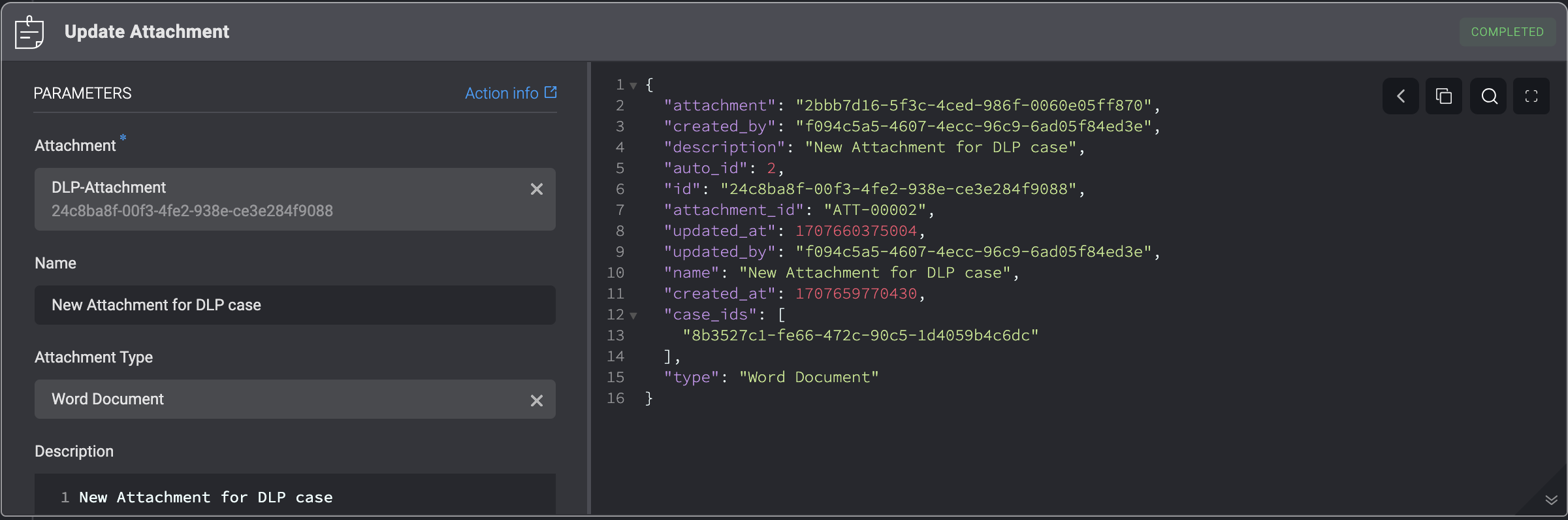
 ## Update Attachment
Updating an already existing Attachment in a Case by filling in the following parameters in the step. This action overwrites all of the attachment's data.
## Update Attachment
Updating an already existing Attachment in a Case by filling in the following parameters in the step. This action overwrites all of the attachment's data.
| Parameter | Description |
| --------------------------- | --------------------------------------------------------------------------------------------------------------------------------------------- |
| Attachment ID | The ID of the Attachment. It can be the `id` or the `attachment_id` field of the Attachment |
| Name | The updated Name of the Attachment. |
| Attachment Type | The type of Attachment. |
| Description | A brief explanation explaining the Attachment. |
| Custom Fields (JSON Format) | Add a Custom Field in JSON format. Please note that this applies only if you have manually added a custom record column to the subject table. |