> ## Documentation Index
> Fetch the complete documentation index at: https://docs.blinkops.com/llms.txt
> Use this file to discover all available pages before exploring further.
# Recovery Workflows
> Configure recovery workflows to automatically handle failed case management processes in Blink.
export const VersionBadges = () => {
return
v9.0
;
};
Both workflows are available as [On-Demand](/docs/workflows/building-workflows/triggers/on-demand-triggers) workflows, but they can also be [Scheduled](/docs/workflows/building-workflows/triggers/scheduled-triggers) to fully automate the recovery process.
## Recovery- Enrich Non-enriched Observables
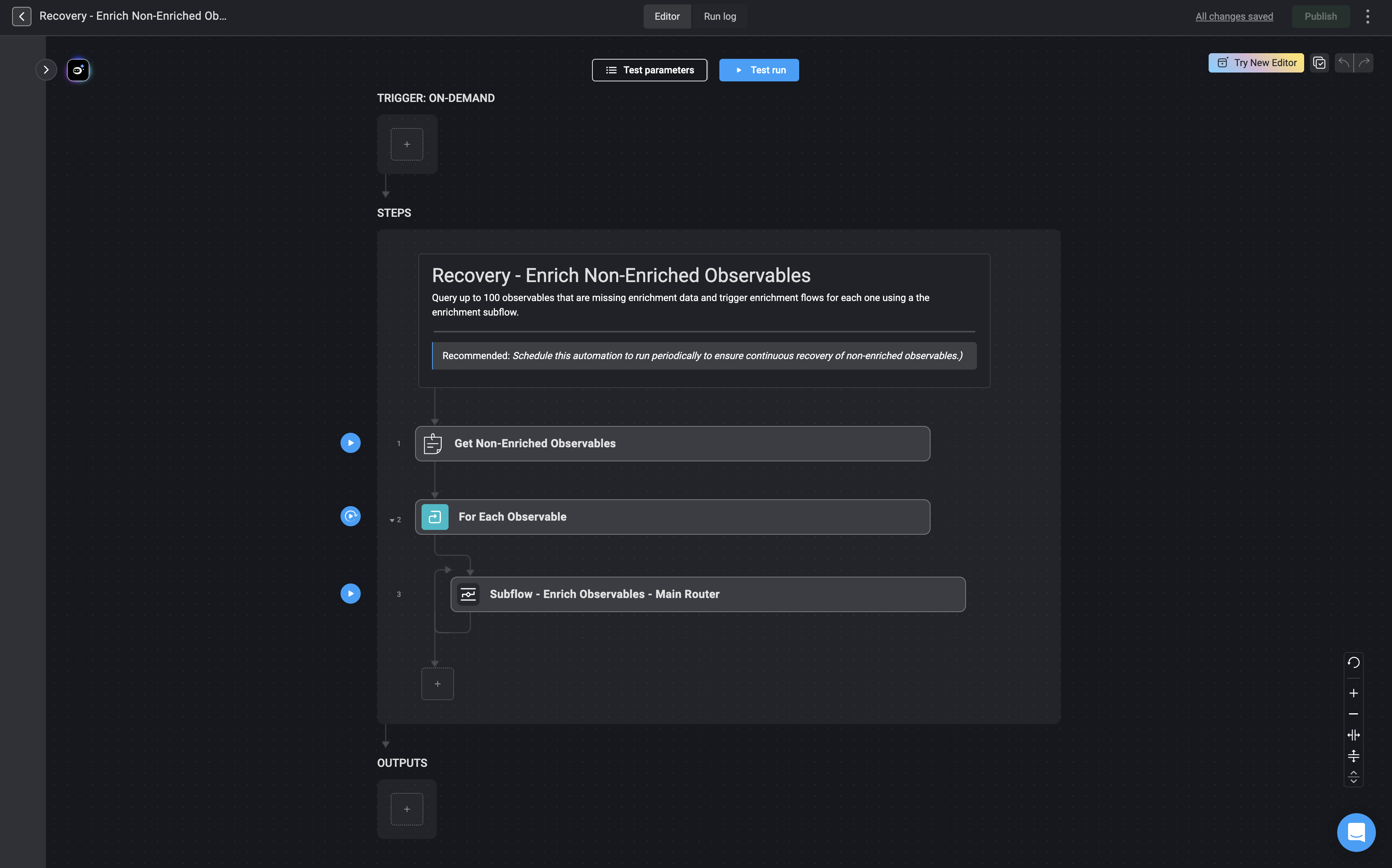
This Workflow enriches observables that have not been enriched before. It does not re-enrich observables that are already enriched.
 ## Recovery- Handle Unprocessed Alerts
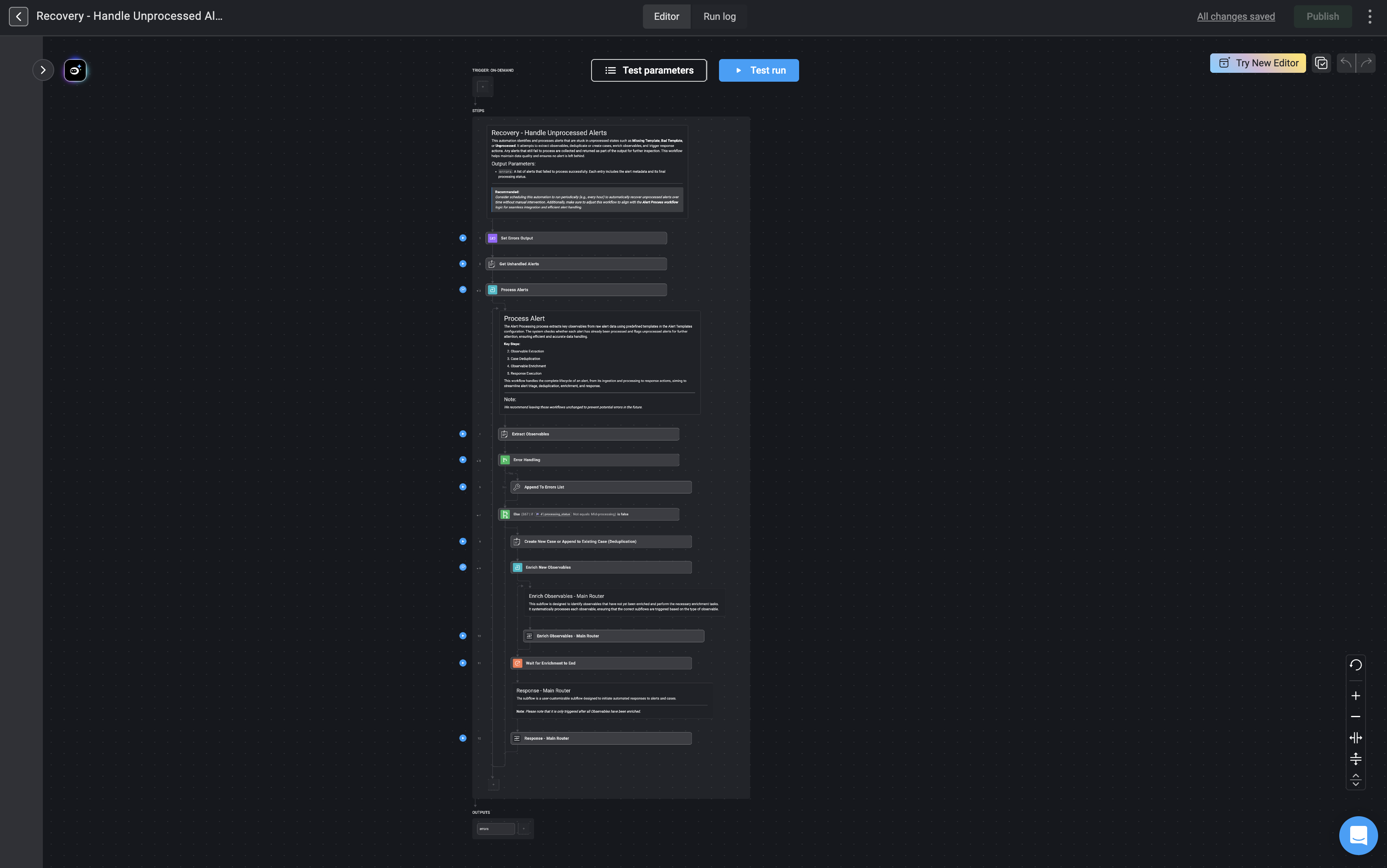
This workflow attempts to reprocess alerts that were not fully processed, such as those affected by missing or incorrect templates. It is intended to be used as a recovery step if alert processing fails or after a missing or broken template has been added.
## Recovery- Handle Unprocessed Alerts
This workflow attempts to reprocess alerts that were not fully processed, such as those affected by missing or incorrect templates. It is intended to be used as a recovery step if alert processing fails or after a missing or broken template has been added.