> ## Documentation Index
> Fetch the complete documentation index at: https://docs.blinkops.com/llms.txt
> Use this file to discover all available pages before exploring further.
# Sharing Dashboards to the Blink Portal
> How to share and view Blink dashboards through the Blink Portal for broader team access.
## Sharing Dashboards to the Blink Portal
To view a dashboard you created in the Blink Portal, you must first publish and share it. By default, the dashboard is shared only with you, but you can choose to share it with additional users or groups to provide them access.
If you de-activate the dashboard, it will not show up in the Blink Portal
Follow these steps to publish and share a dashboard you created in the Blink Portal:
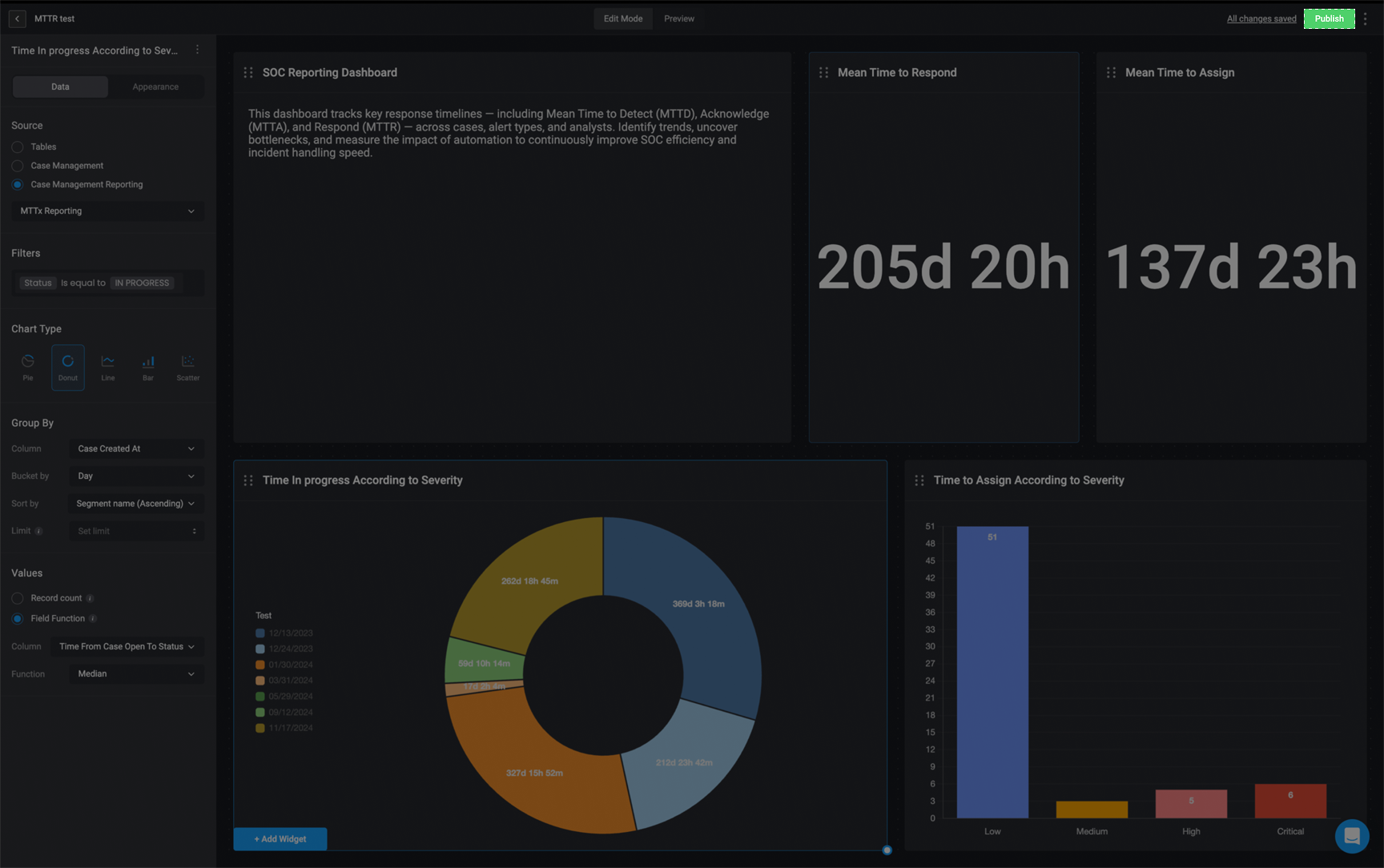
In the top-right corner of your dashboard, click the **Publish** button to start the sharing process.
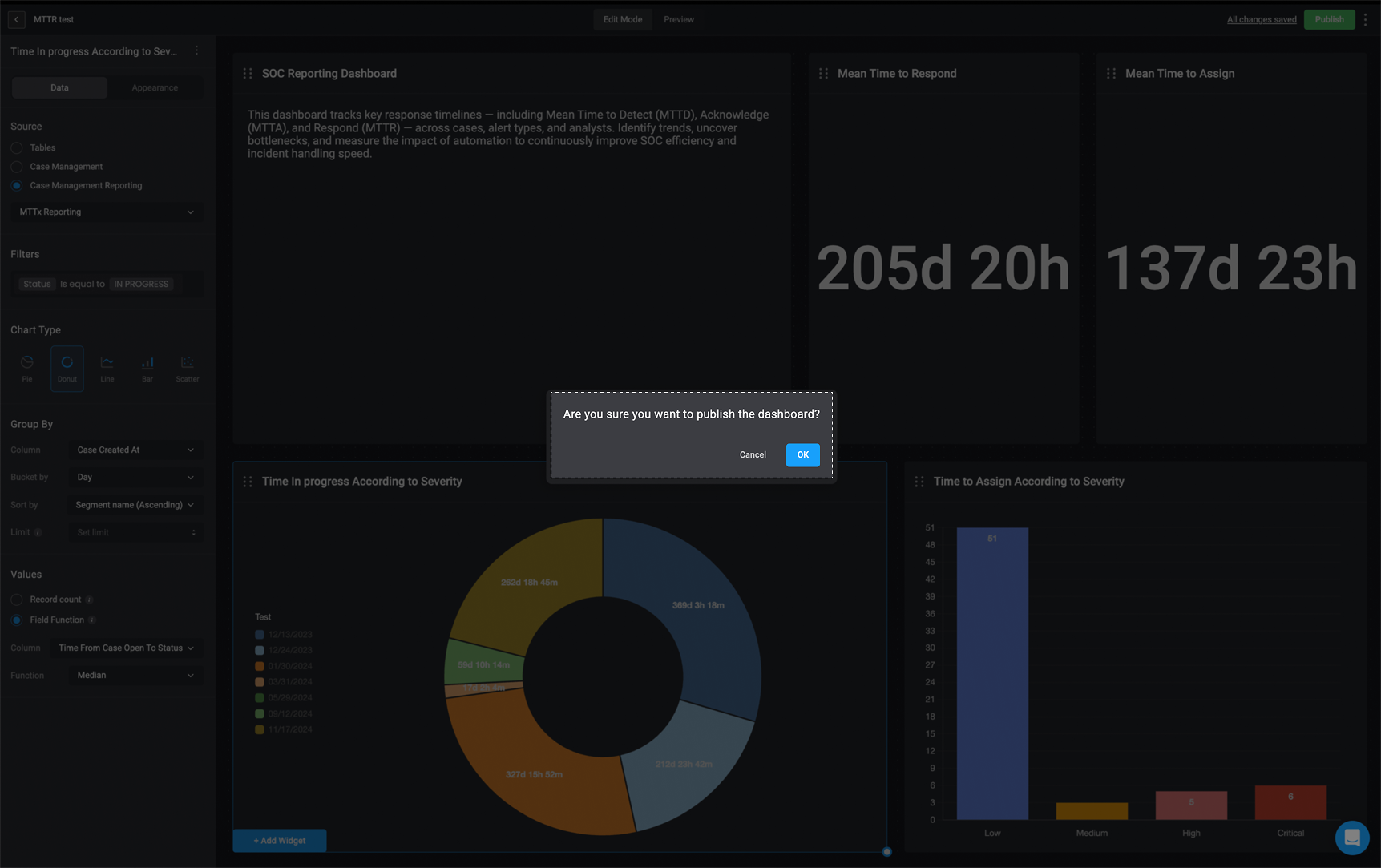
 A pop-up will appear asking you to confirm that you want to share the dashboard. Click **Confirm** to proceed.
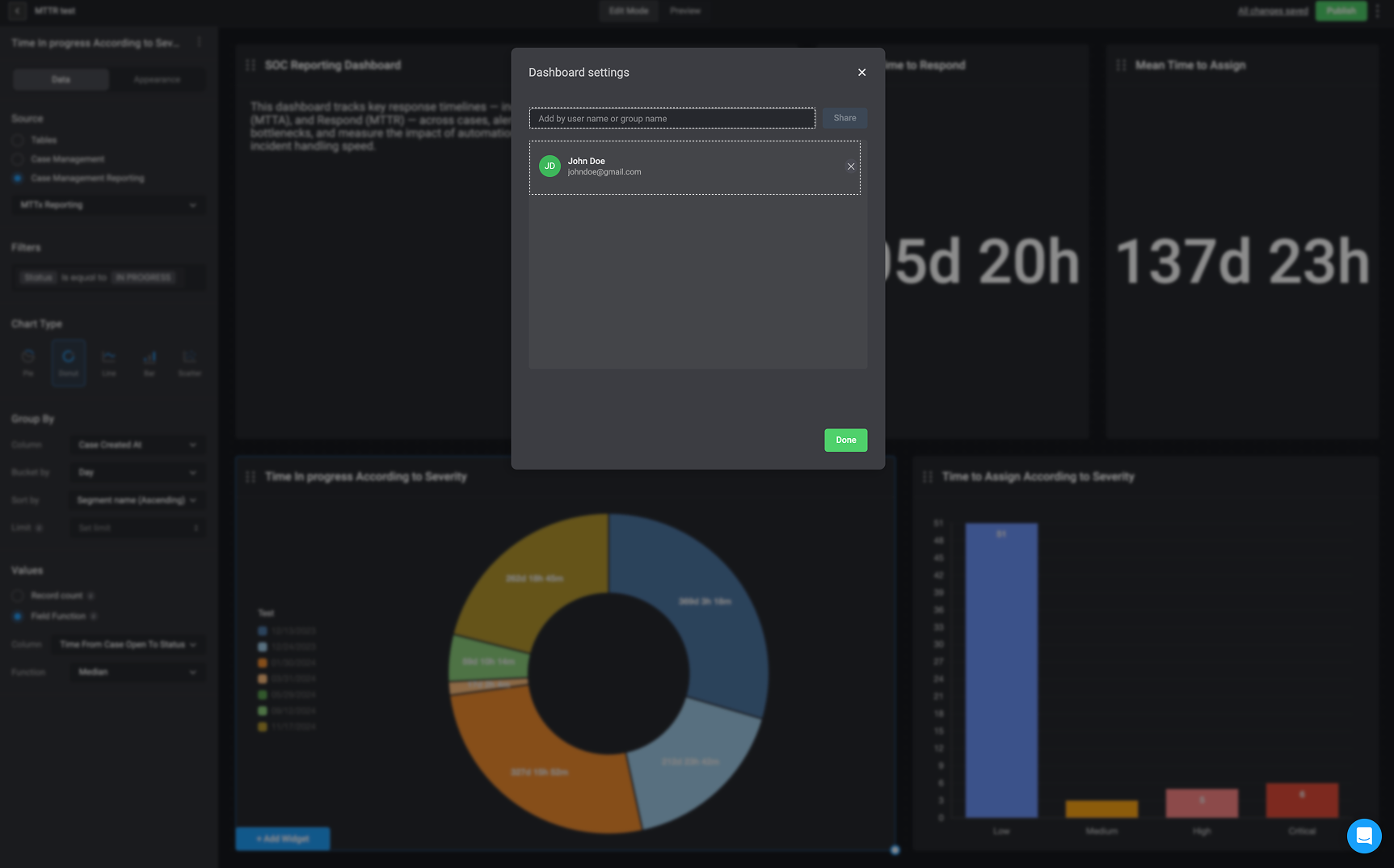
 After confirmation, you can enter the username(s) or group name(s) you want to share the dashboard with. By default, the dashboard is automatically shared with you and can now be found in the Blink Portal.